
If your robot vacuum’s side brush is not spinning or working correctly, the most common causes are a tangled or stuck brush, debris buildup, or a faulty motor. The good news is that these issues are usually easy to diagnose and fix at home with just a few basic tools.
⚙️ SmartVacFix™ Diagnostic Triage
Primary Symptom: Side brush is not spinning or is spinning erratically.
Tools & Parts Required: Phillips #1 screwdriver, spudger or plastic pry tool, replacement side brush (if needed).
Repair vs. Replace: In most cases, the side brush can be cleaned and the motor tested before needing a replacement part.
Safety Warning: Power off the robot vacuum and remove it from the charging dock before flipping it over or performing any repairs.
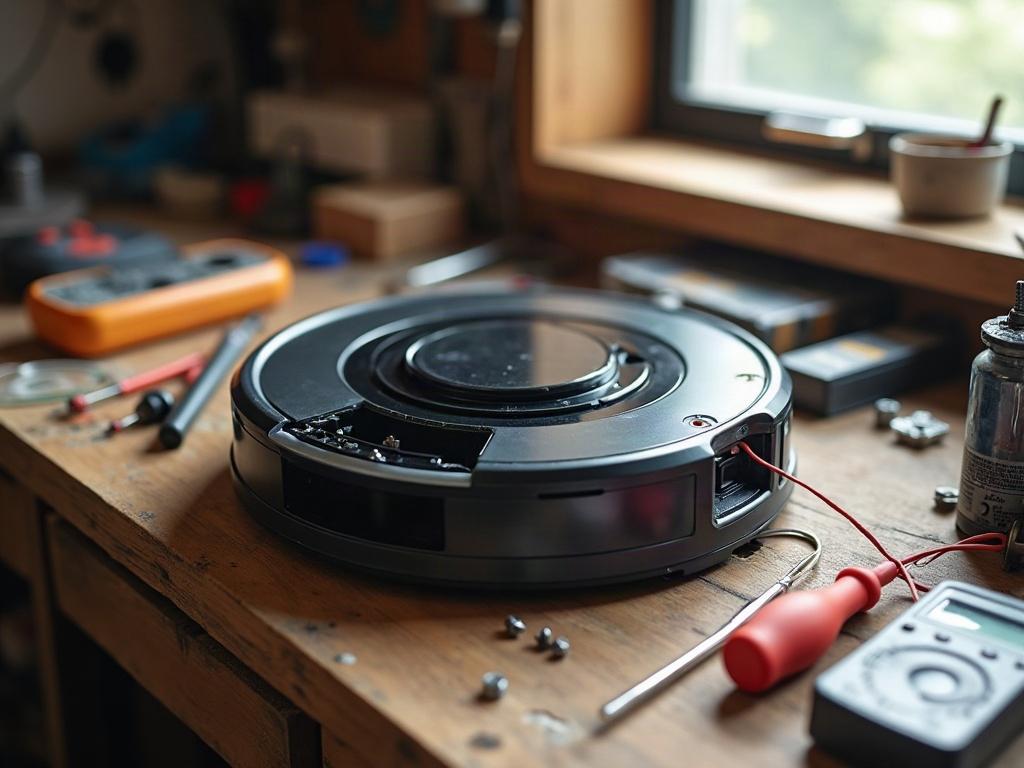
Why Is My Robot Vacuum’s Side Brush Not Spinning?
The most common reasons a robot vacuum’s side brush stops spinning are:
- Tangled hair, string, or debris wrapped around the brush
- Buildup of dirt and dust preventing the brush from turning freely
- A faulty side brush motor or connection issue
Start by visually inspecting the side brush and the surrounding area for any obstructions or tangles. Use a spudger or plastic pry tool to gently remove any wrapped debris.
How to Clean a Robot Vacuum’s Side Brush
To clean the side brush:
- Power off the robot and remove it from the charging dock.
- Flip the robot over and locate the side brush assembly.
- Use your fingers or a spudger to gently pull the side brush off the motor shaft.
- Inspect the brush for any hair, string, or debris wrapped around the bristles or hub.
- Use a soft-bristle brush or compressed air to clean out any dust or debris.
- Reinstall the clean side brush, making sure it clicks firmly into place.
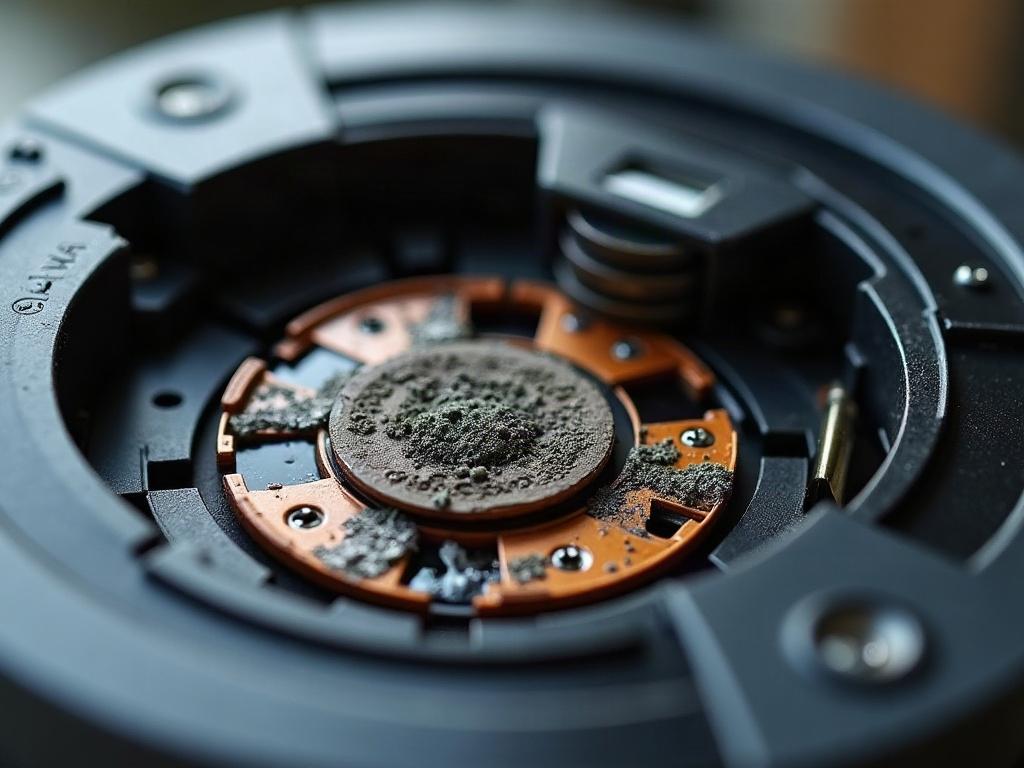
Troubleshooting a Faulty Side Brush Motor
If the side brush is clean but still not spinning, the motor may be faulty. To test the motor:
- Power off the robot and remove the side brush.
- Use a Phillips #1 screwdriver to remove the screws holding the side brush housing in place.
- Carefully lift off the housing to expose the side brush motor.
- Use a multimeter to check for continuity between the motor’s two terminals. If there is no continuity, the motor is likely bad and will need to be replaced.
- If the motor tests good, check the wiring and connections for any damage or loose contacts.
If the motor is faulty, you’ll need to order a replacement side brush motor from the manufacturer or an authorized parts supplier.
Preventing Side Brush Issues
To help prevent future side brush problems:
- Regularly clean the side brush and surrounding area to remove hair, string, and debris.
- Check the brush for any signs of wear or damage and replace it every 6-12 months.
- Avoid running the robot vacuum on high-pile carpets or areas with lots of pet hair, which can more easily tangle the side brush.
Frequently Asked Questions
How do I know if I need to replace the side brush?
If the side brush is significantly worn, damaged, or no longer spinning freely even after cleaning, it’s time to replace it. Refer to your robot vacuum’s user manual for the correct replacement brush model.
Can I still use my robot vacuum if the side brush is not working?
Yes, you can still use the robot vacuum with a non-functioning side brush, but its cleaning performance may be reduced, especially along edges and in corners. It’s best to get the side brush repaired or replaced as soon as possible for optimal cleaning.
How often should I clean the side brush?
It’s a good idea to inspect and clean the side brush after every few cleaning cycles, or whenever you notice a decrease in the robot’s edge cleaning performance. Regular maintenance will help extend the life of the side brush.
What causes a robot vacuum’s side brush to get stuck?
The most common causes of a stuck side brush are hair, string, or debris becoming tangled around the brush or motor shaft. Regularly cleaning the brush and surrounding area can help prevent this issue.
Can I run my robot vacuum if the side brush is missing?
Yes, you can still run the robot vacuum with a missing side brush, but its cleaning performance will be reduced, especially along edges and in corners. It’s best to replace a missing side brush as soon as possible.
How do I reset the side brush on my robot vacuum?
There is usually no need to “reset” the side brush. If it’s not spinning, the issue is likely due to a mechanical problem that requires cleaning or replacement of the brush or motor. Refer to your robot’s user manual for any specific reset procedures.
Why is my robot vacuum’s side brush spinning in the wrong direction?
If the side brush is spinning in the opposite direction, there may be an issue with the motor or wiring. Try troubleshooting the motor as described above. If the motor tests good, the problem may require a repair from the manufacturer.