
If your robot vacuum is stuck, the most likely culprit is a tangled wheel or jammed brush. Start by powering off the device, then check for any obstructions or debris preventing the wheels from turning freely. With a few simple troubleshooting steps, you can often get your robot vacuum unstuck and back to cleaning your home efficiently.
⚙️ SmartVacFix™ Diagnostic Triage
Primary Symptom: Robot vacuum is stuck in one spot, unable to move or navigate
Tools & Parts Required: Phillips #1 screwdriver, tweezers, compressed air
Repair vs. Replace: This issue can typically be resolved through cleaning and troubleshooting, no replacement parts needed
Safety Warning: Power off the robot vacuum and remove it from the charging dock before flipping it over or performing any repairs.
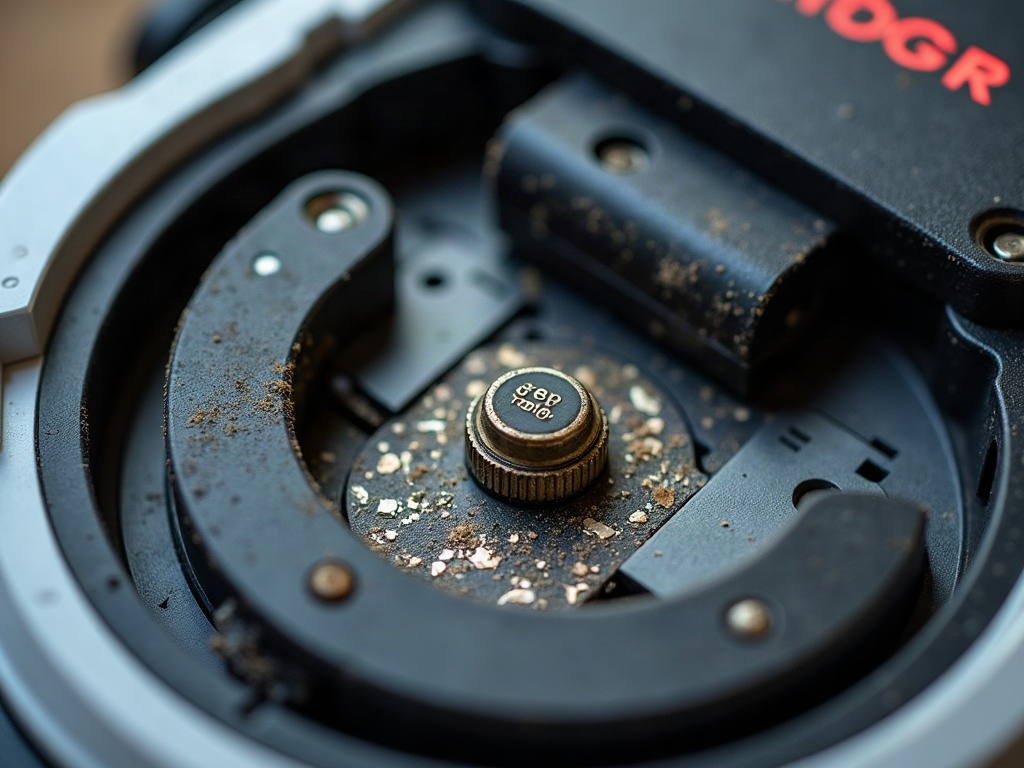
Why Is My Robot Vacuum Stuck?
The most common reasons a robot vacuum gets stuck are tangled wheels, clogged brushes, or obstructed sensors. Debris buildup, getting caught on rugs or thresholds, or navigating tight spaces can all cause the robot to become immobilized.
How to Get Your Robot Vacuum Unstuck
- Power off the robot vacuum and remove it from the charging dock.
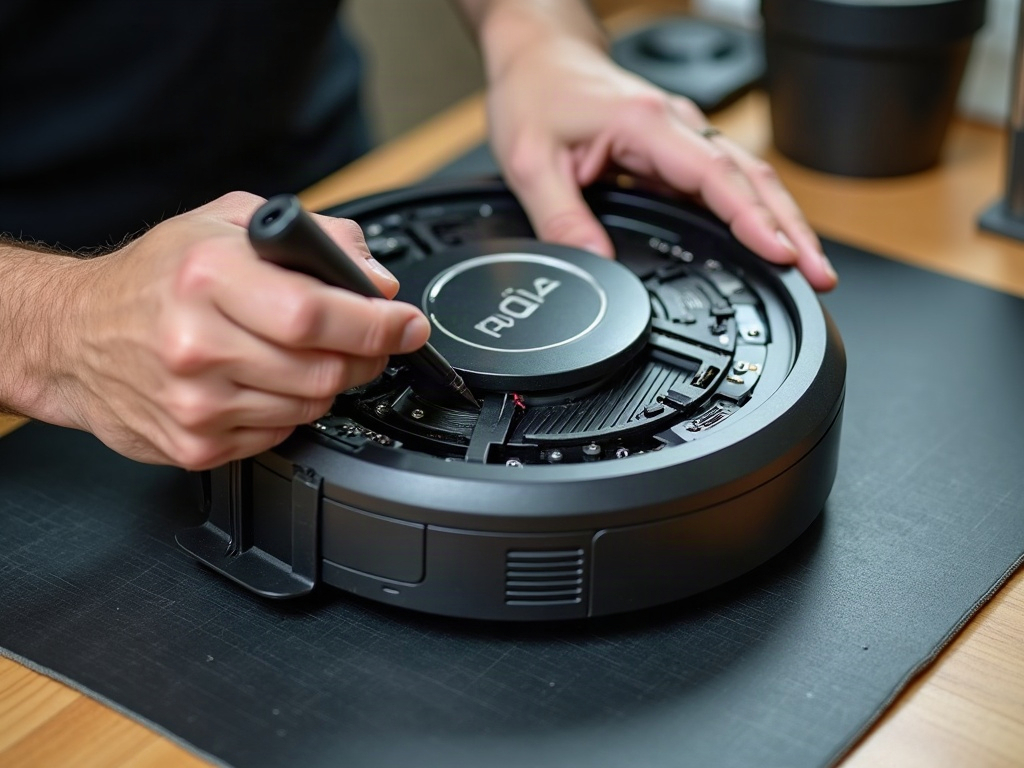
- Flip the robot over and inspect the wheels. Use tweezers to remove any hair, string, or debris tangled around the wheels or axles.
- Check the main brush and side brushes for any obstructions. Use compressed air to blow out any dust or debris.
- Examine the cliff sensors (usually located on the underside) and use a soft cloth to gently wipe away any dirt or dust buildup.
- If the robot is stuck on a threshold or rug, try lifting it over the obstacle or moving it to a different location.
- Once the robot is unstuck, power it back on and monitor its behavior. If the issue persists, consult your manufacturer’s troubleshooting guide.
Troubleshooting Tips by Brand
| Brand | Troubleshooting Steps |
|---|---|
| Roomba | Check the cliff sensors on the underside for dust buildup. Roomba models rely heavily on these sensors to navigate. |
| Roborock | Roborock vacuums use LiDAR navigation, so focus on clearing any obstructions around the top-mounted LiDAR turret. |
| Shark | Shark robot vacuums are prone to getting stuck on carpets or rugs. Try lifting the robot over the obstacle or moving it to a different location. |
Frequently Asked Questions
Will opening my robot vacuum void the warranty?
Performing basic maintenance and troubleshooting like cleaning the wheels and sensors should not void your robot vacuum’s warranty, as long as you don’t damage any internal components. Refer to your manufacturer’s guidelines for specifics.
Can I use aftermarket replacement parts?
While you can often find cheaper aftermarket parts online, it’s generally recommended to use genuine OEM parts from your robot vacuum’s manufacturer. This ensures compatibility and maintains your warranty coverage.
How often should I clean my robot vacuum?
Most manufacturers recommend cleaning your robot vacuum’s sensors, wheels, and brushes at least once per month to prevent issues like getting stuck. Refer to your owner’s manual for the recommended cleaning schedule.