
If your robot vacuum is getting stuck, the most common causes are obstructed sensors, tangled wheels, or navigation issues. The good news is many of these problems can be fixed with some simple troubleshooting and DIY repairs. As the Senior Robotics Technician at SmartVacFix.com, I’ll guide you through the diagnostic steps and repair paths to get your robot vacuum unstuck and running smoothly again.
⚙️ SmartVacFix™ Diagnostic Triage
Primary Symptom: The robot vacuum is repeatedly getting stuck in the same location, often making a beeping sound or displaying an error code.
Tools & Parts Required: Phillips #1 screwdriver, compressed air, and potentially an OEM replacement part like a new wheel or cliff sensor.
Repair vs. Replace: Many stuck issues can be resolved by cleaning and resetting the robot. If a part is physically damaged, a replacement may be required.
Safety Warning: Always power off the robot vacuum and remove it from the charging dock before flipping it over or performing any repairs. Avoid puncturing the lithium-ion battery wrapper.
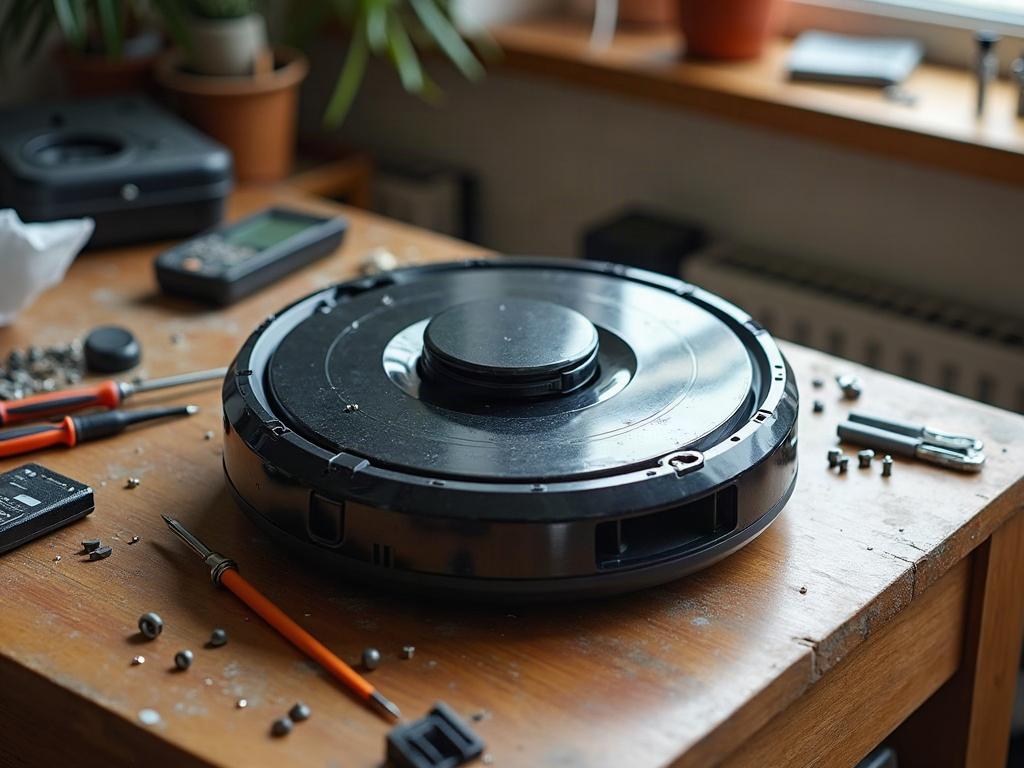
Why Is My Robot Vacuum Getting Stuck?
The most common reasons a robot vacuum gets stuck include:
- Obstructed cliff sensors that can’t detect stairs or ledges
- Tangled or damaged wheels that can’t freely rotate
- Navigation issues from a dirty LiDAR turret or faulty mapping
- Getting trapped by furniture, cords, or other obstacles in the room
Start by visually inspecting the robot for any obvious issues, then move on to more thorough troubleshooting.
How to Get a Robot Vacuum Unstuck
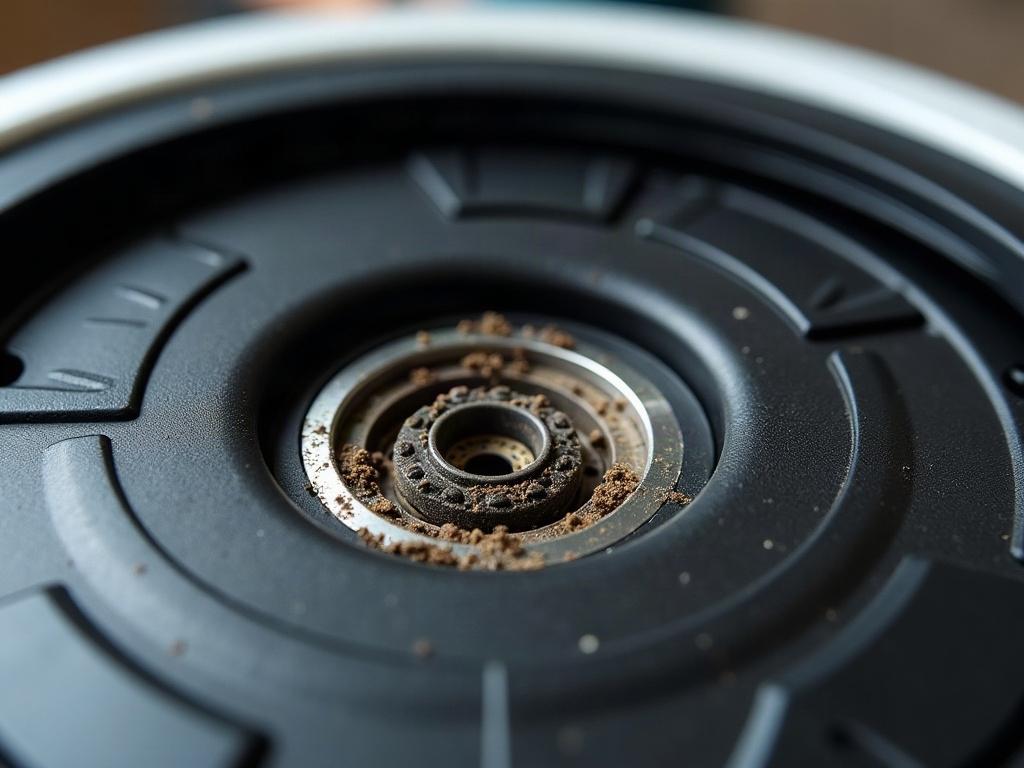
The first step is to power off the robot vacuum and remove it from the charging dock. Flip it over and check the wheels, cliff sensors, and any other exposed components for debris, hair, or damage. Use a Phillips #1 screwdriver to remove the bottom plate if needed for a closer inspection.
- Clean the cliff sensors using compressed air or a soft cloth. Ensure they are unobstructed and can detect ledges properly.
- Untangle or replace any damaged wheels that are not spinning freely.
- If the robot has a LiDAR turret, make sure it is clean and able to rotate without obstruction.
- Remove any objects, cords, or furniture that may be trapping the robot.
- Try resetting the robot by powering it off and on again, or performing a factory reset if available.
Differences by Robot Vacuum Brand and Model
The specific troubleshooting steps can vary slightly depending on your robot vacuum brand and model:
| Brand | Key Differences |
|---|---|
| Roomba | Roomba robots use a camera-based navigation system, so cleaning the camera lens is important. They also have unique error codes that can provide more detailed diagnostics. |
| Roborock | Roborock robots use LiDAR for navigation, so keeping the turret clean is critical. They may also have issues with the water tank sensors if the mop function is not working. |
| Shark | Shark robots often use a combination of sensors, so checking both the cliff sensors and wall sensors is recommended. Their error codes can be more generic. |
Preventing Robot Vacuum Stuck Issues
To avoid future stuck problems, regularly maintain your robot vacuum by:
- Cleaning the cliff sensors, wheels, and LiDAR turret (if applicable) after each use.
- Removing any tangled hair or debris from the brushes and wheels.
- Keeping your home tidy and clearing away any cords, furniture, or other obstacles.
- Updating the robot’s mapping and firmware to the latest version.
Frequently Asked Questions
Why does my robot vacuum keep getting stuck in the same spot?
If your robot vacuum is repeatedly getting stuck in the same location, it’s likely due to an obstruction or navigation issue in that area. Check the cliff sensors and wheels for debris, and ensure there are no physical obstacles trapping the robot. You may also need to update the mapping or reset the robot’s navigation system.
How do I reset my robot vacuum if it’s stuck?
To reset a stuck robot vacuum, first power it off and remove it from the charging dock. Then, press and hold the reset button (often located under the bottom plate) for 10-15 seconds until the robot reboots. This will clear any error codes and reset the navigation system. You may also need to perform a full factory reset through the mobile app.
What should I do if my robot vacuum won’t return to the charging dock?
If your robot vacuum is having trouble finding its way back to the charging dock, check the cliff sensors and wall sensors for any obstructions or damage. Make sure the dock is placed in an open, uncluttered area with a clear path for the robot to navigate. You can also try manually placing the robot on the dock to reset its mapping and charging logic.
How do I clean the sensors on my robot vacuum?
To clean the sensors on your robot vacuum, first power it off and remove it from the charging dock. Use a soft, dry cloth or compressed air to gently wipe away any dust or debris from the cliff sensors, wall sensors, and LiDAR turret (if applicable). Avoid using liquids, as this could damage the sensitive electronic components.
Why is my robot vacuum making beeping sounds?
Beeping sounds from a robot vacuum often indicate an error or problem that needs to be addressed. Check your owner’s manual or the manufacturer’s website for a list of error codes and their meanings. Common issues that cause beeping include stuck wheels, obstructed sensors, low battery, and navigation errors. Resolve the underlying problem to stop the beeping.
How do I troubleshoot a robot vacuum that won’t start?
If your robot vacuum won’t power on or start a cleaning cycle, first check the battery level and ensure it is properly docked and charging. If the battery is charged, try performing a hard reset by pressing and holding the power button for 20-30 seconds. You can also try removing and reinstalling the battery. If the issue persists, there may be a more serious electrical or component failure that requires professional repair or replacement.
What should I do if my robot vacuum is stuck under furniture?
If your robot vacuum gets stuck under a couch, bed, or other piece of furniture, first try to gently pull it out. If it’s wedged in tightly, you may need to move the furniture slightly to create more clearance. Once freed, inspect the robot for any damage or debris that could have caused it to get stuck in the first place. Consider rearranging your furniture or using virtual barriers to prevent future under-furniture entrapment.