
As the Senior Robotics Technician and DIY Appliance Repair Specialist at SmartVacFix.com, I’m here to guide you through the robot vacuum replacement schedule for your malfunctioning device. Whether you’re dealing with a Roomba, Roborock, Shark, or Eufy, I’ll provide clear, safe, and highly technical yet accessible steps to get your robot vacuum back in top shape.
⚙️ SmartVacFix™ Diagnostic Triage
Primary Symptom: Your robot vacuum is not powering on or is exhibiting erratic behavior, such as random shutdowns, reduced suction, or navigation issues.
Tools & Parts Required: Depending on the specific issue, you may need a Phillips #1 screwdriver, a spudger, and potentially an OEM replacement part like a battery, filter, or brush roll.
Repair vs. Replace: Many common robot vacuum problems can be resolved through cleaning, maintenance, or a simple replacement part. However, more complex issues may require a full replacement of the unit.
Safety Warning: Always power off your robot vacuum and remove it from the charging dock before attempting any repairs or maintenance. Avoid puncturing or damaging the lithium-ion battery pack.
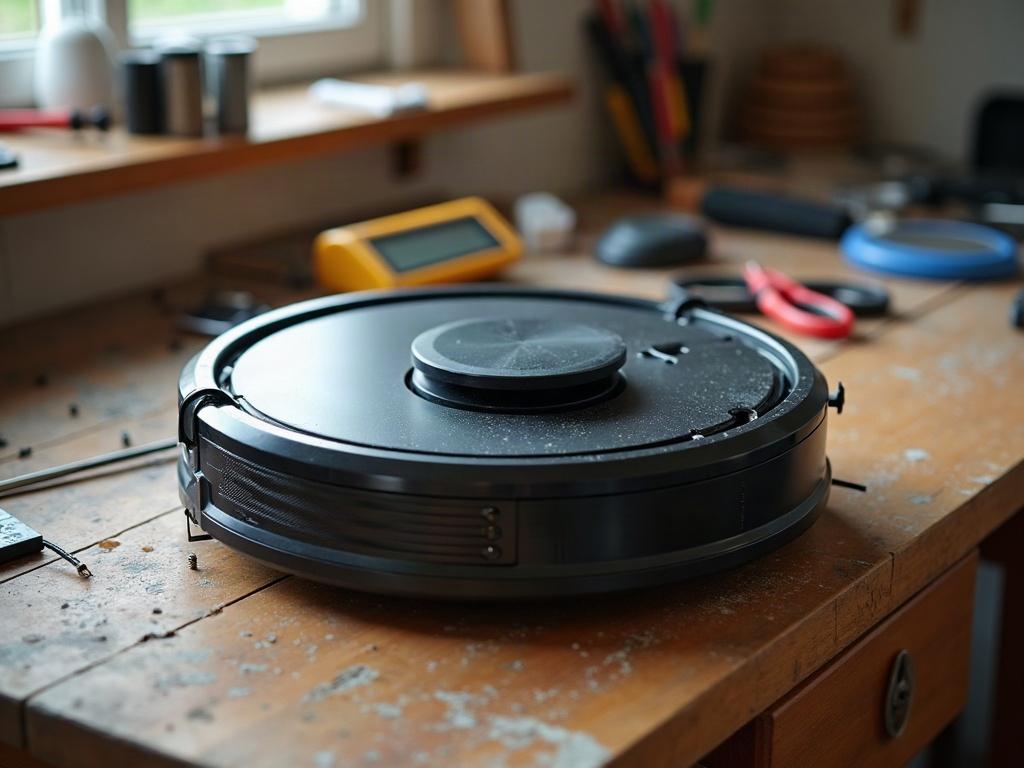
How Often Should I Replace Robot Vacuum Parts?
The recommended replacement schedule for your robot vacuum’s key components can vary depending on the brand, model, and your usage patterns. However, as a general guideline, you should consider the following:
Replacing the Filter
The filter in your robot vacuum is responsible for trapping dirt, dust, and debris. Depending on your home environment and how often you use the device, you should replace the filter every 2-6 months. Check the manufacturer’s recommendations for your specific model.
Changing the Battery
The rechargeable battery in your robot vacuum typically lasts 12-24 months before needing replacement. Signs it’s time for a new battery include shorter runtime, longer charging times, and the device not holding a charge as well as it used to.
Swapping the Brush Roll
The rotating brush roll on your robot vacuum is responsible for agitating and lifting dirt from your floors. Depending on usage, you should replace the brush roll every 6-12 months to maintain optimal cleaning performance.
Cleaning the Sensors
Your robot vacuum relies on a variety of sensors, such as cliff sensors and wall sensors, to navigate your home safely. These should be cleaned with a soft, dry cloth every 1-2 months to ensure they function properly.
Replacing the Wheels
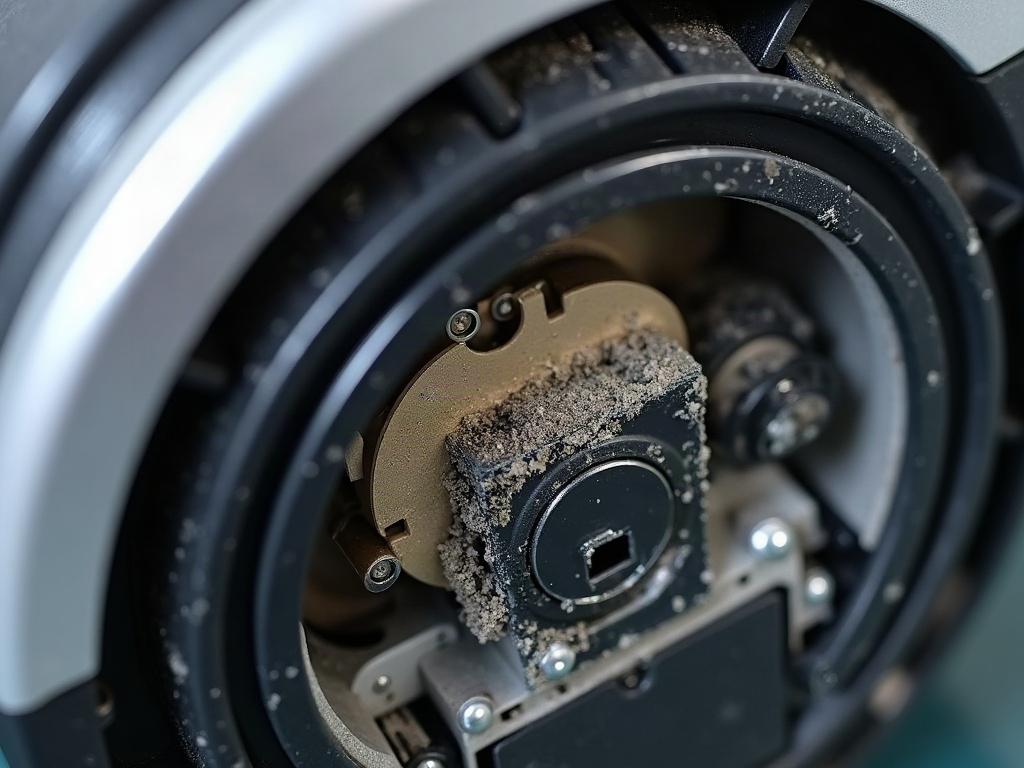
The wheels on your robot vacuum can wear down over time, affecting its ability to move freely and transition between floor types. Inspect the wheels every 6 months and replace them if they appear excessively worn or damaged.
Differences by Brand and Model
While the general replacement guidelines above apply to most robot vacuums, there can be some variations depending on the brand and model:
| Component | Roomba | Roborock | Shark | Eufy |
|---|---|---|---|---|
| Filter | Every 2 months | Every 3-6 months | Every 2-3 months | Every 4-6 months |
| Battery | 12-18 months | 18-24 months | 12-24 months | 12-18 months |
| Brush Roll | Every 6 months | Every 6-12 months | Every 6-12 months | Every 6-12 months |
Preventive Maintenance Tips
To extend the lifespan of your robot vacuum and avoid unexpected breakdowns, be sure to:
- Clean the filter and brush roll regularly according to the manufacturer’s instructions.
- Inspect the wheels and sensors for any signs of wear or damage.
- Keep the charging contacts and docking station free of debris.
- Avoid running the robot vacuum on high-pile carpets or over loose cords, which can damage the LiDAR turret or cliff sensors.
Frequently Asked Questions
How do I know when to replace the battery in my robot vacuum?
You’ll know it’s time to replace the battery when you notice the robot vacuum’s runtime decreasing, the charging time increasing, or the device not holding a charge as well as it used to. Refer to the manufacturer’s recommended battery lifespan for your specific model.
What happens if I don’t replace the filter in my robot vacuum?
If you don’t replace the filter regularly, it can become clogged with dirt and debris, reducing the vacuum’s suction power and efficiency. This can lead to poorer cleaning performance and potentially damage the motor over time.
How can I tell if the brush roll needs to be replaced?
Look for signs of wear, such as frayed or missing bristles, and check if the brush roll is rotating smoothly. If it’s not picking up dirt and debris as effectively as it once did, it’s likely time for a replacement.
What should I do if my robot vacuum is giving an error code?
Consult your robot vacuum’s user manual or the manufacturer’s website for a list of error codes and their corresponding troubleshooting steps. Many common error codes can be resolved through simple maintenance or by replacing a specific component.
How often should I clean the sensors on my robot vacuum?
Clean the sensors, such as the cliff sensors and wall sensors, every 1-2 months using a soft, dry cloth. This will ensure they can accurately detect obstacles and navigate your home effectively.
Can I replace the wheels on my robot vacuum myself?
Yes, you can typically replace the wheels on your robot vacuum yourself. Refer to the manufacturer’s instructions for the specific steps, as the process may vary slightly by model.
What are some signs that my robot vacuum needs to be replaced entirely?
If your robot vacuum is exhibiting persistent issues like frequent error codes, inability to hold a charge, or significant damage to key components like the LiDAR turret or cliff sensors, it may be time to consider replacing the entire unit.