
As the Senior Robotics Technician and DIY Appliance Repair Specialist at SmartVacFix.com, I’m here to guide you through the best robot vacuum replacement parts to fix your malfunctioning device. Whether you’re dealing with a Roomba, Roborock, Shark, or Eufy, I’ll provide clear, safe, and highly technical yet accessible repair steps to get your robot vacuum back in top shape.
⚙️ SmartVacFix™ Diagnostic Triage
Primary Symptom: The robot vacuum is not responding, making unusual noises, or failing to navigate properly.
Tools & Parts Required: Phillips #1 screwdriver, replacement filters, brushes, and wheels (if needed).
Repair vs. Replace: Many common issues can be resolved by cleaning and replacing worn parts, but a full replacement may be necessary for more severe problems.
Safety Warning: Always power off the robot vacuum and remove it from the charging dock before attempting any repairs or replacements.
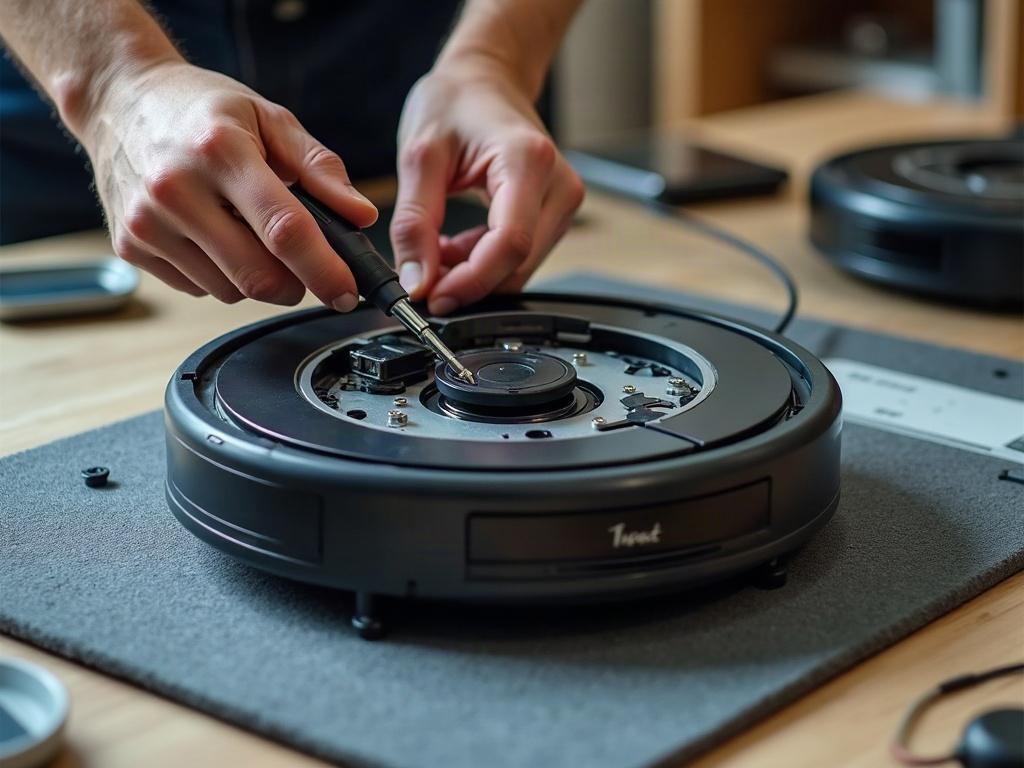
Diagnosing Common Robot Vacuum Issues
The first step in finding the right replacement parts is to identify the specific problem with your robot vacuum. Common issues include:
- Navigation Errors: If your robot vacuum is getting stuck, failing to map the room properly, or not returning to the charging dock, the issue may be with the cliff sensors, wheel encoders, or LiDAR turret.
- Suction Loss: Reduced suction power can be caused by a clogged or damaged filter, worn brushes, or a full dust bin.
- Battery Drain: If the battery is draining quickly or the robot won’t hold a charge, you may need to replace the battery pack.
Identifying the Right Replacement Parts
Once you’ve diagnosed the issue, you’ll need to find the correct replacement parts for your specific robot vacuum model. This can vary significantly between brands and even within a single brand’s product line.
| Roomba | Roborock | Shark | Eufy |
|---|---|---|---|
| Uses a side brush and main brush that must be replaced periodically. | Relies on a main brush and side brushes that can be cleaned and replaced. | Features a single brush roll that can be cleaned or replaced. | Utilizes a dual-brush system that requires replacement of both the main and side brushes. |
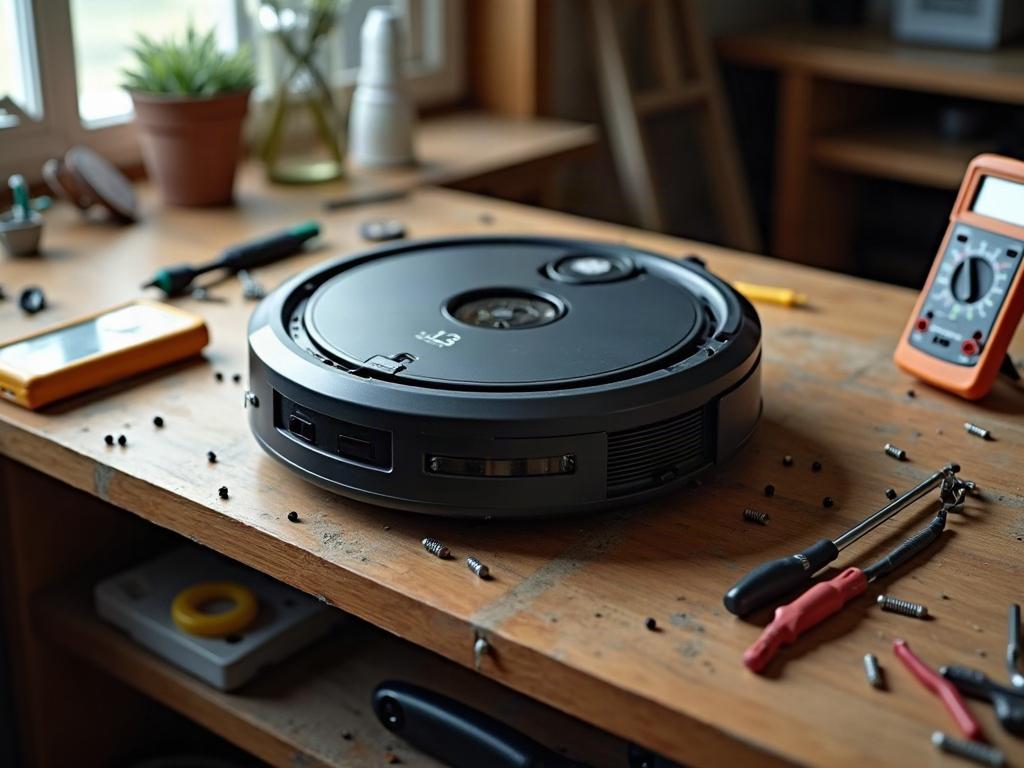
Replacing Worn Robot Vacuum Parts
Once you’ve identified the specific parts needed for your robot vacuum, follow these step-by-step instructions to safely replace them:
- Power off the robot vacuum and remove it from the charging dock.
- Flip the robot vacuum over and locate the access panel or bottom plate.
- Use a Phillips #1 screwdriver to remove the screws and access the internal components.
- Carefully remove the old part, such as the filter, brushes, or wheels.
- Insert the new replacement part, ensuring it is properly aligned and secured.
- Replace the access panel or bottom plate and secure it with the screws.
- Power on the robot vacuum and test the new part to ensure it is functioning correctly.
Preventing Future Robot Vacuum Issues
To keep your robot vacuum running smoothly, it’s important to perform regular maintenance and cleaning. This includes:
- Emptying the dust bin after each use
- Cleaning the sensors and wheels to prevent buildup
- Replacing the filters and brushes as recommended by the manufacturer
- Checking the battery and replacing it if necessary
By following these best practices, you can extend the life of your robot vacuum and avoid costly repairs in the future.
Frequently Asked Questions
What are the most common robot vacuum replacement parts?
The most common replacement parts for robot vacuums include filters, brushes, wheels, sensors, and batteries. These components tend to wear out over time and need to be replaced to maintain optimal performance.
How do I know which replacement parts fit my robot vacuum?
To find the correct replacement parts, you’ll need to identify the make and model of your robot vacuum. Check the manufacturer’s website or owner’s manual for a list of compatible parts and part numbers.
How often should I replace my robot vacuum parts?
The frequency of replacement can vary depending on the part and your usage, but a good rule of thumb is to replace filters every 2-3 months, brushes every 6-12 months, and the battery every 12-24 months.
Can I use third-party replacement parts for my robot vacuum?
While third-party parts may be less expensive, it’s generally recommended to use the manufacturer’s official replacement parts to ensure compatibility and maintain the warranty.
How do I properly install replacement parts in my robot vacuum?
Refer to the manufacturer’s instructions or our step-by-step guide for detailed instructions on safely removing and installing replacement parts. Take care to power off the device and handle components with care.
What should I do if my robot vacuum is still not working after replacing parts?
If the issue persists after replacing parts, there may be a more complex problem, such as a faulty motherboard or motor. In this case, it’s best to contact the manufacturer or a professional repair service for further assistance.
How can I extend the lifespan of my robot vacuum?
Regular maintenance, such as cleaning the sensors and emptying the dust bin, as well as replacing worn parts, can help extend the lifespan of your robot vacuum. Proper storage and handling can also prevent damage.