
If your robot vacuum’s charging dock is not working properly, the issue is likely due to a problem with the dock itself or compatibility between the dock and your specific vacuum model. The good news is that many charging dock problems can be resolved through simple troubleshooting and DIY repairs. As the Senior Robotics Technician at SmartVacFix.com, I’ll guide you through the most common robot vacuum charging dock problems and how to fix them.
⚙️ SmartVacFix™ Diagnostic Triage
Primary Symptom: The robot vacuum is not charging or docking properly on the charging station.
Tools & Parts Required: Phillips #1 screwdriver, compressed air, and potentially an OEM replacement charging dock (if the existing one is damaged).
Repair vs. Replace: Many charging dock issues can be resolved through cleaning and troubleshooting, but a replacement dock may be required if the existing one is physically damaged.
Safety Warning: Always power off the robot vacuum and remove it from the charging dock before attempting any repairs or maintenance.
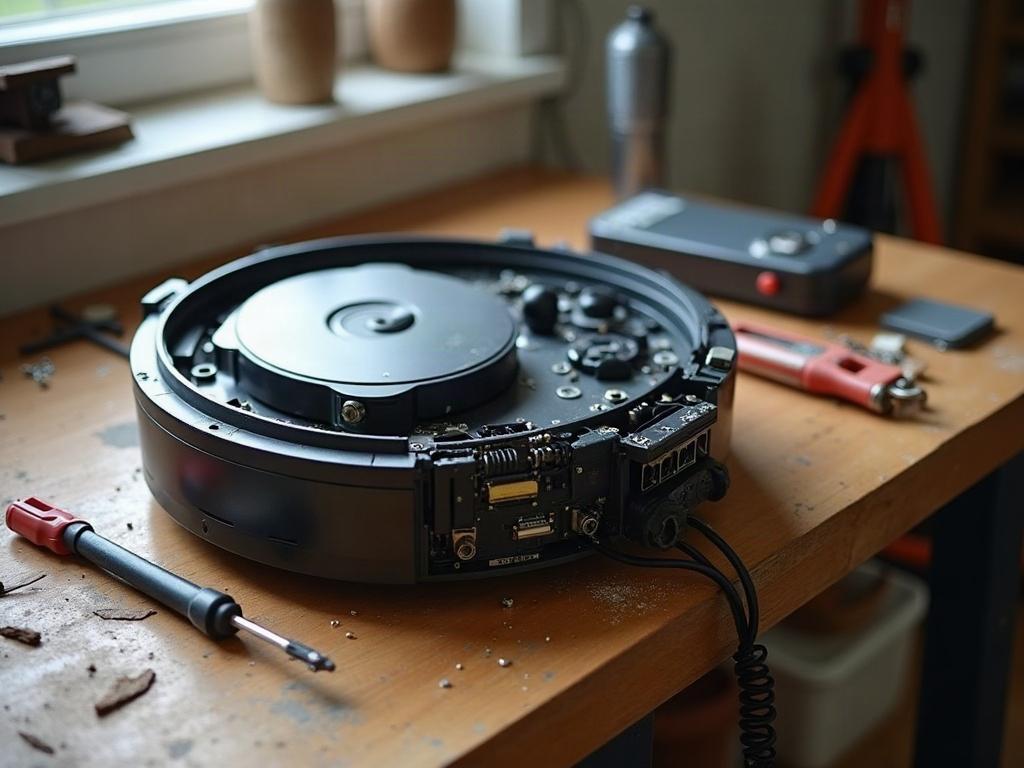
Why Is My Robot Vacuum Not Charging on the Dock?
The most common reasons a robot vacuum won’t charge on the dock include:
- Dirt or debris buildup on the charging contacts of the vacuum or dock
- Misalignment between the vacuum and dock, preventing a proper connection
- Faulty power supply or wiring in the charging dock
- Compatibility issues between the vacuum and dock models
How to Fix a Robot Vacuum Charging Dock
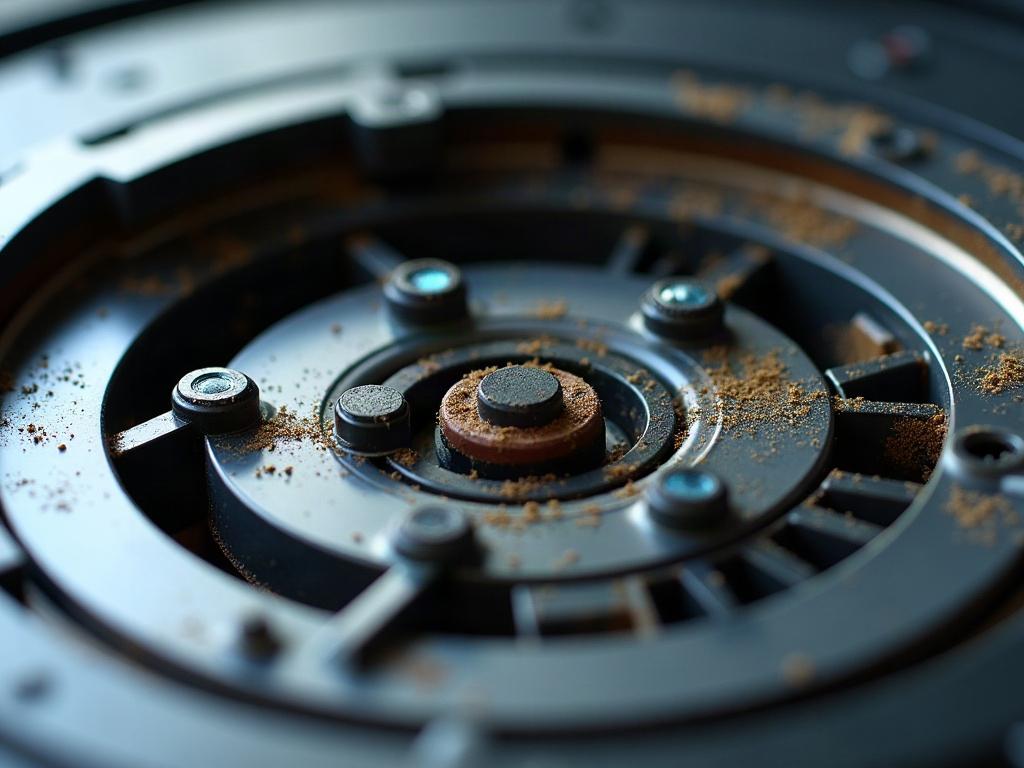
Start by inspecting the charging contacts on both the robot vacuum and the dock. Use a Phillips #1 screwdriver to remove any access panels, then gently clean the contacts with compressed air to remove any dirt or debris buildup. Ensure the contacts are not damaged or corroded.
Troubleshooting Robot Vacuum Charging Dock Alignment
Next, check the physical alignment between the vacuum and dock. The vacuum should be able to smoothly dock and make full contact with the charging pins. Adjust the dock’s position or the vacuum’s sensors if needed to ensure proper alignment.
Checking the Charging Dock Power Supply
If the contacts are clean and the alignment is correct, the issue may be with the dock’s power supply. Inspect the power cable for any damage and ensure the dock is receiving the correct voltage and amperage. Replace the power supply if it appears faulty.
Resolving Compatibility Issues
In some cases, the charging dock may not be compatible with your specific robot vacuum model. This is more common when using third-party or universal docks. Check your vacuum’s manufacturer recommendations to ensure you’re using the correct OEM charging dock.
Preventing Future Charging Dock Problems
To avoid recurring charging dock issues, regularly clean the contacts on both the vacuum and dock using compressed air. Also, ensure the dock is positioned on a level, stable surface to maintain proper alignment. Lastly, replace the dock if it becomes physically damaged or worn over time.
Frequently Asked Questions
Why is my Roomba not charging on the dock?
Common Roomba charging dock issues include dirty contacts, misalignment, and compatibility problems with the dock. Follow the troubleshooting steps above to diagnose and resolve the problem.
How do I reset my robot vacuum’s charging dock?
There is usually no need to reset the charging dock itself. Instead, focus on cleaning the contacts, adjusting the alignment, and verifying the power supply. If those steps don’t work, you may need to replace the dock.
Why is my Roborock not docking and charging?
Roborock vacuums use a different docking and charging system compared to Roomba. Check for obstructions around the dock, ensure the dock is level, and verify the power supply is functioning correctly.
What do I do if my robot vacuum won’t charge at all?
If the vacuum isn’t charging at all, even when removed from the dock, the issue may be with the vacuum’s battery or internal charging components. You may need to contact the manufacturer for further troubleshooting or a potential repair.
How long should a robot vacuum battery last?
Most robot vacuum batteries are designed to last 12-24 months with regular use and proper maintenance. If the battery is no longer holding a charge, you may need to replace it.
Can I use a universal charging dock for my robot vacuum?
It’s generally not recommended to use a universal or third-party charging dock, as compatibility issues are common. Stick to the OEM dock recommended by your vacuum’s manufacturer for the best results.
How do I know if my robot vacuum’s charging dock is broken?
Signs of a broken charging dock include the vacuum not docking properly, the dock not powering on, or the vacuum not receiving a charge. If troubleshooting doesn’t resolve the issue, the dock is likely faulty and needs to be replaced.