
If your robot vacuum is displaying a charging error, the most likely culprit is a problem with the charging contacts or charging dock. This can often be resolved with a simple cleaning or reset. Let’s walk through the diagnostic steps and repair options to get your robot vacuum charging again.
⚙️ SmartVacFix™ Diagnostic Triage
Primary Symptom: Robot vacuum is not charging or charging indicator is flashing/blinking.
Tools & Parts Required: Phillips #1 screwdriver, soft cloth, compressed air.
Repair vs. Replace: In most cases, this can be fixed by cleaning the charging contacts. Replacement of the charging dock or battery may be required for more severe issues.
Safety Warning: Power off the robot vacuum and remove it from the charging dock before attempting any repairs.
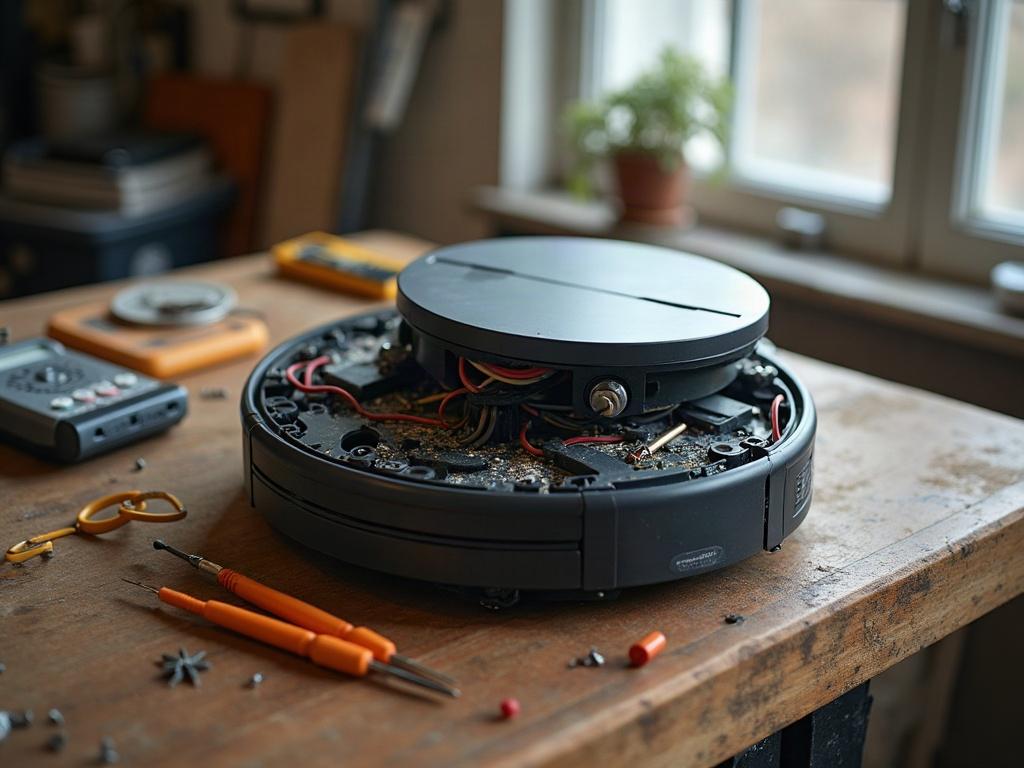
Troubleshooting Robot Vacuum Charging Issues
The first step is to check the charging contacts on both the robot vacuum and the charging dock. Use a soft, dry cloth to gently wipe away any dust, debris, or corrosion buildup on the metal contacts. Avoid using water or cleaning solutions, as this could damage the electrical components.
Resetting the Charging System
If the contacts appear clean but the charging issue persists, try resetting the charging system. This process varies slightly by brand, but generally involves the following steps:
- Power off the robot vacuum by pressing and holding the power button for 5-10 seconds until it shuts down.
- Unplug the charging dock from power for 30 seconds, then plug it back in.
- Place the robot vacuum back on the charging dock and wait for it to begin charging.
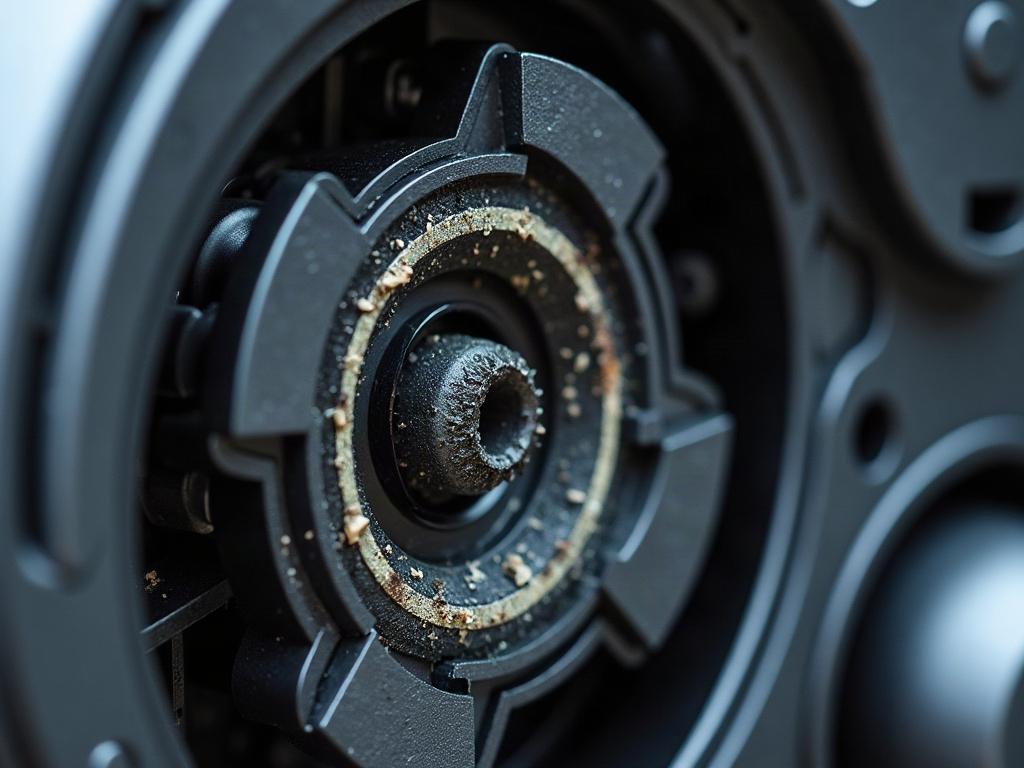
Checking for Sensor Issues
Some robot vacuums use proximity sensors or other detection methods to determine if they are properly docked and charging. If these sensors are malfunctioning, it can prevent the vacuum from charging correctly. Consult your owner’s manual or the manufacturer’s website for instructions on how to clean or reset these sensors.
Replacing the Charging Dock
If the above steps don’t resolve the issue, the charging dock itself may be faulty and need replacement. This is more common with older models or if the dock has been damaged. Reach out to the manufacturer or a qualified repair service to obtain a compatible replacement dock.
Replacing the Battery
In some cases, a worn-out or damaged battery may be the root cause of the charging problem. If your robot vacuum is several years old or the battery is no longer holding a charge, you may need to replace the battery. This is generally a straightforward process, but be sure to follow the manufacturer’s instructions carefully.
Preventing Future Charging Issues
To help avoid charging problems in the future, regularly clean the charging contacts on both the robot vacuum and the dock using a soft, dry cloth. Avoid letting the contacts become corroded or obstructed by dust and debris. Additionally, be mindful of the battery’s lifespan and replace it when necessary to maintain optimal performance.
Frequently Asked Questions
Why is my robot vacuum not charging at all?
If your robot vacuum is not charging at all, the most likely causes are dirty charging contacts, a faulty charging dock, or a dead battery. Start by cleaning the contacts, then try resetting the charging system. If that doesn’t work, you may need to replace the charging dock or the battery.
How do I know if my robot vacuum needs a new battery?
Signs that your robot vacuum’s battery needs to be replaced include the vacuum not holding a charge for as long as it used to, the battery charging indicator flashing or blinking, or the vacuum shutting off unexpectedly during use. Consult your owner’s manual or contact the manufacturer for guidance on battery replacement.
What should I do if my robot vacuum is flashing a red light when charging?
A flashing red light on the robot vacuum during charging is typically an indication of a charging error or issue. Try the troubleshooting steps outlined above, such as cleaning the contacts and resetting the charging system. If the issue persists, refer to your owner’s manual or contact the manufacturer for further assistance.
How long should a robot vacuum charge for?
The charging time for a robot vacuum can vary depending on the model, battery size, and level of discharge. Most robot vacuums will fully charge in 3-6 hours, though some higher-end models may charge faster. Refer to your owner’s manual for the recommended charging time for your specific robot vacuum.
Can I replace the battery in my robot vacuum myself?
In many cases, yes, you can replace the battery in your robot vacuum yourself. The process typically involves removing the bottom cover, disconnecting the old battery, and installing a new, compatible replacement battery. However, be sure to follow the manufacturer’s instructions carefully and take appropriate safety precautions when handling the battery.
What should I do if my robot vacuum won’t connect to the charging dock?
If your robot vacuum won’t connect to the charging dock, the issue may be related to the dock’s positioning, the vacuum’s sensors, or a problem with the dock itself. Try moving the dock to a different location, cleaning the dock’s charging contacts, and resetting the vacuum’s connection to the dock. If the problem persists, you may need to contact the manufacturer for further assistance.
How can I prevent my robot vacuum’s battery from degrading over time?
To help extend the lifespan of your robot vacuum’s battery, be sure to fully charge and discharge the battery regularly, avoid leaving the vacuum on the charging dock when it’s already fully charged, and store the vacuum in a cool, dry place when not in use. Regularly cleaning the charging contacts can also help maintain a good connection and prevent premature battery degradation.