
If your robot vacuum is going in circles, it’s likely due to a sensor malfunction or navigation issue. The good news is that this is a common problem that can often be fixed with a few simple troubleshooting steps. As the Senior Robotics Technician at SmartVacFix.com, I’ll guide you through the diagnostic process and provide clear repair instructions to get your robot vacuum back on track.
⚙️ SmartVacFix™ Diagnostic Triage
Primary Symptom: Robot vacuum is spinning in place or repeatedly circling the same area without cleaning effectively.
Tools & Parts Required: Phillips #1 screwdriver, soft cloth, and potentially an OEM replacement part (depending on the issue).
Repair vs. Replace: Many circle-related issues can be resolved with a simple cleaning or reset, but some may require replacing a faulty sensor or other component.
Safety Warning: Always power off the robot vacuum and remove it from the charging dock before attempting any repairs or maintenance.
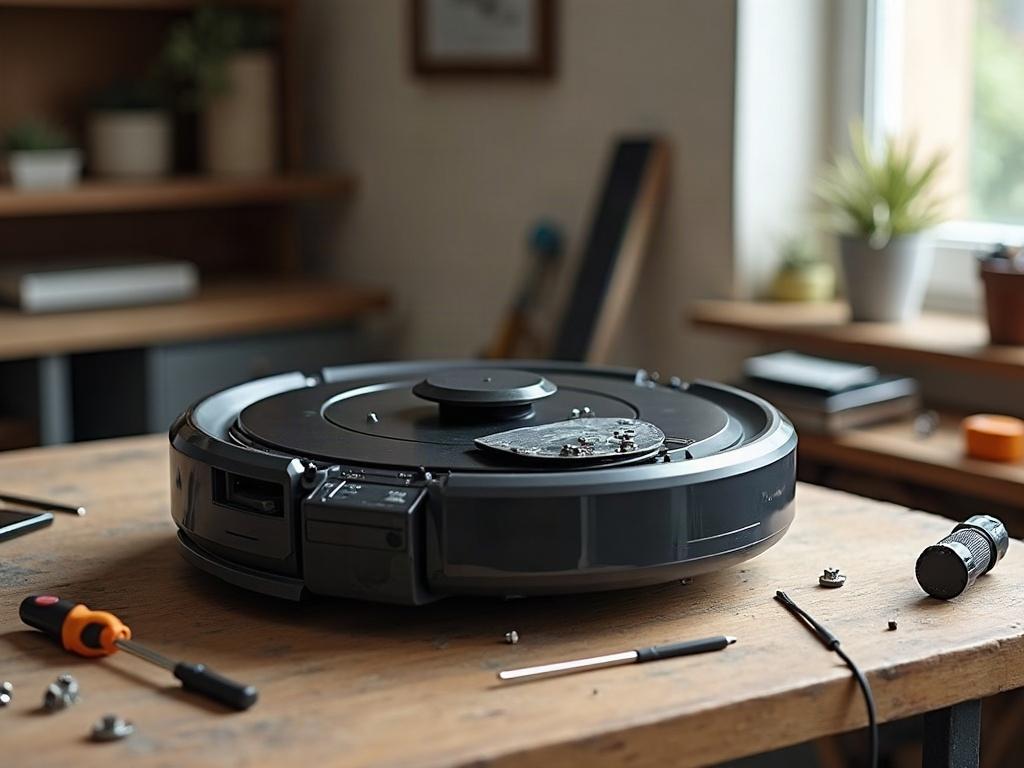
Why Is My Robot Vacuum Going in Circles?
The most common reasons a robot vacuum goes in circles are:
- Stuck or malfunctioning cliff sensors that detect a “cliff” where there is none
- Dirty or obstructed wheel encoders that can’t properly track the robot’s movement
- Issues with the navigation system, such as a faulty LiDAR turret or camera
How to Fix a Robot Vacuum Going in Circles
The first step is to thoroughly clean the robot vacuum, focusing on the sensors, wheels, and underside. Use a soft cloth to gently wipe away any dust or debris. If that doesn’t resolve the issue, try these additional troubleshooting steps:
- Power cycle the robot by turning it off, waiting 30 seconds, and then turning it back on.
- Check for any obstructions or tangled debris around the wheels and wheel wells.
- Inspect the cliff sensors on the underside of the robot and clean them with a soft cloth.
- Reset the robot’s navigation by following the manufacturer’s instructions, which may involve pressing a specific button combination or using a mobile app.

Differences by Brand and Model
The specific troubleshooting steps may vary slightly depending on your robot vacuum’s brand and model:
| Brand | Navigation System | Sensor Layout |
|---|---|---|
| Roomba | Camera-based navigation | Cliff sensors on the front and sides |
| Roborock | LiDAR-based navigation | Cliff sensors on the front and sides |
| Shark | Camera-based navigation | Cliff sensors on the front and sides |
| Eufy | LiDAR-based navigation | Cliff sensors on the front and sides |
Preventing Future Circle Issues
To help prevent your robot vacuum from going in circles in the future, be sure to:
- Regularly clean the cliff sensors, wheel encoders, and other critical components.
- Avoid using the robot in areas with highly reflective surfaces, which can confuse the navigation system.
- Keep the robot’s charging dock in an open, unobstructed area to ensure it can properly dock and recharge.
Frequently Asked Questions
Why is my robot vacuum going in circles instead of cleaning?
The most common reasons are malfunctioning cliff sensors, dirty wheel encoders, or issues with the navigation system. Thoroughly cleaning the robot and resetting the navigation can often resolve the problem.
How do I stop my robot vacuum from going in circles?
Start by powering the robot off, waiting 30 seconds, and then turning it back on. Check for any obstructions around the wheels and clean the cliff sensors. If that doesn’t work, try resetting the navigation system according to the manufacturer’s instructions.
What causes a robot vacuum to go in circles?
Stuck or malfunctioning cliff sensors, dirty wheel encoders, and navigation system issues are the primary causes of a robot vacuum going in circles. These problems can prevent the robot from properly tracking its movement and location.
How do I reset my robot vacuum to stop it from going in circles?
The reset process varies by brand and model, but it typically involves pressing a specific button combination or using a mobile app. Consult your robot vacuum’s user manual or the manufacturer’s website for the exact reset instructions.
Is it normal for a robot vacuum to go in circles sometimes?
It’s not entirely normal for a robot vacuum to go in circles, as that indicates a problem with the device. Occasional minor circling may occur during navigation, but persistent, uncontrolled circling is a sign of a more serious issue that needs to be addressed.
Can I fix a robot vacuum that keeps going in circles?
Yes, in many cases, a robot vacuum that keeps going in circles can be fixed through troubleshooting and repair. Start with basic cleaning and reset steps, and if that doesn’t work, you may need to replace a faulty sensor or other component.
What should I do if my robot vacuum won’t stop going in circles?
If your robot vacuum won’t stop going in circles despite your troubleshooting efforts, your next step is to contact the manufacturer’s customer support. They can provide additional guidance or arrange for a repair or replacement, depending on the warranty and the specific issue with your device.