
If your robot vacuum is making an unusual noise, it’s likely due to a mechanical issue that needs attention. As the Senior Robotics Technician at SmartVacFix.com, I’ll guide you through a step-by-step diagnostic and repair process to get your robot vacuum running quietly again.
⚙️ SmartVacFix™ Diagnostic Triage
Primary Symptom: The robot vacuum is making a loud, grinding or clicking noise during operation.
Tools & Parts Required: Phillips #1 screwdriver, can of compressed air, and potentially an OEM replacement part like a wheel or brush module.
Repair vs. Replace: In many cases, the issue can be resolved by cleaning and lubricating internal components. However, if a part is severely worn or damaged, replacement may be necessary.
Safety Warning: Always power off the robot vacuum and remove it from the charging dock before flipping it over or performing any repairs. Avoid puncturing or modifying the lithium-ion battery pack.
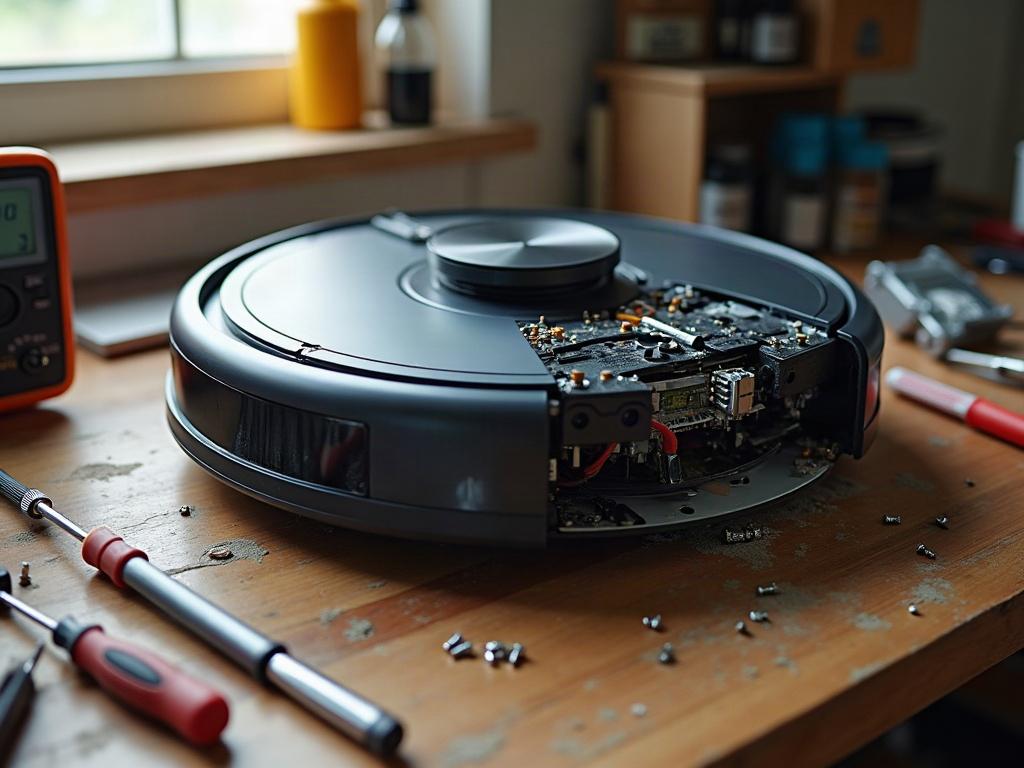
Why Is My Robot Vacuum Making a Loud Noise?
The most common causes of loud, unusual noises from a robot vacuum are:
- Debris buildup in the brush roll or wheels
- Worn or damaged internal components like bearings or gears
- Issues with the cliff sensors or LiDAR turret
Let’s go through a step-by-step troubleshooting process to identify and resolve the issue.
Clearing Debris and Cleaning Internal Components
The first step is to thoroughly inspect and clean the robot vacuum’s internal components:
- Power off the robot and remove it from the charging dock.
- Flip the robot over and remove the bottom access panel using your Phillips #1 screwdriver.
- Examine the brush roll, wheels, and other moving parts for any hair, dust, or debris buildup. Use a can of compressed air to blow out any contaminants.
- Check the condition of the brush roll bearings and wheel axles. If they feel gritty or worn, the components may need to be replaced.
- Reassemble the robot vacuum, making sure all panels are securely fastened.
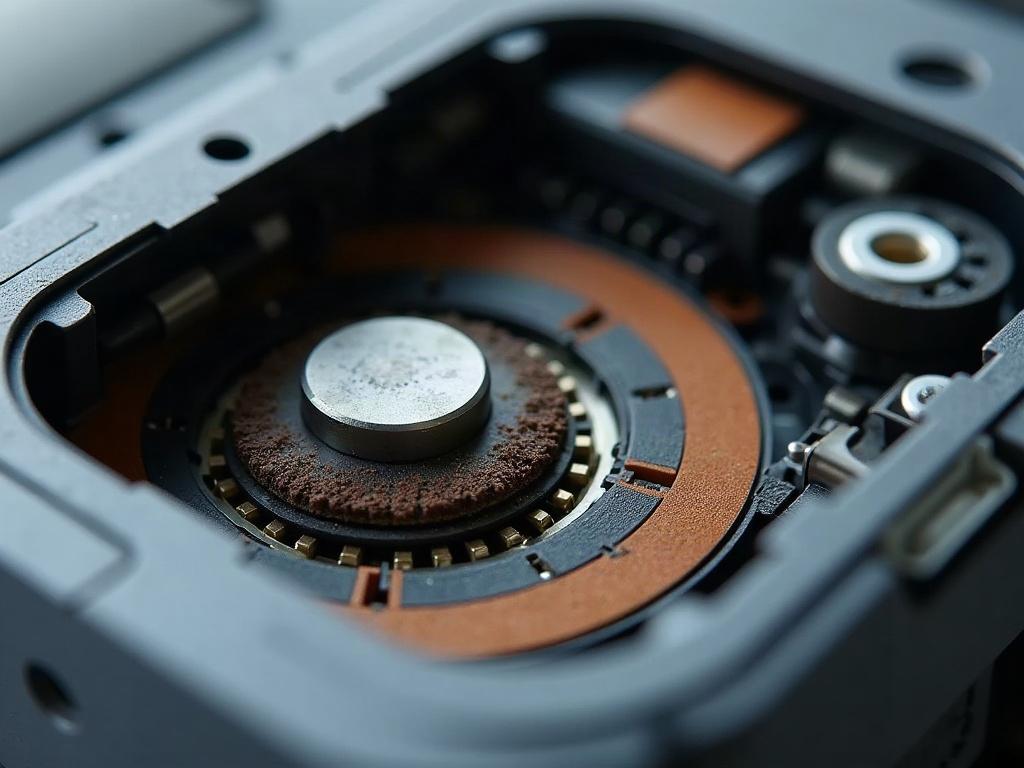
Addressing Sensor or Motor Issues
If the noise persists after cleaning, the issue may be related to the robot’s sensors or motors:
- Inspect the cliff sensors and LiDAR turret (if present) for any damage or obstructions. Use compressed air to clear any debris.
- Check the condition of the drive motors and wheels. If a motor is making a grinding or whirring noise, it may need to be replaced.
- Consult your robot vacuum’s user manual or the manufacturer’s website for any model-specific troubleshooting steps related to noisy operation.
Replacing Worn or Damaged Parts
If cleaning and inspecting the internal components doesn’t resolve the noise issue, you may need to replace one or more parts:
- Identify the specific part(s) causing the noise, such as a worn brush roll, damaged wheel, or faulty motor.
- Order the appropriate OEM replacement part(s) from the manufacturer or a reputable third-party supplier.
- Follow the manufacturer’s instructions or a detailed tutorial to safely disassemble and replace the problematic component(s).
Preventing Future Noise Issues
To keep your robot vacuum running quietly, be sure to:
- Regularly clean the brush roll, wheels, and other moving parts to prevent debris buildup.
- Inspect the robot for any signs of wear or damage to internal components.
- Replace worn parts, such as the brush roll or wheels, according to the manufacturer’s recommended schedule.
- Avoid running the robot vacuum on high-pile carpets or over large debris that could damage the internal mechanisms.
Frequently Asked Questions
Is it normal for a robot vacuum to make some noise?
Yes, it’s normal for a robot vacuum to make some noise during operation, such as a quiet hum or whirring sound. However, if the noise becomes significantly louder, grinding, or irregular, it’s likely a sign of a problem that needs to be addressed.
What causes a robot vacuum to make a clicking noise?
A clicking noise is often caused by a problem with the robot’s wheels or drive motors. This could be due to debris buildup, worn bearings, or a mechanical issue with the wheel assembly.
How do I stop my robot vacuum from making noise?
The best way to stop a noisy robot vacuum is to thoroughly clean the internal components, inspect for any worn or damaged parts, and replace them as needed. Following the manufacturer’s recommended maintenance schedule can also help prevent future noise issues.
Why is my robot vacuum making a loud beeping noise?
A loud, persistent beeping noise from a robot vacuum is usually an indication of a sensor or system error. This could be caused by issues with the cliff sensors, navigation system, or other internal components. Consult your robot’s user manual or the manufacturer’s troubleshooting guide to identify and resolve the specific error.
What should I do if my robot vacuum is making a grinding noise?
A grinding noise is often a sign of a serious mechanical problem, such as a seized motor or damaged gears. Power off the robot, remove it from the charging dock, and inspect the internal components for any visible issues. You may need to replace one or more parts to resolve a grinding noise.
How do I fix a robot vacuum that is making a squeaking noise?
A squeaking noise is typically caused by a lack of lubrication or worn bearings in the brush roll, wheels, or other moving parts. Try cleaning and lubricating the affected components. If the squeaking persists, you may need to replace the worn parts to eliminate the noise.
Why is my robot vacuum making a humming or buzzing noise?
A humming or buzzing noise is usually associated with an issue with the robot vacuum’s motors or power system. This could be caused by a problem with the drive motors, fan motor, or the robot’s battery. Inspect the internal components and consult the manufacturer’s troubleshooting guide to identify and resolve the issue.