
If your robot vacuum is experiencing sensor problems, the most common issues are with the cliff sensors, wheel encoders, or navigation sensors. The good news is that many of these problems can be resolved through simple cleaning and recalibration. Let’s dive into the diagnostic steps and repair paths to get your robot vacuum back on track.
⚙️ SmartVacFix™ Diagnostic Triage
Primary Symptom: The robot vacuum is getting stuck, missing spots, or behaving erratically due to sensor malfunctions.
Tools & Parts Required: Phillips #1 screwdriver, spudger, compressed air, and potentially an OEM replacement sensor module.
Repair vs. Replace: Many sensor issues can be resolved through cleaning and recalibration, but a faulty sensor may require replacement.
Safety Warning: Always power off the robot vacuum and remove it from the charging dock before flipping it over or performing any repairs.
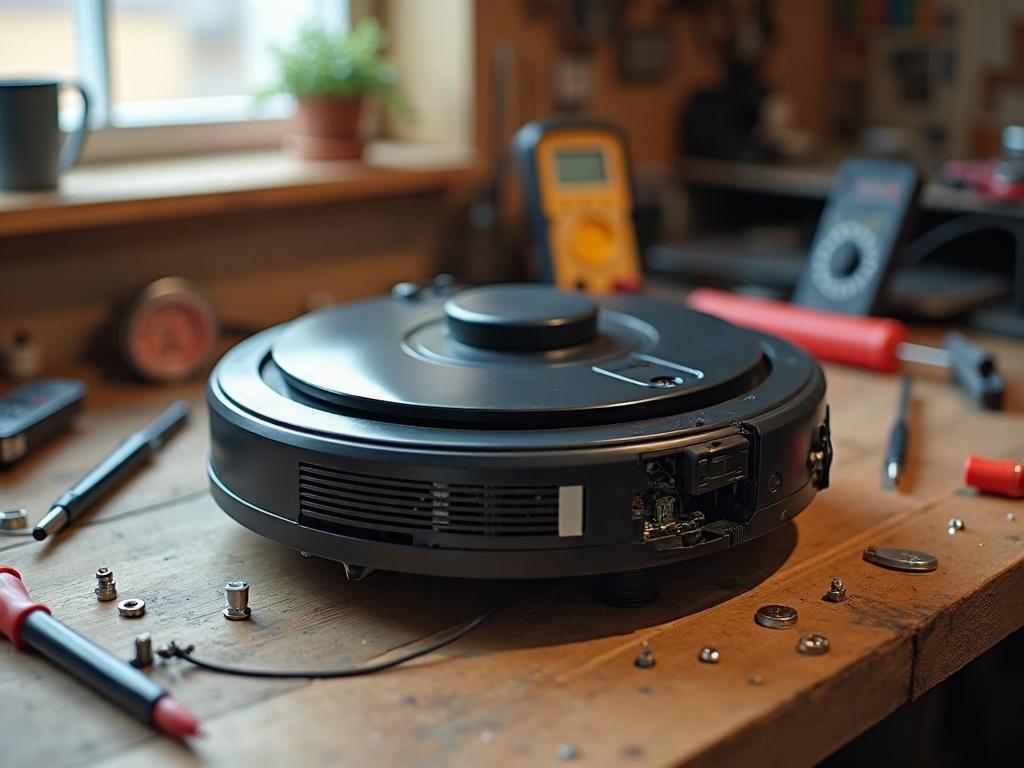
Diagnosing Robot Vacuum Sensor Problems
The first step is to identify the specific sensor causing the issue. Common problem areas include the cliff sensors, which detect drop-offs to prevent falls, and the wheel encoders, which track the robot’s movement and position. Navigation sensors like LiDAR or cameras can also malfunction, leading to erratic cleaning patterns.
Cleaning and Recalibrating Sensors
In many cases, a thorough cleaning can resolve sensor problems. Use a spudger and compressed air to gently remove any dust, debris, or pet hair buildup on the sensor lenses and surfaces. Refer to your robot vacuum’s user manual for specific instructions on accessing and cleaning the sensors.
After cleaning, you may need to recalibrate the sensors. This is often done through the robot’s companion app or by following a reset procedure in the manual. The app may guide you through a sensor calibration process to ensure the robot’s navigation and obstacle detection are working properly.
Replacing Faulty Sensors
If cleaning and recalibration don’t resolve the issue, the sensor may be malfunctioning and require replacement. Locate the specific sensor module in your robot vacuum’s design, and order a compatible OEM replacement part. Refer to your manual or the manufacturer’s website for the correct part number and replacement instructions.
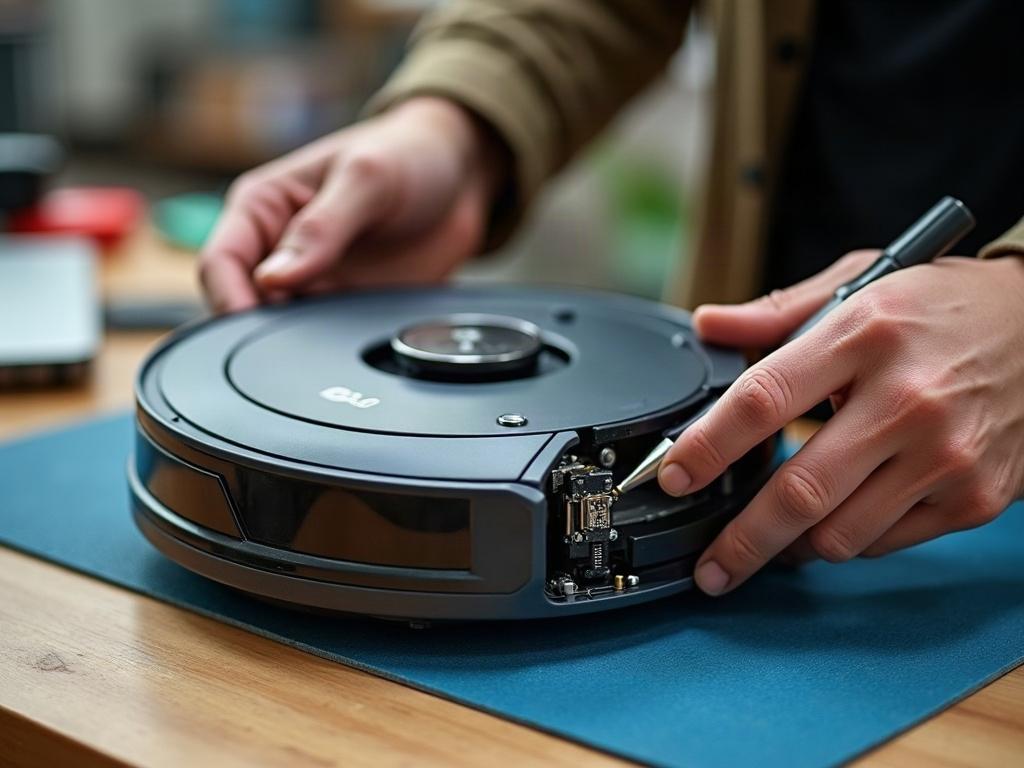
Sensor Differences by Brand and Model
The sensor layout and repair process can vary significantly between robot vacuum brands and models. For example, Roomba robots typically have separate cliff sensors, while Roborock models integrate the cliff sensors into the wheel encoder modules. Be sure to consult your specific model’s documentation for the correct repair steps.
Preventing Future Sensor Issues
Regular maintenance is key to keeping your robot vacuum’s sensors in top shape. Gently clean the sensors with a soft cloth or compressed air every few weeks to remove any accumulated dust or debris. Additionally, avoid using your robot vacuum on highly reflective or dark surfaces, as this can confuse the cliff sensors and lead to navigation problems.
Frequently Asked Questions
How do I reset the sensors on my robot vacuum?
The sensor reset process varies by brand and model, but it typically involves a combination of button presses, power cycling, and using the companion app. Consult your robot vacuum’s user manual or the manufacturer’s website for the specific reset instructions.
Can I clean the sensors on my robot vacuum myself?
Yes, in most cases, you can safely clean the sensors yourself using a soft cloth, cotton swabs, and compressed air. Avoid using any liquids or abrasive materials, as this could damage the sensitive sensor components.
How do I know if my robot vacuum sensors need to be replaced?
If your robot vacuum is exhibiting persistent sensor-related issues, such as getting stuck, missing spots, or behaving erratically, even after cleaning and recalibration, the sensors may need to be replaced. Check for any visible damage or wear on the sensor components.
What causes robot vacuum sensor problems?
Sensor problems are often caused by a buildup of dust, debris, or pet hair on the sensor lenses and surfaces. Extreme temperatures, physical damage, or electrical issues can also lead to sensor malfunctions.
How do I troubleshoot robot vacuum sensor errors?
Start by checking your robot vacuum’s error codes or status indicators, which may point to a specific sensor issue. Then, follow the diagnostic steps outlined in this guide, including cleaning, recalibrating, and potentially replacing the faulty sensor.
Can I disable the sensors on my robot vacuum?
It is generally not recommended to disable or bypass the sensors on your robot vacuum, as they are critical for safe and effective operation. Disabling the sensors could lead to the robot getting stuck, falling down stairs, or causing damage to your home.
How often should I clean the sensors on my robot vacuum?
For best performance, it’s recommended to clean the sensors on your robot vacuum every 2-4 weeks, or more frequently if you have pets or your home has a lot of dust and debris.