
If your robot vacuum’s brush is not spinning, the most likely culprit is a tangled or clogged brush. This is a common issue that can be easily fixed with a few simple steps. As the Senior Robotics Technician at SmartVacFix.com, I’ll guide you through the diagnostic process and provide clear repair instructions to get your robot vacuum back in top cleaning condition.
⚙️ SmartVacFix™ Diagnostic Triage
Primary Symptom: The robot vacuum’s main brush is not spinning or rotating as it should, preventing effective cleaning.
Tools & Parts Required: Phillips #1 screwdriver, small spudger or flat tool, and potentially an OEM replacement brush if the existing one is damaged.
Repair vs. Replace: In most cases, this issue can be resolved by cleaning and resetting the brush. A replacement brush may be needed if the existing one is severely worn or damaged.
Safety Warning: Always power off your robot vacuum and remove it from the charging dock before flipping it over or performing any maintenance.
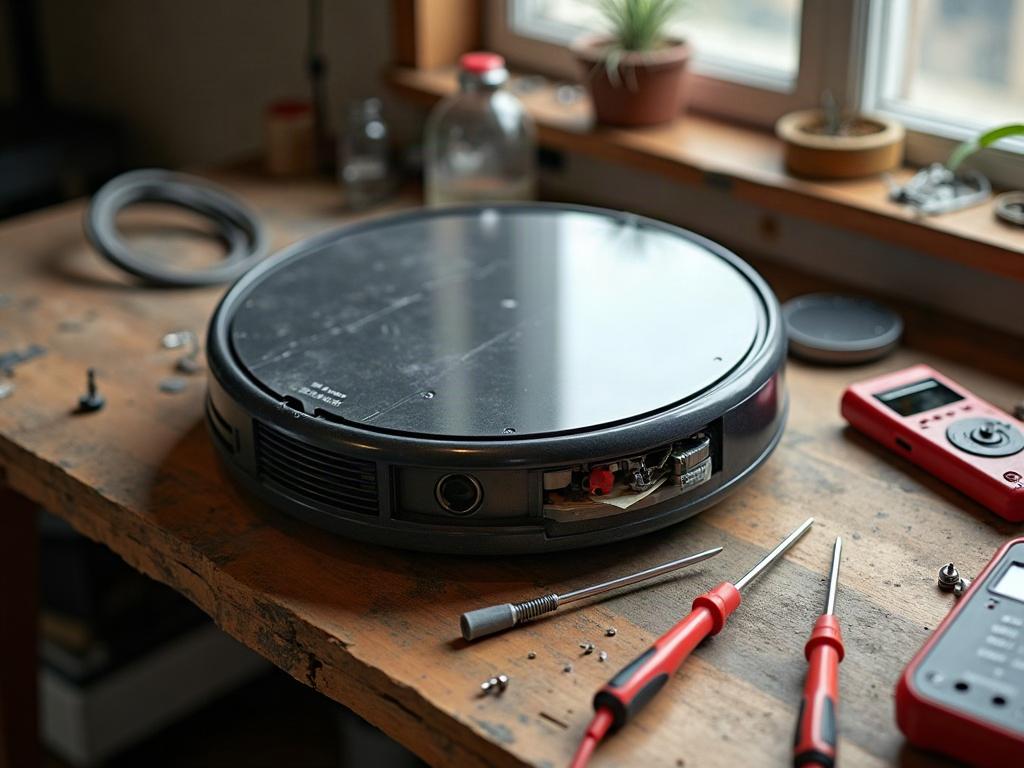
How to Fix a Robot Vacuum Brush That’s Not Spinning
The first step is to inspect the brush for any tangles, hair, or debris that may be preventing it from spinning freely. Carefully remove the brush and use a spudger or small flat tool to gently remove any obstructions.
- Power off the robot vacuum and remove it from the charging dock.
- Flip the robot vacuum over and locate the brush compartment, usually secured with a few Phillips #1 screws.
- Remove the screws and the brush compartment cover to expose the brush.
- Inspect the brush for any tangled hair, string, or debris. Carefully use a spudger or small flat tool to remove any obstructions.
- Once the brush is clear, replace the compartment cover and secure it with the screws.
- Power on the robot vacuum and test the brush to ensure it is now spinning freely.

What If the Brush Still Won’t Spin?
If the brush is still not spinning after cleaning, there may be a more serious issue, such as a faulty motor or sensor. In this case, you may need to contact the manufacturer for further troubleshooting or a replacement part.
Differences Between Robot Vacuum Brands
The process for accessing and cleaning the brush can vary slightly between different robot vacuum brands and models. For example, some Roborock models may require removing additional panels or components to reach the brush, while Roomba vacuums often have a more straightforward brush access design.
| Brand | Brush Access |
|---|---|
| Roomba | Brush compartment is easily accessible by removing a few screws on the bottom of the robot. |
| Roborock | May require removing additional panels or components to reach the brush, depending on the model. |
| Shark | Brush compartment is located on the bottom and can be accessed by removing a few screws. |
Preventing Future Brush Issues
To prevent future brush-related issues, it’s important to regularly clean and maintain your robot vacuum’s brush. This includes removing any hair, string, or debris that may become tangled in the brush. It’s also a good idea to replace the brush every 6-12 months, depending on usage, to ensure optimal cleaning performance.
Frequently Asked Questions
Why is my robot vacuum brush not spinning?
The most common reason for a robot vacuum’s brush not spinning is a tangled or clogged brush. This can be caused by hair, string, or other debris getting caught in the brush, preventing it from rotating freely.
How do I fix a robot vacuum brush that’s not spinning?
To fix a robot vacuum brush that’s not spinning, first power off the device and remove it from the charging dock. Then, locate the brush compartment, remove any obstructions, and reassemble the vacuum. Test the brush to ensure it’s now spinning freely.
How do I clean a robot vacuum brush?
To clean a robot vacuum brush, first power off the device and remove the brush from the compartment. Use a spudger or small flat tool to gently remove any hair, string, or debris that may be tangled in the brush. Wipe the brush clean with a dry cloth and reinstall it.
How often should I replace my robot vacuum brush?
It’s generally recommended to replace your robot vacuum’s brush every 6-12 months, depending on usage. A worn or damaged brush can reduce the vacuum’s cleaning performance, so it’s important to replace it regularly.
Can I manually spin the brush on my robot vacuum?
Yes, you can manually spin the brush on your robot vacuum, but this should only be done as a diagnostic step. If the brush is not spinning on its own, there may be an underlying issue that needs to be addressed.
What should I do if my robot vacuum’s brush is still not spinning after cleaning?
If the brush is still not spinning after cleaning, there may be a more serious issue, such as a faulty motor or sensor. In this case, you should contact the manufacturer for further troubleshooting or a replacement part.
How can I prevent future issues with my robot vacuum’s brush?
To prevent future issues with your robot vacuum’s brush, be sure to regularly clean and maintain it. This includes removing any hair, string, or debris that may become tangled in the brush. Replacing the brush every 6-12 months can also help ensure optimal cleaning performance.