
If your robot vacuum’s dustbin is causing problems, such as filling up too quickly, getting stuck, or not closing properly, there are a few troubleshooting steps you can take to diagnose and fix the issue. As the Senior Robotics Technician and DIY Appliance Repair Specialist for SmartVacFix.com, I’ll guide you through the process step-by-step.
⚙️ SmartVacFix™ Diagnostic Triage
Primary Symptom: Dustbin is full too quickly, won’t empty, or is stuck in the vacuum
Tools & Parts Required: Phillips #1 screwdriver, soft-bristle brush, compressed air, and potentially an OEM replacement dustbin
Repair vs. Replace: In many cases, the dustbin can be cleaned and maintained for free. However, if the dustbin is damaged or worn, you may need to order a replacement part.
Safety Warning: Always power off your robot vacuum and remove it from the charging dock before performing any maintenance or repairs.
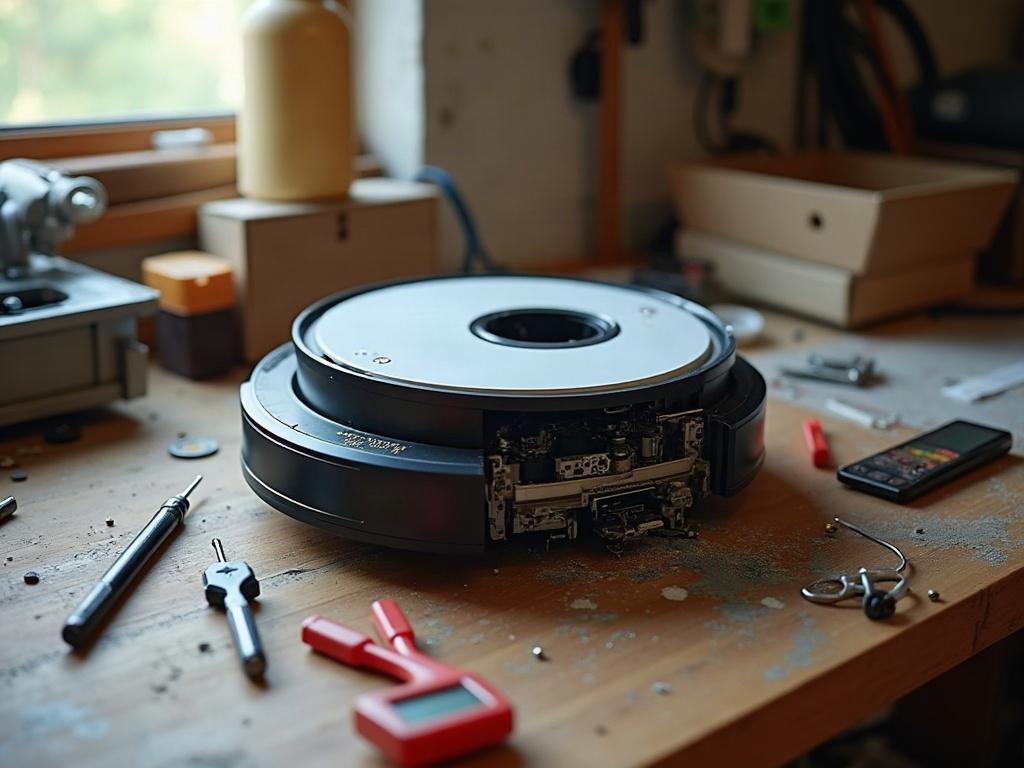
Why Is My Robot Vacuum’s Dustbin Always Full?
The most common reason for a robot vacuum’s dustbin filling up too quickly is a buildup of debris, hair, and dust. Over time, the filters and sensors in the dustbin can become clogged, reducing the vacuum’s suction power and causing the bin to fill up faster than normal.
How to Clean the Dustbin on a Robot Vacuum
To clean the dustbin, follow these steps:
- Power off the robot vacuum and remove it from the charging dock.
- Locate the dustbin release button or lever and detach the dustbin from the vacuum.
- Empty the contents of the dustbin into the trash.
- Use a soft-bristle brush or compressed air to gently remove any debris or hair from the filters and sensors inside the dustbin.
- Wipe down the interior and exterior of the dustbin with a clean, dry cloth.
- Reattach the dustbin to the robot vacuum, making sure it clicks into place securely.
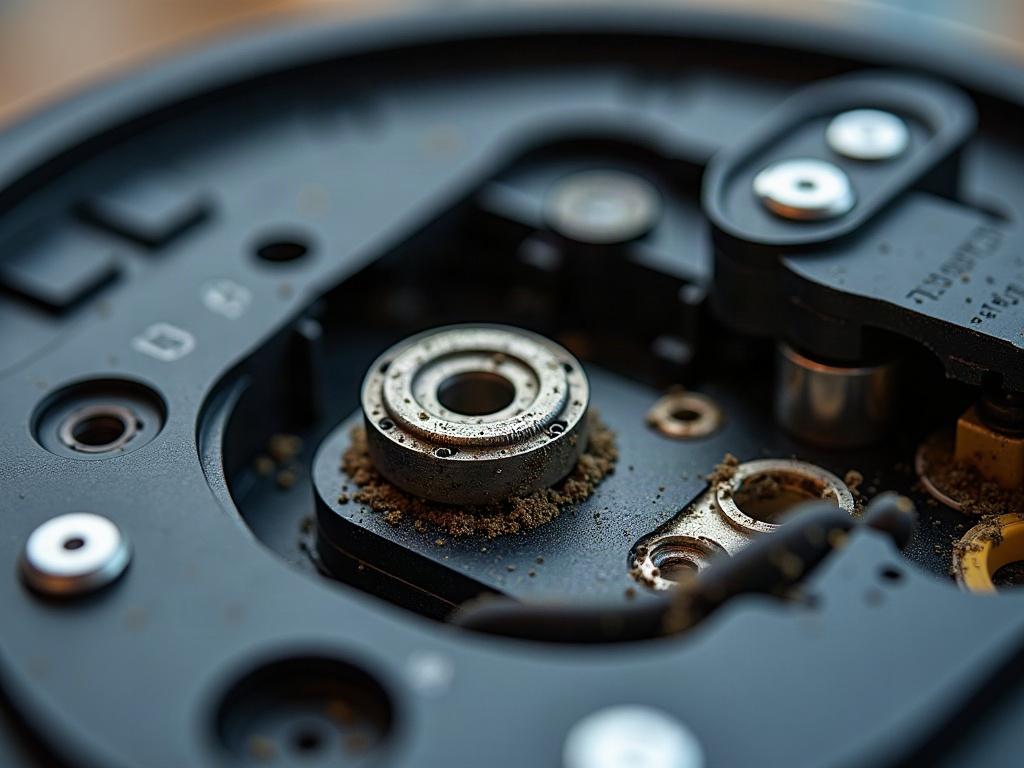
What If the Dustbin Won’t Close or Is Stuck?
If the dustbin is not closing properly or seems to be stuck, there may be an issue with the dustbin latch or the vacuum’s internal mechanisms. Try the following:
- Power off the robot vacuum and remove it from the charging dock.
- Detach the dustbin and inspect the latch or release mechanism for any debris or damage.
- Use a Phillips #1 screwdriver to remove the bottom plate of the vacuum, exposing the internal components.
- Check for any obstructions or jammed parts that may be preventing the dustbin from closing correctly.
- Carefully clear any debris or hair from the internal mechanisms, being careful not to damage any sensors or wiring.
- Reassemble the vacuum, making sure all parts are properly aligned and secured.
Preventing Dustbin Issues in the Future
To help prevent future dustbin problems, it’s important to regularly maintain and clean your robot vacuum. Here are some tips:
- Empty the dustbin after each cleaning cycle, or when it’s about half full.
- Clean the filters and sensors in the dustbin at least once a month, using a soft-bristle brush or compressed air.
- Check the dustbin for any cracks, warping, or damage, and replace it if necessary.
- Avoid running your robot vacuum on high-pile carpets or in areas with a lot of pet hair, as this can quickly clog the dustbin.
Frequently Asked Questions
How do I know if I need to replace the dustbin?
If the dustbin is cracked, warped, or no longer sealing properly, it’s time to replace it. You can usually find OEM replacement dustbins available from the manufacturer or third-party retailers.
Can I wash the dustbin in the dishwasher?
It’s generally not recommended to wash the dustbin in the dishwasher, as the high heat and harsh detergents can damage the filters and sensors. Instead, hand-wash the dustbin with mild soap and water, and allow it to air dry completely before reattaching it to the vacuum.
Why is my robot vacuum’s dustbin always full, even after I’ve emptied it?
If the dustbin is filling up too quickly, even after cleaning, it could be a sign of a larger issue, such as a clogged filter, a malfunctioning suction motor, or a problem with the vacuum’s navigation sensors. In this case, you may need to consult the manufacturer’s troubleshooting guide or contact their customer support for further assistance.
How often should I clean the dustbin on my robot vacuum?
It’s generally recommended to empty the dustbin after each cleaning cycle, or when it’s about half full. Additionally, you should clean the filters and sensors in the dustbin at least once a month, or more frequently if you have pets or use the vacuum in particularly dusty environments.
Can I use a third-party replacement dustbin for my robot vacuum?
Yes, in many cases you can use a third-party replacement dustbin, as long as it’s designed to be compatible with your specific robot vacuum model. However, it’s always best to check with the manufacturer or consult the user manual to ensure that a third-party part will fit and function properly.
What should I do if my robot vacuum’s dustbin is damaged?
If the dustbin is cracked, warped, or otherwise damaged, it’s best to replace it with an OEM (original equipment manufacturer) replacement part. Using a damaged dustbin can lead to further issues, such as reduced suction power or debris escaping the vacuum.
How can I tell if my robot vacuum’s dustbin sensors are malfunctioning?
If your robot vacuum is constantly reporting that the dustbin is full, even after you’ve emptied it, it could be a sign that the dustbin sensors are not functioning properly. You may need to consult the manufacturer’s troubleshooting guide or contact their customer support for further assistance.