
If your robot vacuum’s filter is causing problems, the first step is to replace it. The robot vacuum filter replacement is a common maintenance task that can restore performance and prevent further issues. In this guide, I’ll walk you through the steps to diagnose, clean, and replace the filter on your robot vacuum, whether it’s a Roomba, Roborock, Shark, or Eufy model.
⚙️ SmartVacFix™ Diagnostic Triage
Primary Symptom: Reduced suction power, increased noise, or visible debris in the filter.
Tools & Parts Required: Replacement filter (check your model’s specifications), Phillips #1 screwdriver, and a soft-bristle brush or compressed air.
Repair vs. Replace: In most cases, the filter can be cleaned and reused, but replacement is recommended every 6-12 months for optimal performance.
Safety Warning: Power off the robot vacuum and remove it from the charging dock before flipping it over or accessing the filter compartment.
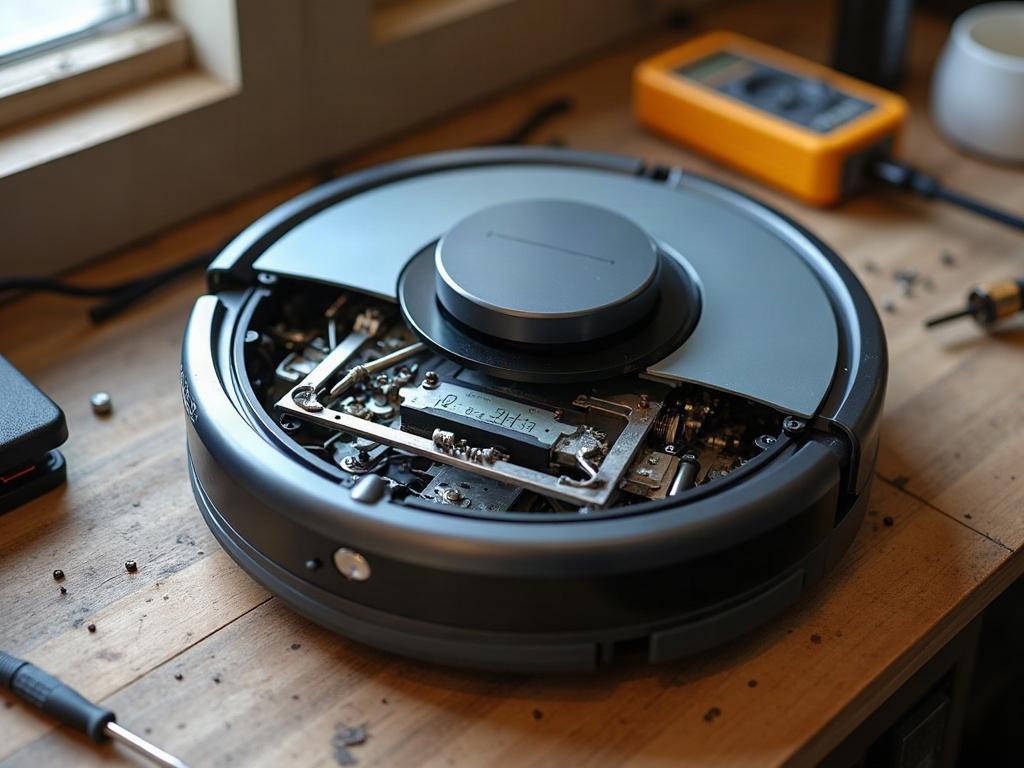
How to Clean and Replace a Robot Vacuum Filter
The first step is to locate the filter compartment on your robot vacuum. This is typically on the underside of the unit, behind a removable panel. Consult your owner’s manual if you’re unsure of the exact location.
- Power off the robot vacuum and remove it from the charging dock.
- Flip the robot vacuum over and locate the filter compartment cover. Use a Phillips #1 screwdriver to remove any screws holding the cover in place.
- Gently remove the filter from the compartment. Inspect it for any visible debris or damage.
- If the filter is dirty, use a soft-bristle brush or a can of compressed air to clean it. Avoid washing the filter, as this can damage the delicate material.
- If the filter is damaged or heavily soiled, replace it with a new OEM filter designed for your specific robot vacuum model.
- Reinstall the filter, making sure it is seated properly in the compartment.
- Replace the filter compartment cover and secure it with the screws.
- Power on the robot vacuum and test it to ensure the filter is installed correctly and the suction power has been restored.
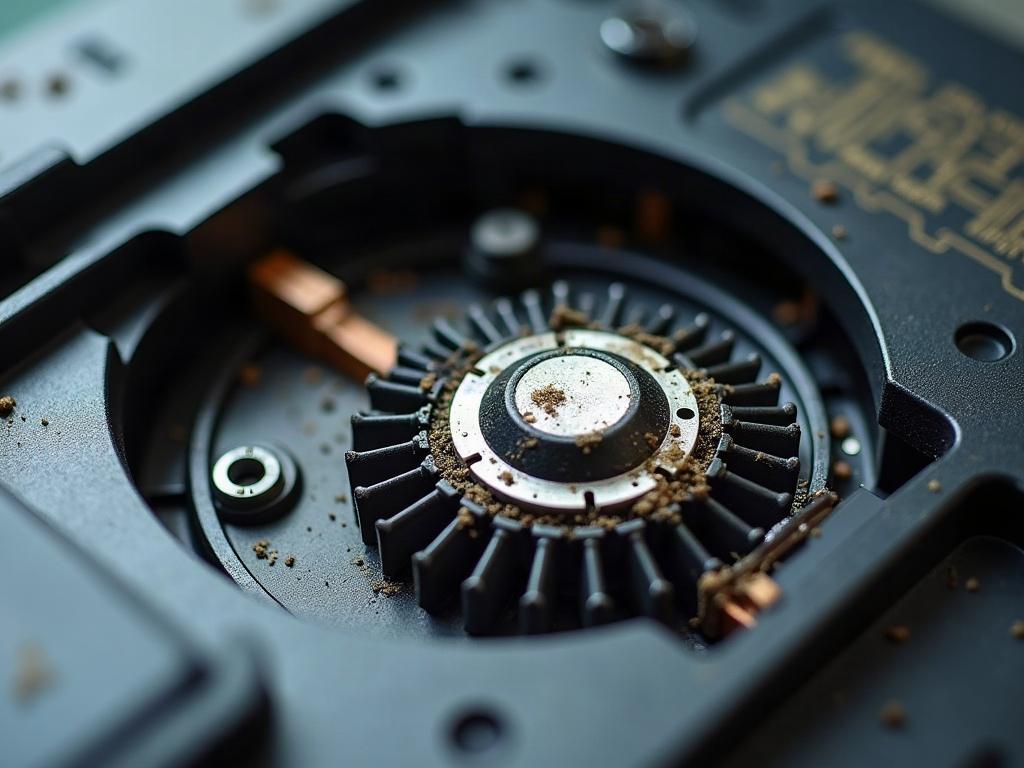
Differences by Brand and Model
While the general filter replacement process is similar across robot vacuum brands and models, there may be some variations in the specific steps:
| Brand | Filter Location | Filter Type |
|---|---|---|
| Roomba | Rear of the robot | Felt or HEPA filter |
| Roborock | Bottom of the robot | Dual-layer filter |
| Shark | Rear of the robot | Foam and felt filter |
| Eufy | Bottom of the robot | Washable sponge filter |
Be sure to consult your robot vacuum’s owner’s manual or the manufacturer’s website for specific instructions on locating and replacing the filter for your model.
Preventing Future Filter Problems
To keep your robot vacuum’s filter in top condition and prevent future issues, follow these maintenance tips:
- Clean the filter regularly (every 2-4 weeks) using a soft-bristle brush or compressed air.
- Replace the filter every 6-12 months, or as recommended by the manufacturer.
- Avoid washing the filter, as this can damage the delicate material.
- Check the filter for any signs of wear or damage, and replace it if necessary.
- Make sure the filter is properly installed and seated in the compartment before use.
Frequently Asked Questions
How often should I replace my robot vacuum filter?
Most manufacturers recommend replacing the filter every 6-12 months, or more frequently if it becomes heavily soiled or damaged. Consult your owner’s manual or the manufacturer’s website for the recommended replacement schedule for your specific model.
Can I wash my robot vacuum filter?
It’s generally not recommended to wash the filter, as this can damage the delicate material and reduce its effectiveness. Instead, use a soft-bristle brush or compressed air to clean the filter.
What happens if my robot vacuum filter is clogged?
A clogged filter can reduce the suction power of your robot vacuum, causing it to work harder and less efficiently. This can also lead to increased noise and visible debris in the filter. Regularly cleaning or replacing the filter is important to maintain optimal performance.
How do I know if my robot vacuum filter needs to be replaced?
Signs that your robot vacuum filter needs to be replaced include reduced suction power, increased noise, and visible debris or damage to the filter itself. If the filter appears heavily soiled or damaged, it’s time to replace it with a new OEM filter.
Can I use a generic filter in my robot vacuum?
While it’s possible to use a generic filter, it’s generally recommended to use the OEM (original equipment manufacturer) filter designed for your specific robot vacuum model. OEM filters are engineered to fit properly and provide optimal performance for your device.
How do I clean a robot vacuum filter?
To clean a robot vacuum filter, use a soft-bristle brush or a can of compressed air to gently remove any visible debris. Avoid washing the filter, as this can damage the delicate material.
What should I do if my robot vacuum’s filter is damaged?
If the filter is damaged, it’s best to replace it with a new OEM filter designed for your specific robot vacuum model. Using a damaged filter can reduce the device’s suction power and overall performance.