
As the Senior Robotics Technician and DIY Appliance Repair Specialist for SmartVacFix.com, I’m here to provide you with a clear, safe, and highly technical yet accessible guide to repairing your malfunctioning robot vacuum. Whether you have a Roomba, Roborock, Shark, or Eufy, I’ll walk you through the diagnostic steps and repair paths to get your smart home helper back in top shape.
⚙️ SmartVacFix™ Diagnostic Triage
Primary Symptom: The robot vacuum is not powering on or responding to the dock or remote.
Tools & Parts Required: Phillips #1 screwdriver, replacement battery pack (if needed)
Repair vs. Replace: This issue can likely be resolved with a simple battery replacement or reset, avoiding the need for a full replacement.
Safety Warning: Power off the robot vacuum and remove it from the charging dock before attempting any repairs.
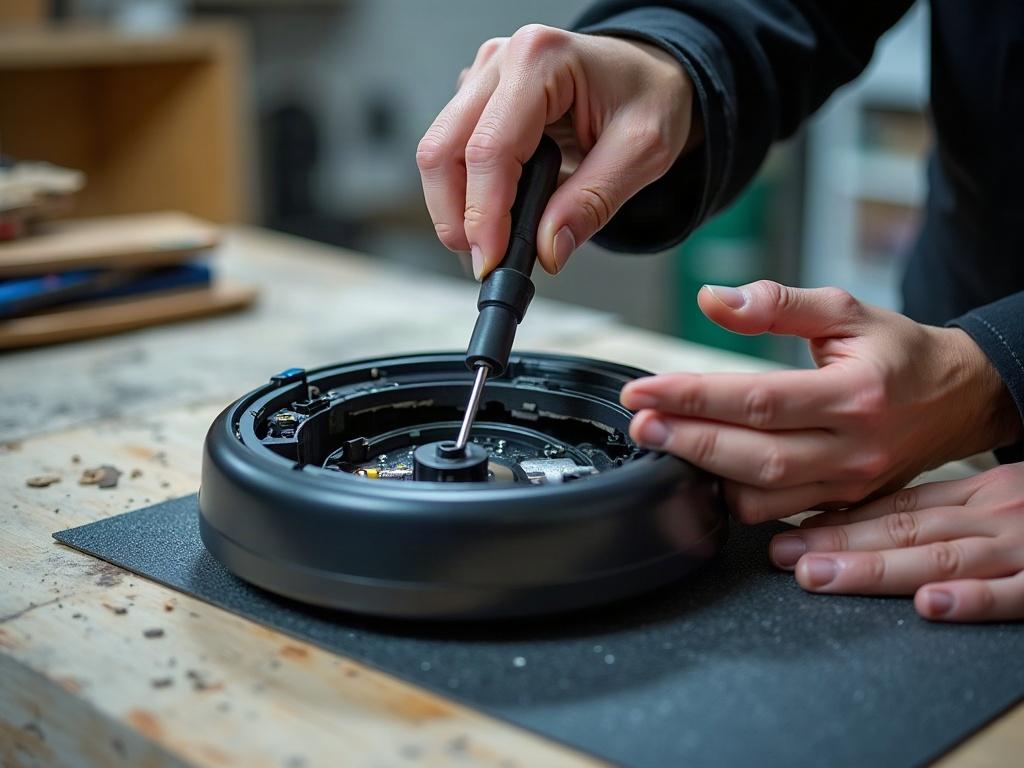
Why Isn’t My Robot Vacuum Powering On?
The most common reason a robot vacuum won’t power on is a drained or faulty battery. Over time, the rechargeable battery pack inside the device can lose its ability to hold a charge, preventing the vacuum from starting up. Fortunately, this is usually a straightforward fix.
How to Replace the Battery in Your Robot Vacuum
- Power off the robot vacuum and remove it from the charging dock.
- Locate the battery compartment, often on the underside of the device. This may require removing the bottom plate or access panel.
- Carefully disconnect the old battery pack, taking note of the connector orientation.
- Insert the replacement battery pack, ensuring it is properly aligned and secured.
- Reassemble the robot vacuum and return it to the charging dock.
- Allow the new battery to fully charge before powering on and testing the vacuum.
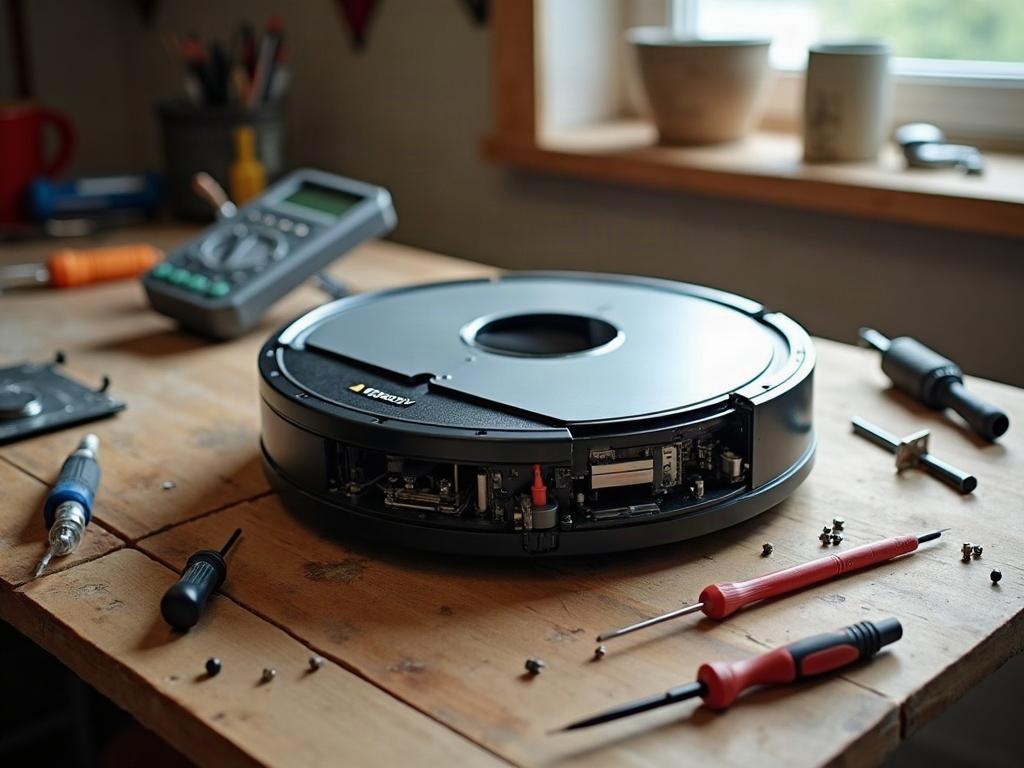
What If the Battery Isn’t the Issue?
If replacing the battery doesn’t resolve the power-on problem, there may be a more complex issue with the robot vacuum’s internal electronics or sensors. This could include:
| Brand | Potential Issue | Repair Approach |
|---|---|---|
| Roomba | Faulty cliff sensors or wheel encoders | Inspect and clean the sensors, replace if necessary |
| Roborock | Malfunctioning LiDAR turret or navigation system | Consult the manufacturer’s troubleshooting guide, may require professional repair |
| Shark | Damaged motherboard or control board | This likely requires replacement by a qualified technician |
Maintaining Your Robot Vacuum’s Longevity
To help extend the lifespan of your robot vacuum, be sure to:
- Regularly clean the brushes, sensors, and wheels to prevent buildup and interference.
- Replace the battery pack every 12-18 months, even if it still seems to be working.
- Avoid letting the robot vacuum run on low battery for extended periods, as this can degrade the battery over time.
- Follow the manufacturer’s recommended maintenance schedule and use only approved replacement parts.
Frequently Asked Questions
How long do robot vacuums typically last?
Most robot vacuums have an average lifespan of 3-5 years with proper care and maintenance. Factors like usage frequency, battery health, and environmental conditions can all impact the longevity of these smart home appliances.
Can I replace the battery in my robot vacuum myself?
Yes, in most cases you can replace the battery pack in your robot vacuum yourself. Just be sure to power off the device, remove it from the charging dock, and handle the battery with care to avoid any safety issues.
How do I know when it’s time to replace my robot vacuum?
Signs that it may be time to replace your robot vacuum include reduced battery life, decreased suction power, frequent error codes, and an inability to reliably navigate and clean your home. If basic troubleshooting and maintenance don’t resolve these issues, it’s likely time for a new unit.
Can I use a third-party battery in my robot vacuum?
It’s generally recommended to use the battery pack specified by the manufacturer for your particular robot vacuum model. Third-party batteries may not be a perfect fit or provide the same level of performance and safety as the OEM part.
How do I reset my robot vacuum if it’s not working?
The reset process can vary by brand and model, but typically involves pressing and holding a specific button combination for 10-30 seconds while the device is powered on. Consult your owner’s manual or the manufacturer’s website for the exact reset procedure.
What’s the best way to store my robot vacuum when not in use?
When not actively cleaning, store your robot vacuum on the charging dock to keep the battery maintained. Avoid leaving it in direct sunlight or extreme temperatures, as this can degrade the battery over time.
Can I upgrade my robot vacuum’s software or firmware?
Some robot vacuum models allow you to update the firmware through a mobile app or by connecting the device to a computer. Check with the manufacturer to see if any software updates are available that could improve performance or fix known issues.