
If your robot vacuum’s motor is malfunctioning, causing issues like erratic movement, loud noises, or a complete failure to start, there are a few key troubleshooting steps you can take to diagnose and potentially fix the problem. As the Senior Robotics Technician at SmartVacFix.com, I’ll guide you through the process to get your robot vacuum back in working order.
⚙️ SmartVacFix™ Diagnostic Triage
Primary Symptom: Robot vacuum motor making loud grinding or whirring noises, or the motor not starting at all.
Tools & Parts Required: Phillips #1 screwdriver, spudger or plastic pry tool, and potentially an OEM replacement motor part.
Repair vs. Replace: In many cases, the motor can be cleaned and reset, but a full replacement may be required if the motor is irreparably damaged.
Safety Warning: Always power off the robot vacuum and remove it from the charging dock before attempting any repairs or maintenance.
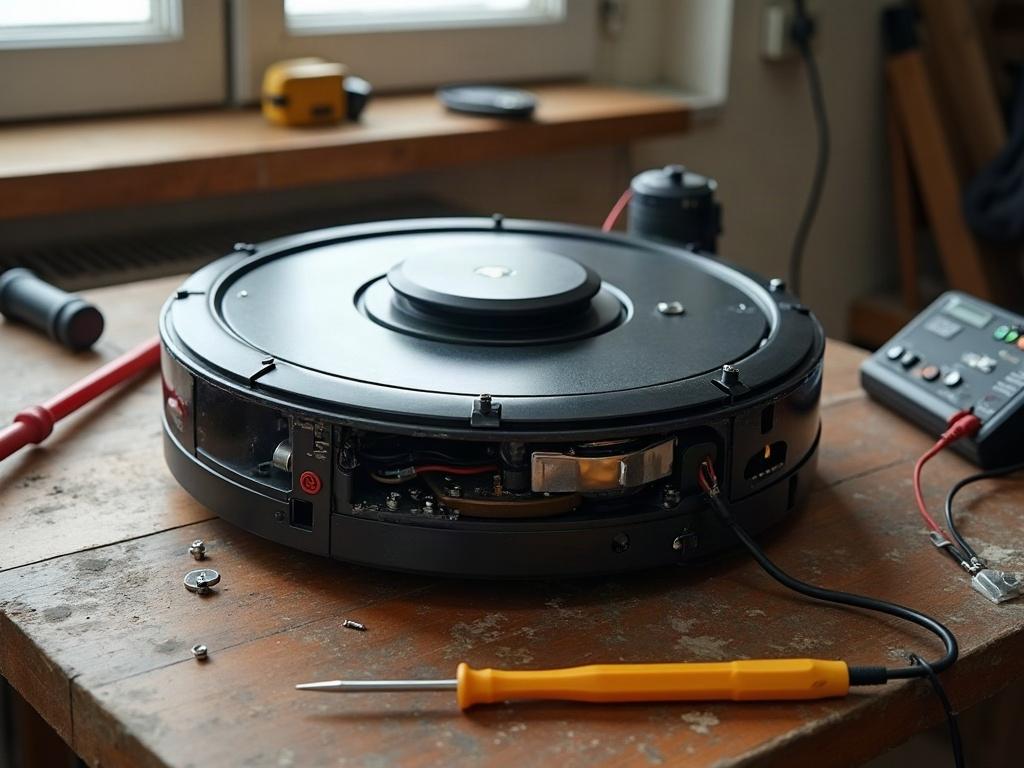
What Causes a Robot Vacuum Motor to Fail?
The most common reasons for a robot vacuum motor failure include:
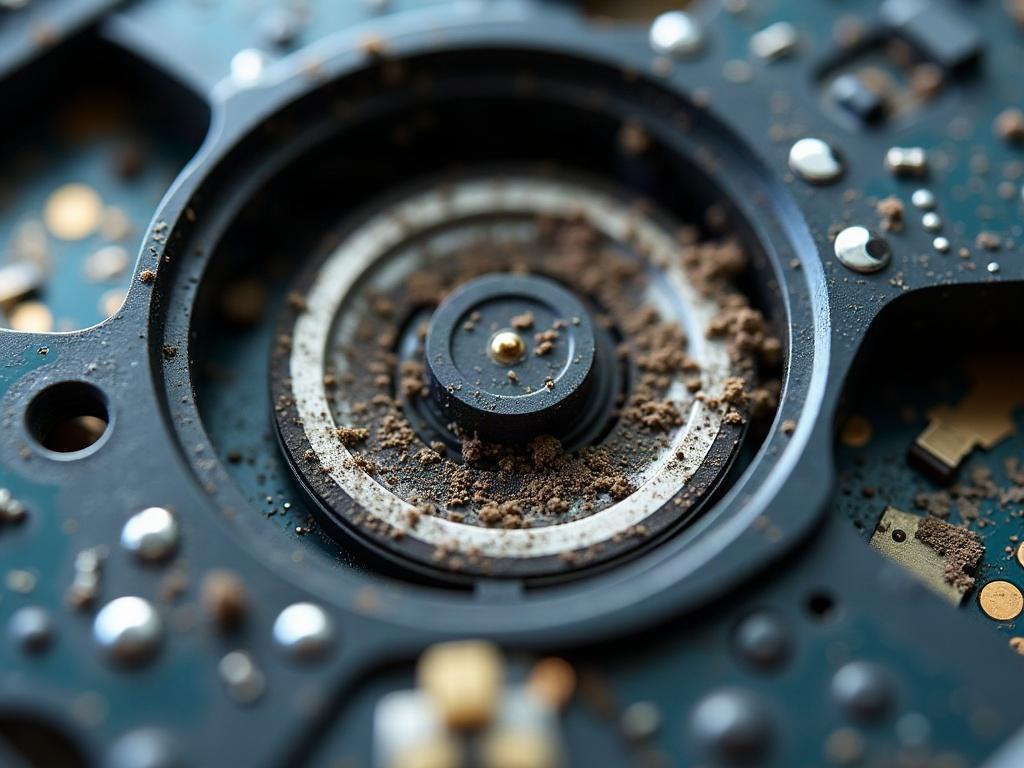
- Debris buildup around the motor shaft or gears, causing increased friction and strain
- Worn-out or damaged motor bearings from extended use
- Electrical issues like a short circuit or faulty motor controller board
- Physical damage to the motor from drops, impacts, or other accidents
How to Diagnose a Malfunctioning Robot Vacuum Motor
The first step is to power off the robot vacuum and flip it over to access the bottom plate. Use a Phillips #1 screwdriver to remove the screws and carefully lift off the plate. Inspect the motor area for any obvious signs of debris, damage, or wear. If you see anything unusual, that’s likely the source of the problem.
Next, try manually rotating the motor shaft with your fingers. It should spin freely without any grinding or catching. If it feels stuck or difficult to turn, the motor bearings may be worn out.
Cleaning and Resetting the Robot Vacuum Motor
If the motor looks clear of debris and spins freely, the issue may be an electrical or software problem. Try these steps:
- Use a spudger or plastic pry tool to gently disconnect the motor’s electrical connector from the motherboard.
- Wait 30 seconds, then reconnect the motor. This can sometimes reset the motor controller and resolve minor glitches.
- Use compressed air to carefully blow out any dust or debris around the motor shaft and gears.
- Reassemble the robot vacuum and test the motor again.
Replacing a Faulty Robot Vacuum Motor
If the motor is still malfunctioning after cleaning and resetting, it may need to be replaced. This process varies slightly by brand and model, but generally involves:
- Fully disassembling the robot vacuum to access and remove the old motor.
- Carefully aligning and installing the new OEM replacement motor.
- Reassembling the vacuum and testing the new motor for proper operation.
Differences by Brand and Model
The specific steps for diagnosing and repairing a robot vacuum motor can vary depending on the brand and model:
| Brand | Motor Diagnostic Differences | Repair Differences |
|---|---|---|
| Roomba | Roomba models use a brushed DC motor that may exhibit more wear over time. | Roomba motors are typically easier to access and replace. |
| Roborock | Roborock models use a brushless DC motor, which is more efficient but can be more complex to diagnose. | Roborock motors may require more disassembly to access and replace. |
| Shark | Shark robot vacuums often display specific error codes related to motor issues. | Shark motors may have unique mounting or connector requirements. |
Preventing Future Robot Vacuum Motor Problems
To help extend the life of your robot vacuum’s motor, be sure to:
- Regularly clean the vacuum’s brushes, wheels, and other moving parts to prevent debris buildup.
- Avoid running the vacuum on high-pile carpets or over large debris that could strain the motor.
- Store the robot in a cool, dry place when not in use to prevent moisture damage.
- Replace the motor or other worn parts as recommended by the manufacturer.
Frequently Asked Questions
How long do robot vacuum motors typically last?
Most robot vacuum motors have a lifespan of 2-4 years with regular use and proper maintenance. However, this can vary significantly based on factors like usage, environment, and care.
Can I clean a robot vacuum motor myself?
Yes, in many cases you can carefully clean the motor yourself using compressed air and a soft brush to remove any dust or debris. Just be sure to power off the device and remove it from the charging dock first.
How do I know if my robot vacuum needs a new motor?
Signs that your robot vacuum needs a new motor include loud grinding noises, erratic or sluggish movement, and a complete failure to start or run. If the motor shaft is difficult to turn by hand, that’s another indicator the motor may need to be replaced.
Can I replace just the motor in a robot vacuum?
Yes, in most cases you can replace just the motor without needing to replace the entire robot vacuum. OEM replacement motors are available for most major brands and models.
What happens if a robot vacuum motor fails completely?
If the motor completely fails, the robot vacuum will be unable to move or perform its cleaning functions. The vacuum may display an error code or simply not power on at all.
How do I reset a robot vacuum motor?
To reset a robot vacuum motor, power off the device, disconnect the motor’s electrical connector, wait 30 seconds, then reconnect it. This can sometimes clear minor electrical or software issues affecting the motor.
Can I lubricate a robot vacuum motor?
It’s generally not recommended to lubricate the motor directly, as that can attract more dust and debris over time. Instead, focus on keeping the overall vacuum clean and free of obstructions to minimize strain on the motor.