
If your robot vacuum is making a strange or concerning noise, the likely culprit is a clogged brush, stuck wheel, or damaged component. The good news is many of these issues can be easily fixed at home with just a few tools. Let’s walk through the diagnostic steps and repair paths to get your robot vacuum running smoothly again.
⚙️ SmartVacFix™ Diagnostic Triage
Primary Symptom: Loud grinding, clicking, or rattling noise coming from the robot vacuum
Tools & Parts Required: Phillips #1 screwdriver, soft-bristle brush, compressed air, and potentially an OEM replacement part like a new brush roll or wheel assembly
Repair vs. Replace: Many strange noises can be resolved by cleaning or replacing a worn part, but in some cases, the robot may need to be replaced if the issue is with the motherboard or other core components.
Safety Warning: Always power off the robot vacuum and remove it from the charging dock before flipping it over or accessing the internal components.
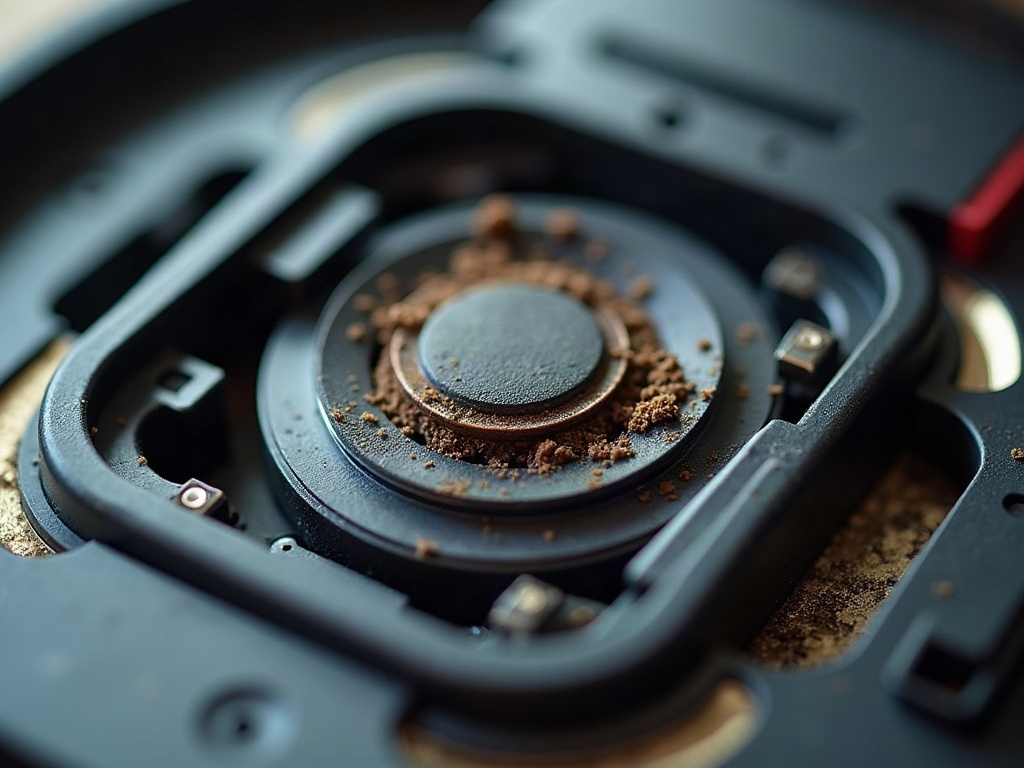
Why is my robot vacuum making a strange noise?
The most common causes of strange noises in robot vacuums are a clogged or damaged brush roll, a stuck or malfunctioning wheel, or an issue with the suction fan or motor. These problems can create grinding, clicking, rattling, or other concerning sounds.
How do I fix a robot vacuum making a loud noise?
- Power off the robot vacuum and remove it from the charging dock.
- Flip the robot over and remove the bottom access panel, usually secured with a few Phillips #1 screwdrivers.
- Inspect the brush roll for any hair, string, or debris wrapped around it. Use a soft-bristle brush or compressed air to clean it.
- Check the wheels to ensure they spin freely without any obstructions.
- Examine the suction fan and motor for any visible damage or blockages.
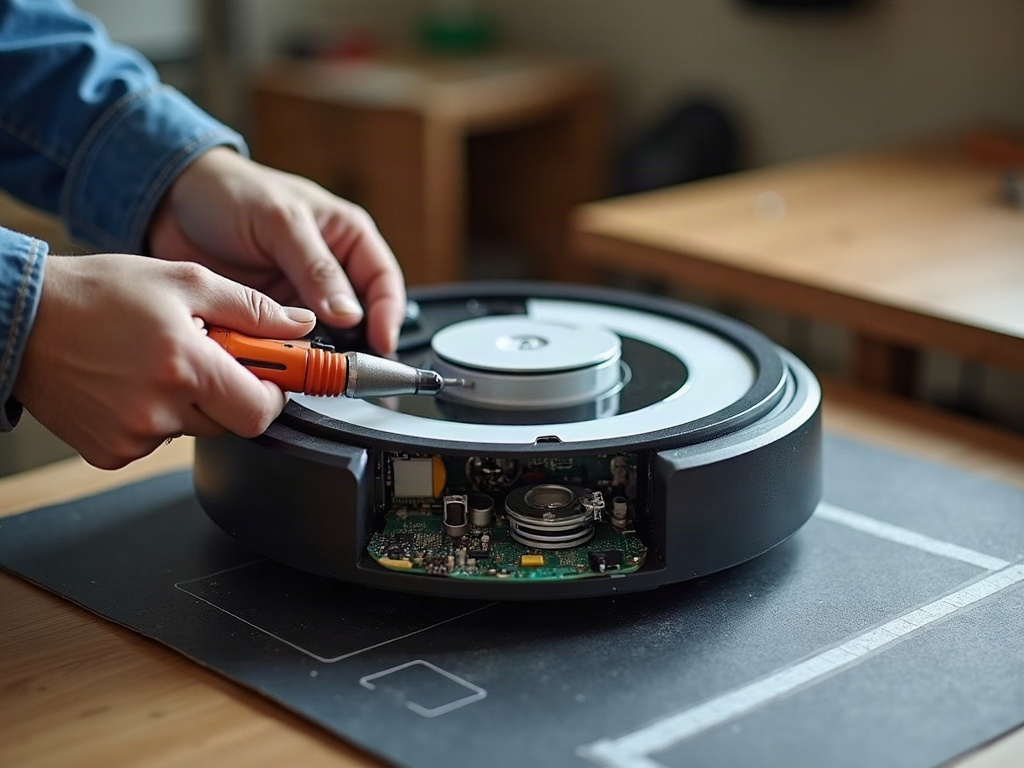
What if the noise is coming from a specific component?
If the noise seems to be originating from a particular part, you may need to replace that component:
- Brush Roll: A worn or damaged brush roll can cause grinding or clicking noises. Order an OEM replacement part.
- Wheels: Stuck or malfunctioning wheels may create rattling or scraping sounds. Replace the wheel assembly if needed.
- Suction Fan: A failing suction fan motor can produce a high-pitched whirring or humming noise. This likely requires a professional repair.
How do I troubleshoot a robot vacuum making a beeping noise?
Beeping or chirping noises usually indicate an error code or sensor issue. Check your robot vacuum’s manual or companion app for any error code information. Common problems include:
- Cliff Sensors: Dirty or malfunctioning cliff sensors can cause beeping. Gently clean the sensors with a soft cloth.
- Wheel Encoders: Issues with the wheel encoders may trigger beeping. Try resetting the robot or replacing the wheel assembly.
- LiDAR Turret: On models with laser navigation, a stuck or obstructed LiDAR turret can cause beeping. Ensure the turret spins freely.
Frequently Asked Questions
Will replacing parts void my robot vacuum’s warranty?
Replacing wear items like the brush roll or wheels typically won’t void the warranty, as long as you use OEM parts. Attempting to repair the motherboard or other core components may void the warranty, so check with the manufacturer first.
Should I use aftermarket parts or stick with OEM?
For safety and reliability, it’s best to use OEM (original equipment manufacturer) replacement parts when available. Aftermarket parts may not fit or function properly, potentially causing further damage.
My robot vacuum is making a strange noise, but it still cleans well. Should I worry?
Strange noises, even if the robot is still cleaning effectively, can indicate a developing issue that will likely worsen over time. It’s best to address the problem proactively before it leads to a more serious failure.