
If your robot vacuum’s battery is no longer holding a charge or the device is not powering on, it’s likely time to replace the battery. As the Senior Robotics Technician at SmartVacFix.com, I’ll guide you through the safe and effective steps to replace the battery in your robot vacuum, whether it’s a Roomba, Roborock, Shark, or Eufy model.
⚙️ SmartVacFix™ Diagnostic Triage
Primary Symptom: The robot vacuum is not powering on or the battery indicator light is flashing, indicating a depleted or faulty battery.
Tools & Parts Required: Phillips #1 screwdriver, replacement battery compatible with your specific robot vacuum model.
Repair vs. Replace: In most cases, the battery can be replaced rather than requiring a full robot vacuum replacement.
Safety Warning: Power off the robot vacuum and remove it from the charging dock before attempting any repairs. Avoid puncturing or damaging the battery wrapper.
How to Replace the Battery in a Robot Vacuum
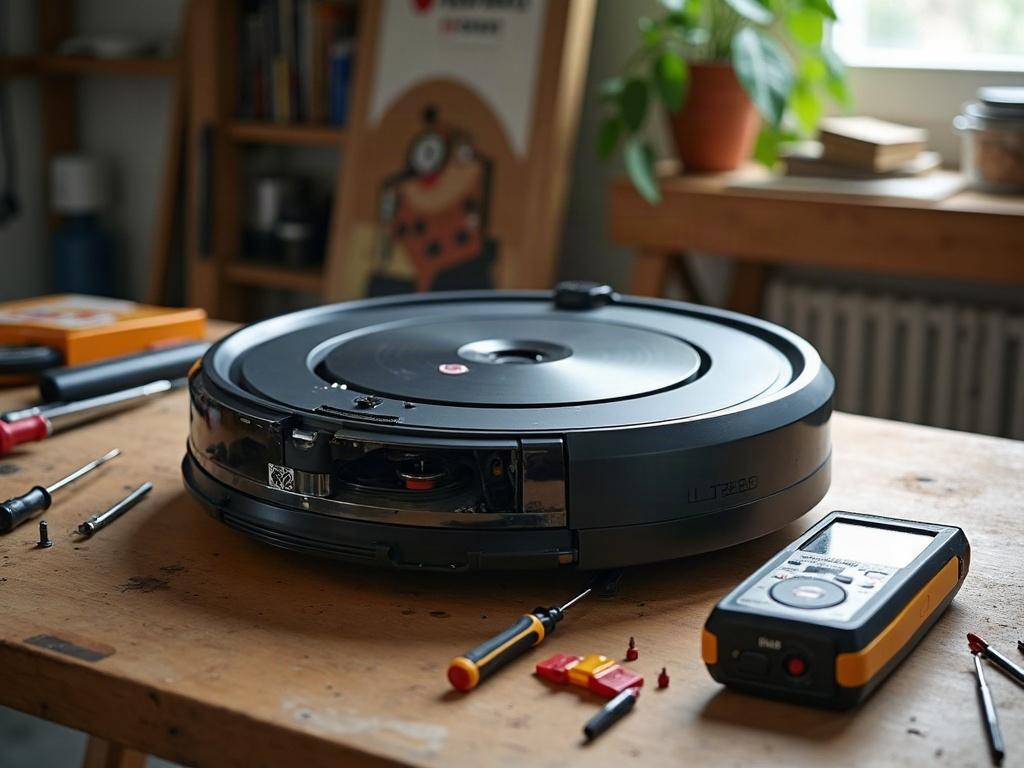
Replacing the battery in your robot vacuum is a straightforward process that can restore your device’s cleaning performance. Follow these step-by-step instructions:
- Power off the robot vacuum and remove it from the charging dock.
- Flip the robot vacuum over and locate the bottom access panel, usually secured with Phillips #1 screws.
- Remove the screws and carefully lift off the bottom panel to expose the internal components, including the battery pack.
- Disconnect the battery connector cable from the mainboard, taking note of the cable routing and connector orientation.
- Gently remove the old battery pack and set it aside for proper disposal.
- Insert the new replacement battery pack, ensuring the connector cable is properly aligned and seated.
- Replace the bottom access panel and secure it with the Phillips #1 screws.
- Power on the robot vacuum and place it on the charging dock to fully charge the new battery.
Differences in Battery Replacement by Brand and Model
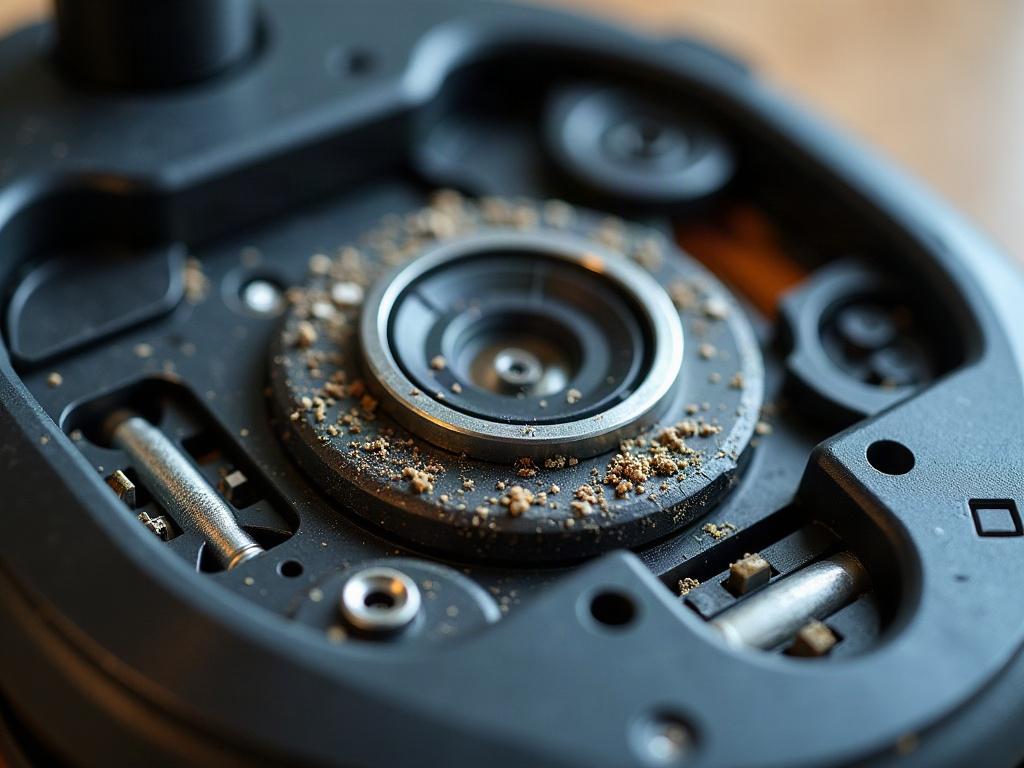
While the general steps for replacing a robot vacuum battery are similar, the specific process can vary depending on the brand and model:
| Brand | Battery Replacement Notes |
|---|---|
| Roomba | Roomba models often have the battery pack located under a snap-on cover, rather than secured with screws. The battery connector may also be a different type. |
| Roborock | Roborock robot vacuums typically have the battery pack integrated into the main body, requiring more disassembly to access and replace. |
| Shark | Shark robot vacuums usually have the battery pack located in a dedicated compartment, making it easier to access and replace. |
| Eufy | Eufy robot vacuums often have the battery pack secured with screws and may require disconnecting additional cables or components to fully remove the battery. |
Maintaining Your Robot Vacuum’s Battery
To extend the lifespan of your robot vacuum’s battery, follow these maintenance tips:
- Keep the robot vacuum’s charging contacts and dock clean to ensure proper charging.
- Avoid letting the battery fully discharge before recharging, as this can degrade the battery over time.
- Store the robot vacuum at room temperature when not in use, as extreme temperatures can harm the battery.
- Replace the battery every 12-18 months or when the runtime starts to significantly decrease.
Frequently Asked Questions
How do I know when to replace my robot vacuum’s battery?
If your robot vacuum is not powering on or the battery indicator light is flashing, it’s likely time to replace the battery. You may also notice a significant decrease in runtime or the robot vacuum not holding a charge as long as it used to.
What type of battery does my robot vacuum use?
Most robot vacuums use a rechargeable lithium-ion (Li-ion) battery pack. The specific battery type and voltage can vary by brand and model, so check your owner’s manual or contact the manufacturer to ensure you get the correct replacement.
Can I replace the battery in my robot vacuum myself?
Yes, in most cases you can replace the battery in your robot vacuum yourself, as long as you follow the proper safety precautions and have the right replacement part. Just be sure to power off the device and handle the battery carefully to avoid any damage.
How long do robot vacuum batteries typically last?
Robot vacuum batteries generally last 12-18 months with regular use and proper maintenance. However, factors like usage frequency, charging habits, and storage conditions can impact the battery’s lifespan.
Where can I buy a replacement battery for my robot vacuum?
You can purchase a replacement battery directly from the robot vacuum manufacturer or from authorized third-party retailers that sell compatible OEM parts. Be sure to get a battery that is specifically designed for your make and model of robot vacuum.
Is it worth it to replace the battery in my robot vacuum?
In most cases, yes, it is worth replacing the battery in your robot vacuum rather than buying a new device. Replacement batteries are generally affordable, and the process is straightforward, allowing you to extend the life of your robot vacuum.
How do I properly dispose of my old robot vacuum battery?
Robot vacuum batteries contain lithium-ion cells, which should be recycled or disposed of properly. Check with your local waste management authority or the manufacturer for guidance on the best way to recycle or safely dispose of your old battery.