
If your robot vacuum is going in circles, the likely culprit is a problem with the navigation sensors or wheel encoders. This can be a simple fix, but it’s important to diagnose the issue correctly before attempting any repairs. Let’s walk through the steps to get your robot vacuum back on track.
⚙️ SmartVacFix™ Diagnostic Triage
Primary Symptom: Robot vacuum is stuck in a circular motion, unable to navigate properly.
Tools & Parts Required: Phillips #1 screwdriver, spudger, and potentially an OEM replacement part (e.g., wheel, sensor).
Repair vs. Replace: Many circular motion issues can be resolved by cleaning or resetting the robot. If a sensor or wheel is damaged, a replacement part may be required.
Safety Warning: Always power off the robot vacuum and remove it from the charging dock before attempting any repairs.
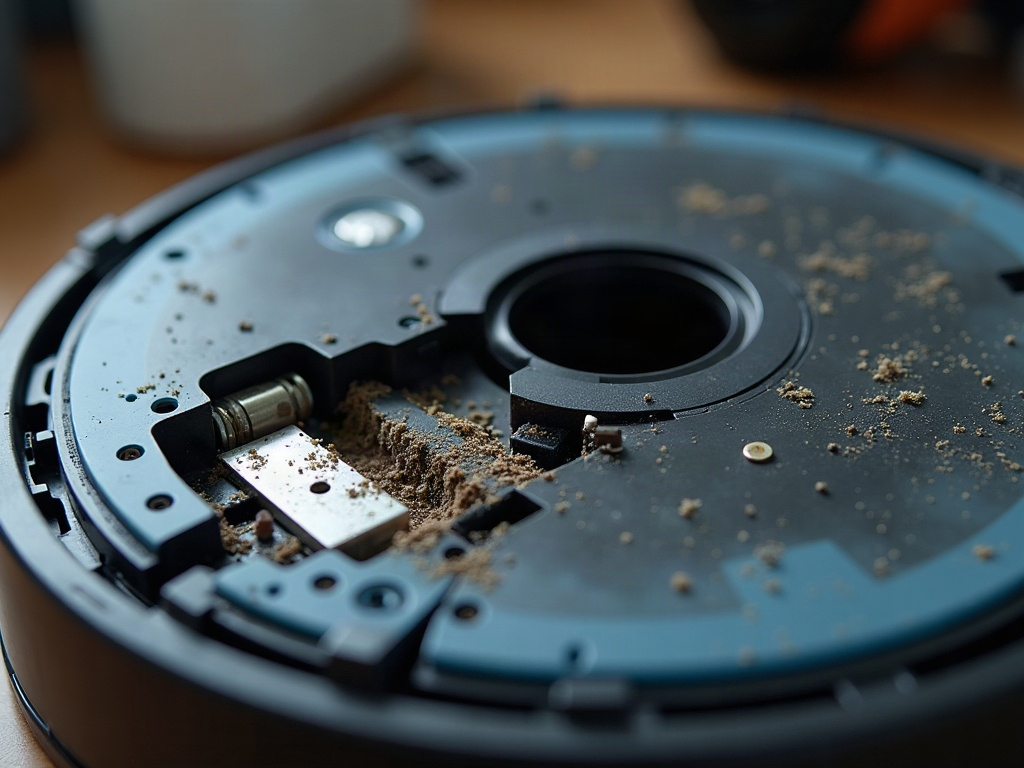
Why is my robot vacuum going in circles?
The most common reasons for a robot vacuum going in circles are issues with the navigation sensors, wheel encoders, or wheel motors. The sensors may be blocked or misaligned, or the wheels may not be spinning properly, causing the robot to lose its sense of direction and get stuck in a circular pattern.
How to fix a robot vacuum going in circles
- Power off the robot vacuum and remove it from the charging dock.
- Flip the robot over and remove the bottom cover using a Phillips #1 screwdriver.
- Inspect the cliff sensors and wheel encoders for any dirt, debris, or damage. Clean them gently with a spudger or compressed air.
- Check the wheel motors to ensure they are spinning freely without any obstructions.
- If the wheels or sensors appear damaged, you may need to replace the affected parts. Consult your manufacturer’s instructions or contact customer support for replacement part details.
- Reassemble the robot vacuum, power it on, and test the navigation. If the issue persists, you may need to perform a factory reset or update the mapping software.
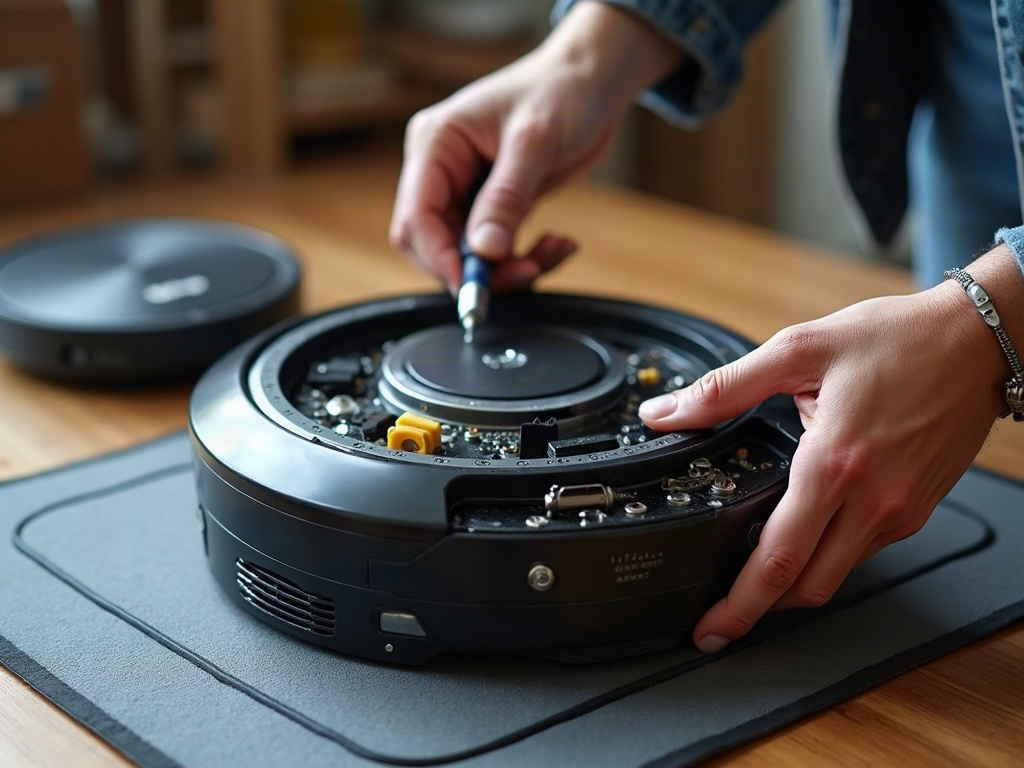
Differences by brand and model
The specific repair process may vary slightly depending on your robot vacuum’s brand and model. For example, some models use LiDAR navigation instead of camera-based sensors, which may require different troubleshooting steps. Consult your manufacturer’s documentation or contact customer support for brand-specific guidance.
| Brand | Navigation Sensors | Repair Considerations |
|---|---|---|
| Roomba | Camera-based | May require cleaning the camera lens and resetting the navigation system. |
| Roborock | LiDAR turret | Ensure the LiDAR turret is spinning freely and not obstructed. |
| Shark | Camera-based | Check for any damage to the camera housing or lens. |
| Eufy | Camera-based | May need to update the mapping software if the robot is getting confused. |
Frequently Asked Questions
Will replacing parts void my warranty?
Replacing certain parts like the wheels or sensors may void your warranty, so it’s best to check with the manufacturer before attempting any repairs. They can provide guidance on which parts can be safely replaced without voiding the warranty.
Should I use OEM or aftermarket parts?
For the best results and to ensure compatibility, it’s recommended to use OEM (original equipment manufacturer) replacement parts from your robot vacuum’s brand. Aftermarket parts may not fit properly or work as intended.
How do I reset my robot vacuum?
The reset process can vary by model, but typically involves pressing a combination of buttons or holding down a reset button for several seconds. Consult your owner’s manual or the manufacturer’s website for the specific reset instructions for your robot vacuum.