
If your robot vacuum is not working properly, the first step is to diagnose the specific issue. Check for any error codes displayed on the device or in the companion app. Common problems include a malfunctioning cliff sensor, a worn-out brush roll, or a depleted battery. With the right troubleshooting steps and replacement parts, many robot vacuum repairs can be done at home.
⚙️ SmartVacFix™ Diagnostic Triage
Primary Symptom: The robot vacuum is not powering on or responding to commands.
Tools & Parts Required: Phillips #1 screwdriver, replacement battery pack (if needed)
Repair vs. Replace: This issue can likely be resolved by replacing the battery pack, which is a straightforward DIY repair.
Safety Warning: Power off the robot vacuum and remove it from the charging dock before attempting any repairs.
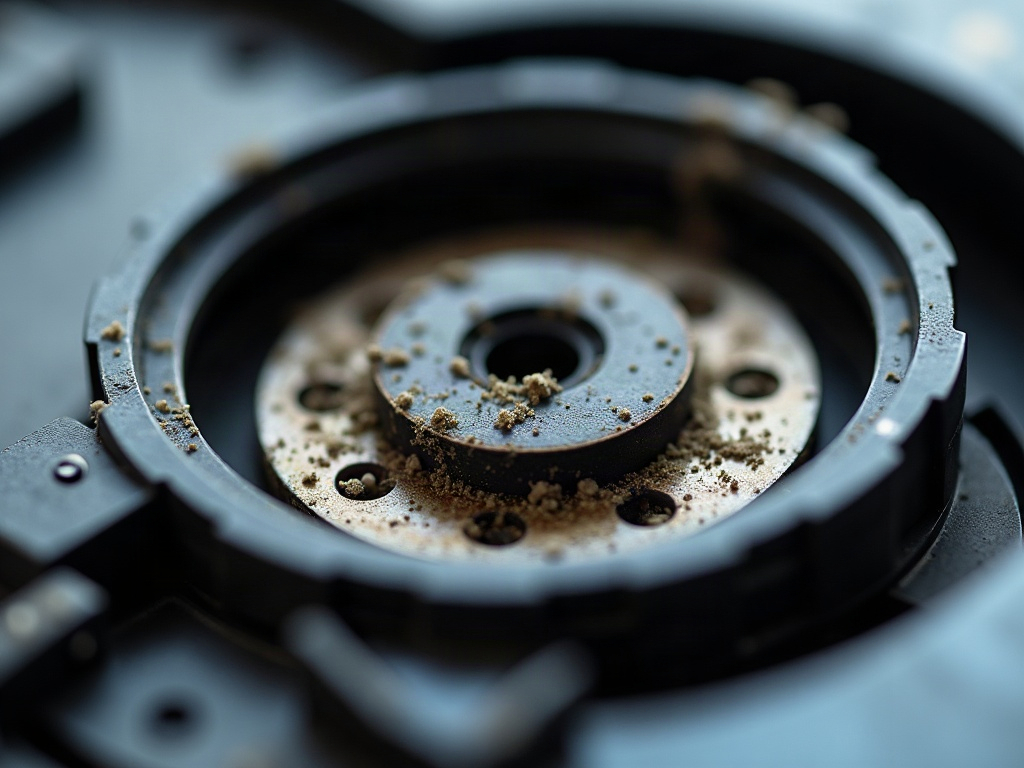
How to Replace a Robot Vacuum Battery
If your robot vacuum is not powering on, the first thing to check is the battery. Over time, rechargeable batteries can lose their ability to hold a charge. Fortunately, replacing the battery is a relatively simple process on most models.
- Power off the robot vacuum and remove it from the charging dock.
- Locate the battery compartment, usually on the underside of the device. Use a Phillips #1 screwdriver to remove the cover.
- Carefully disconnect the old battery pack and remove it from the compartment.
- Insert the new replacement battery pack, making sure the connectors are properly aligned.
- Replace the battery compartment cover and secure it with the screws.
- Power on the robot vacuum and allow it to fully charge before use.
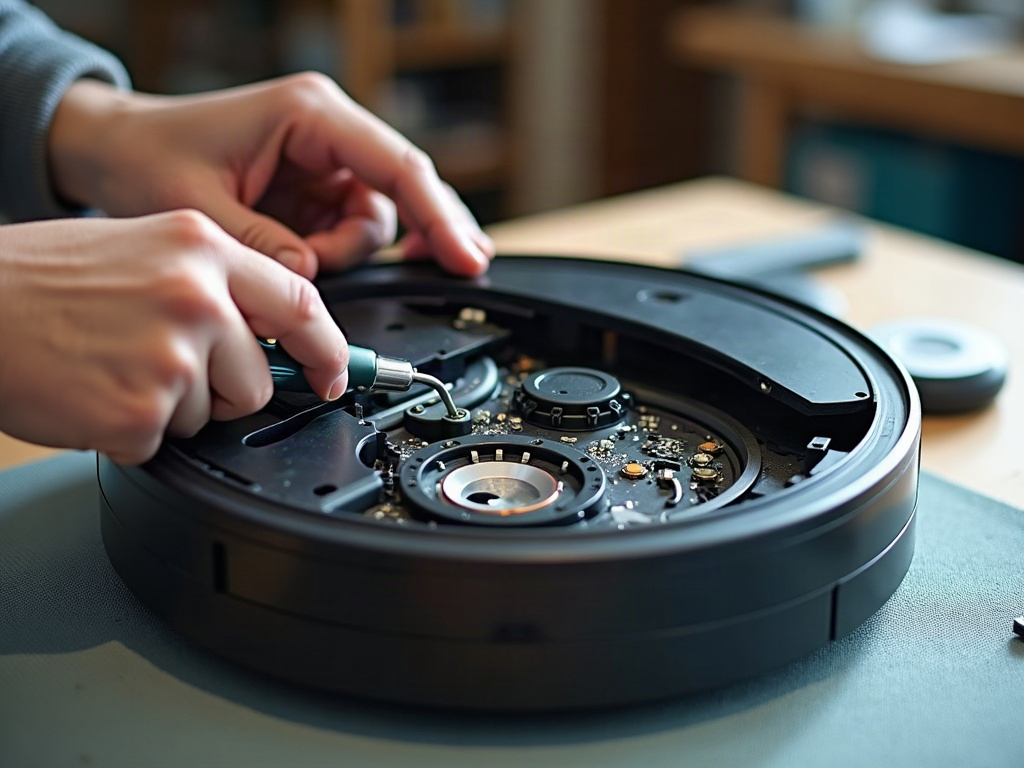
Troubleshooting Other Robot Vacuum Issues
If your robot vacuum is still not functioning properly after replacing the battery, there are a few other common problems to investigate:
Malfunctioning Cliff Sensors
Robot vacuums use cliff sensors to detect stairs and ledges, preventing the device from falling. If these sensors are dirty or damaged, the vacuum may think it’s approaching a cliff and refuse to operate. Carefully clean the sensors with a soft cloth or compressed air.
Clogged or Worn Brush Roll
The rotating brush roll on the bottom of the robot vacuum can become clogged with hair and debris or wear down over time. This can impede the vacuum’s cleaning performance. Remove the brush roll and clean or replace it as needed.
Navigational Issues
Some robot vacuums use camera-based navigation, while others rely on LiDAR sensors. If the vacuum is having trouble mapping or navigating your home, consult the manufacturer’s troubleshooting guide for model-specific steps.
Preventive Maintenance for Robot Vacuums
To keep your robot vacuum running smoothly, it’s important to perform regular maintenance. This includes:
- Emptying the dustbin after each use
- Cleaning the filter and brushes monthly
- Checking for and removing any tangled hair or debris
- Inspecting the wheels and sensors for wear or damage
Frequently Asked Questions
How do I reset my robot vacuum?
To reset your robot vacuum, locate the reset button, usually on the underside of the device. Press and hold the reset button for 10-15 seconds until the vacuum powers off, then power it back on. This will clear any error codes or settings and restore the vacuum to its default factory configuration.
Can I replace the battery in my robot vacuum myself?
Yes, in most cases you can replace the battery in your robot vacuum yourself. Refer to the manufacturer’s instructions or our guide above for the specific steps. Be sure to power off the device and remove it from the charging dock before attempting any repairs.
How do I clean the sensors on my robot vacuum?
To clean the sensors on your robot vacuum, use a soft, dry cloth or a can of compressed air. Gently wipe away any dust or debris that has accumulated on the cliff sensors, wheel sensors, or other navigation sensors. Avoid using liquids, as this could damage the sensitive electronic components.
What are the most common robot vacuum problems?
Some of the most common robot vacuum problems include a dead battery, clogged or worn brushes, malfunctioning sensors, and navigational issues. Following the manufacturer’s maintenance recommendations and troubleshooting steps can help resolve these problems.
How do I know if my robot vacuum needs a new battery?
If your robot vacuum is not powering on or running for significantly less time than it used to, it’s likely time to replace the battery. You may also see an error code or notification in the companion app indicating a battery issue.
Can I repair a robot vacuum myself?
Yes, many robot vacuum repairs can be done at home with the right tools and instructions. Simple fixes like replacing the battery or cleaning the sensors are often DIY-friendly. More complex issues, such as repairing the main board or motor, may require professional service.
How often should I replace the filter in my robot vacuum?
The frequency of filter replacement can vary depending on the model and your home environment, but a good rule of thumb is to replace the filter every 2-3 months or as needed. Check your robot vacuum’s manual for the manufacturer’s recommended filter replacement schedule.