
If your robot vacuum’s water tank is not working properly, the issue is likely due to a clogged or malfunctioning tank, sensor, or pump. The good news is that many of these problems can be fixed with some basic troubleshooting and DIY repair steps. As the Senior Robotics Technician at SmartVacFix.com, I’ll guide you through the most common robot vacuum water tank problems and how to resolve them safely.
⚙️ SmartVacFix™ Diagnostic Triage
Primary Symptom: The robot vacuum’s water tank is not filling, leaking, or not dispensing water as expected.
Tools & Parts Required: Phillips #1 screwdriver, soft cloth, compressed air, and potentially an OEM replacement water tank or pump.
Repair vs. Replace: Many water tank issues can be resolved through cleaning and troubleshooting. However, a damaged or malfunctioning tank or pump may require replacement.
Safety Warning: Power off the robot vacuum and remove it from the charging dock before flipping it over or accessing the internal components.
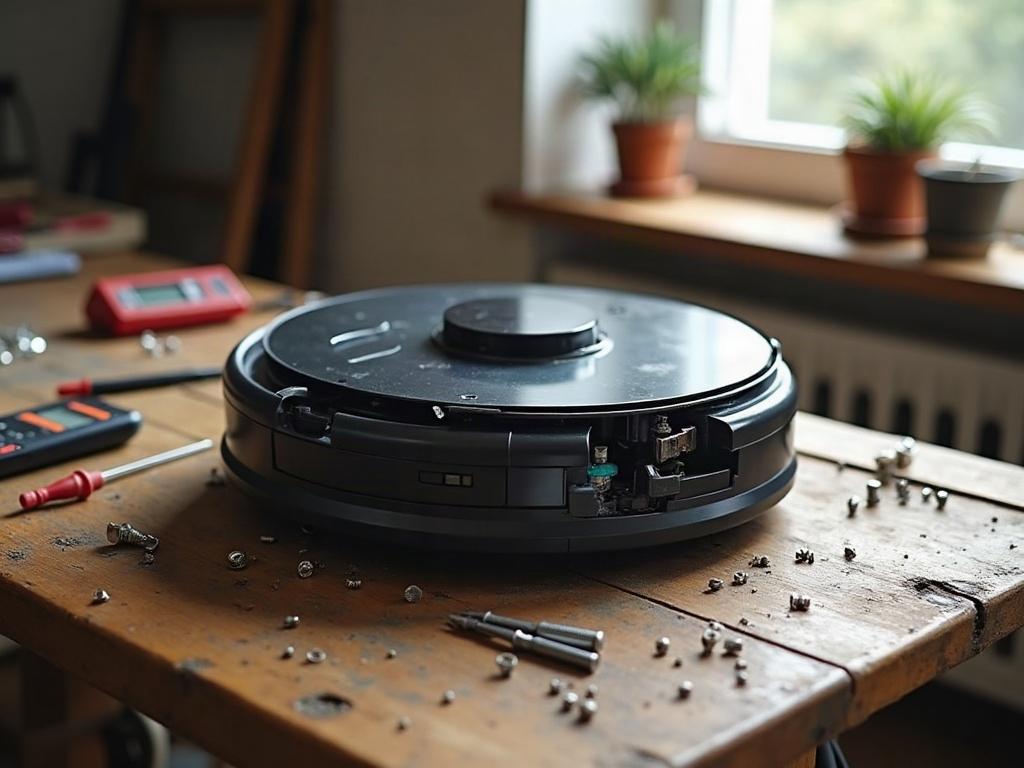
Troubleshooting a Clogged or Malfunctioning Water Tank
The first step is to inspect the water tank for any visible clogs, debris, or damage. Remove the tank and check for blockages in the inlet, outlet, or internal tubing. Use a soft cloth and compressed air to gently clean any obstructions.
- Power off the robot vacuum and remove it from the charging dock.
- Locate and remove the water tank by pressing the release button or sliding it out.
- Visually inspect the tank for any visible clogs, debris, or damage to the inlet, outlet, or internal tubing.
- Use a soft cloth to wipe down the interior of the tank and remove any visible debris.
- Blow compressed air through the inlet and outlet ports to clear any remaining blockages.
- Reinsert the cleaned water tank and power on the robot vacuum to test the functionality.
Checking the Water Tank Sensors
If the tank appears clean but the robot still isn’t detecting or dispensing water properly, the issue may be with the tank sensors. These sensors tell the vacuum when the tank is full, empty, or malfunctioning.
- Power off the robot vacuum and remove it from the charging dock.
- Locate the water tank sensors, usually near the tank’s inlet or outlet ports.
- Use a soft cloth to gently wipe down the sensor surfaces, removing any dust or debris.
- Inspect the sensor connections for any damage or loose wiring.
- If the sensors appear clean and intact, the issue may be with the tank’s internal pump or electronics.
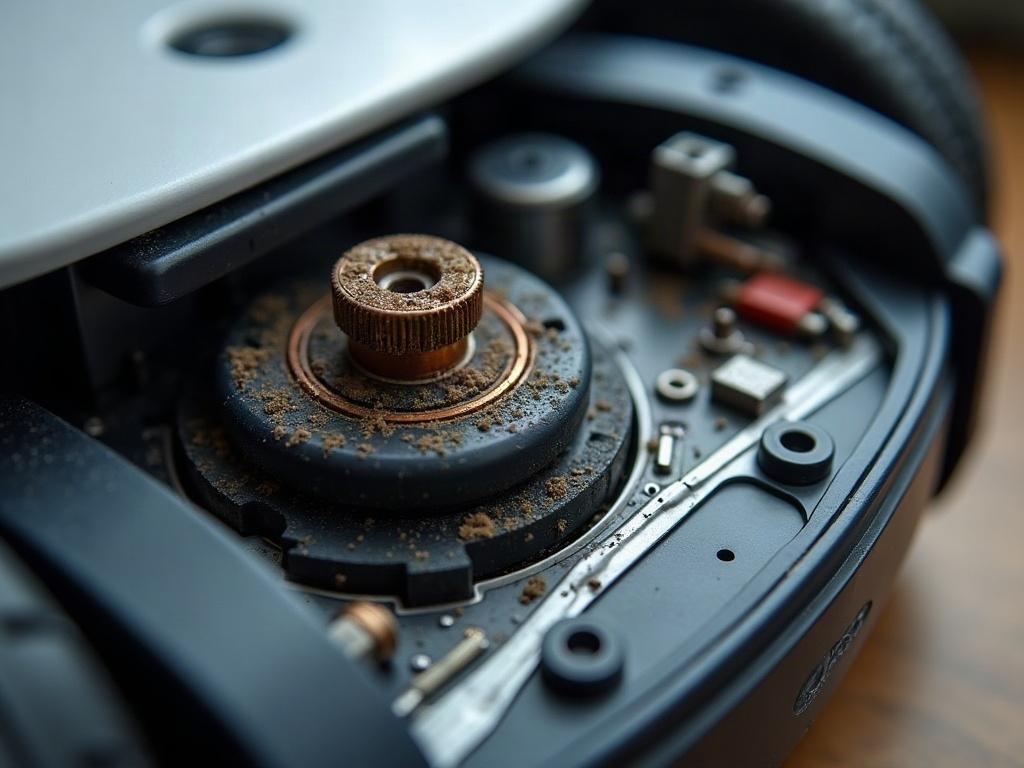
Replacing a Malfunctioning Water Tank or Pump
If the water tank and sensors are clean but the robot vacuum still can’t properly fill, empty, or dispense water, the issue may be with a faulty tank or pump. In this case, you’ll need to replace the affected component.
- Power off the robot vacuum and remove it from the charging dock.
- Locate and remove the water tank, following the steps from the previous sections.
- Inspect the tank for any cracks, leaks, or other visible damage.
- If the tank is damaged, order a compatible OEM replacement part from the manufacturer.
- If the tank appears intact, the issue may be with the internal water pump.
- Consult your robot vacuum’s service manual or contact the manufacturer for guidance on accessing and replacing the water pump.
- Install the new tank or pump, following all safety precautions and the manufacturer’s instructions.
Preventing Future Water Tank Issues
To help avoid water tank problems in the future, be sure to regularly clean and maintain your robot vacuum’s water system. This includes:
- Emptying and cleaning the water tank after each use.
- Checking the tank, sensors, and tubing for any clogs or debris buildup.
- Replacing the water filter (if applicable) according to the manufacturer’s recommendations.
- Storing the robot vacuum with the water tank removed and dried out.
Frequently Asked Questions
Why is my robot vacuum’s water tank not filling up?
If the water tank is not filling, the issue is likely due to a clogged inlet, malfunctioning water pump, or faulty tank sensors. Start by inspecting the tank for any visible blockages, then check the sensor surfaces and connections.
How do I clean the water tank on my robot vacuum?
To clean the water tank, first power off the robot and remove the tank. Use a soft cloth to wipe down the interior, and blow compressed air through the inlet and outlet ports to clear any debris. Avoid submerging the tank in water.
Can I replace the water tank on my robot vacuum?
Yes, you can typically replace a damaged or malfunctioning water tank with a compatible OEM replacement part from the manufacturer. Consult your robot vacuum’s service manual or contact customer support for the correct replacement tank.
How do I prevent water leaks in my robot vacuum?
To prevent water leaks, be sure to properly insert and secure the water tank, check for any cracks or damage, and avoid overfilling the tank. Regularly clean the tank and sensors to maintain optimal performance.
What should I do if my robot vacuum’s water tank is clogged?
If the water tank is clogged, first power off the robot and remove the tank. Use a soft cloth and compressed air to gently clean out any visible debris or blockages in the inlet, outlet, and internal tubing.
How do I troubleshoot a robot vacuum water tank that’s not working?
Start by inspecting the water tank for any clogs or damage, then check the sensor surfaces and connections. If the tank and sensors appear clean, the issue may be with the internal water pump, which may need to be replaced.
What are some common robot vacuum water tank accessories?
Common water tank accessories include replacement filters, cleaning brushes, and extended-capacity tanks. Check with your robot vacuum’s manufacturer for compatible accessories that can help maintain and optimize your water system.