
If your robot vacuum is experiencing short runtime, the likely culprit is a worn-out or malfunctioning battery. The good news is this is often a fixable issue that doesn’t require replacing the entire unit. With a few simple troubleshooting steps and some basic tools, you can often extend your robot vacuum’s runtime and get it back to cleaning efficiently.
⚙️ SmartVacFix™ Diagnostic Triage
Primary Symptom: Robot vacuum runs for significantly less time than when new, often less than 30 minutes per charge.
Tools & Parts Required: Phillips #1 screwdriver, replacement lithium-ion battery pack (check manufacturer compatibility)
Repair vs. Replace: In most cases, a battery replacement is the best solution to restore runtime. Replacing the battery is generally less expensive than buying a new robot vacuum.
Safety Warning: Power off the robot vacuum and remove it from the charging dock before attempting any repairs. Avoid puncturing or shorting the battery pack.
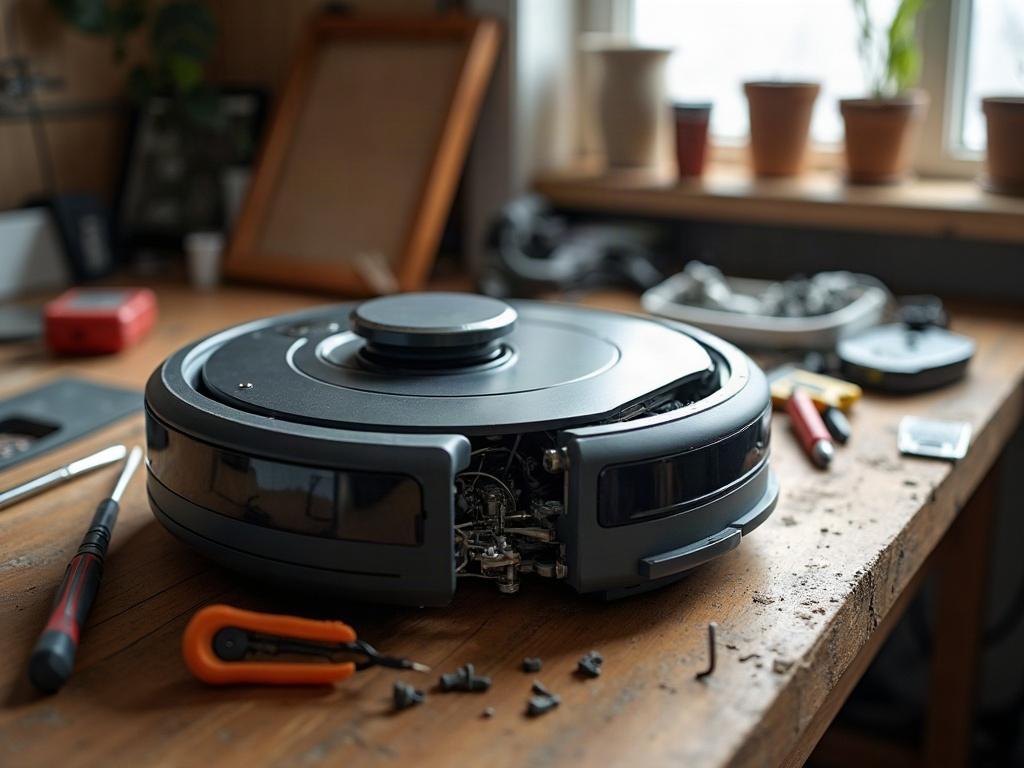
How to Replace a Robot Vacuum Battery
Replacing the battery is usually the best solution for a robot vacuum with short runtime. Follow these steps to safely swap out the old battery:
- Power off the robot vacuum and remove it from the charging dock.
- Flip the robot over and locate the bottom access panel, usually secured with Phillips #1 screws.
- Carefully remove the bottom panel to expose the internal components, including the battery pack.
- Disconnect the battery connector, taking note of the orientation to reconnect it properly.
- Remove the old battery pack and install the new replacement battery, ensuring a secure connection.
- Replace the bottom access panel and secure it with the screws.
- Power on the robot vacuum and allow it to fully charge before the next cleaning cycle.
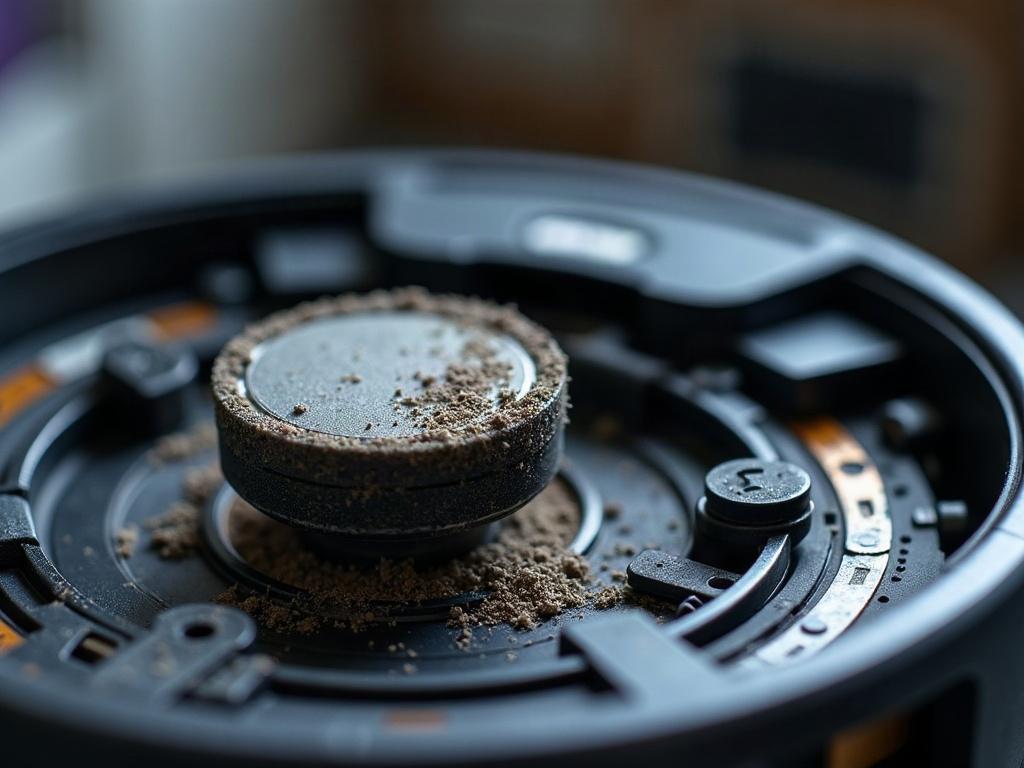
Factors Affecting Robot Vacuum Runtime
Several factors can impact the runtime of a robot vacuum, including the battery capacity, age, and usage patterns. Newer models with larger battery packs generally have longer runtimes, while older batteries naturally degrade over time.
Other factors like cleaning mode, floor type, and room size can also affect runtime. Eco or quiet modes may extend runtime compared to max suction power. Carpeted floors and larger spaces require more power and drain the battery faster.
Maintaining Robot Vacuum Battery Health
To extend the lifespan of your robot vacuum’s battery, follow these maintenance tips:
- Keep the robot vacuum charged when not in use. Avoid letting the battery fully drain.
- Clean the charging contacts on both the robot and dock to ensure a proper connection.
- Store the robot in a cool, dry place when not in use. Avoid extreme temperatures.
- Replace the battery every 12-18 months, even if it still seems to be working.
Frequently Asked Questions
How long should a robot vacuum battery last?
Most robot vacuum batteries are designed to last 12-24 months with regular use before needing replacement. Proper maintenance and storage can extend the battery life.
Can I replace the battery myself?
Yes, in most cases you can safely replace the battery yourself with a few basic tools. Just be sure to power off the robot and handle the battery pack carefully to avoid damage.
What causes robot vacuum batteries to wear out?
Robot vacuum batteries naturally degrade over time due to factors like charging cycles, temperature extremes, and age. Heavy usage, improper storage, and physical damage can also contribute to premature battery failure.
How do I know if my robot vacuum needs a new battery?
Signs your robot vacuum needs a new battery include significantly reduced runtime, the robot not holding a charge, or the battery swelling or overheating. If you notice any of these issues, it’s time to replace the battery.
Can I use a third-party battery in my robot vacuum?
It’s generally best to use a replacement battery from the original manufacturer to ensure compatibility and safety. Third-party batteries may not fit properly or provide the same performance and longevity.
How do I dispose of an old robot vacuum battery?
Lithium-ion batteries should be recycled properly. Check with your local waste management or the robot vacuum manufacturer for safe disposal or recycling options in your area.
Will replacing the battery fix all runtime issues?
Replacing the battery is often the best solution for short runtime, but other factors like clogged filters, wheel issues, or software problems could also contribute. If the runtime doesn’t improve after a battery swap, further troubleshooting may be required.