
If your robot vacuum is not charging, the most likely issue is a problem with the charging contacts or the battery itself. The first step is to check for any visible damage or debris on the charging contacts located on the bottom of the robot and the charging dock. Use a soft-bristle brush or compressed air to gently clean these contacts.
⚙️ SmartVacFix™ Diagnostic Triage
Primary Symptom: Robot vacuum not charging or showing low battery despite being docked
Tools & Parts Required: Soft-bristle brush, compressed air, and potentially an OEM replacement battery
Repair vs. Replace: The charging contacts can often be cleaned for free, but a replacement battery may be required if the original is faulty
Safety Warning: Power off the robot vacuum and remove it from the charging dock before attempting any repairs
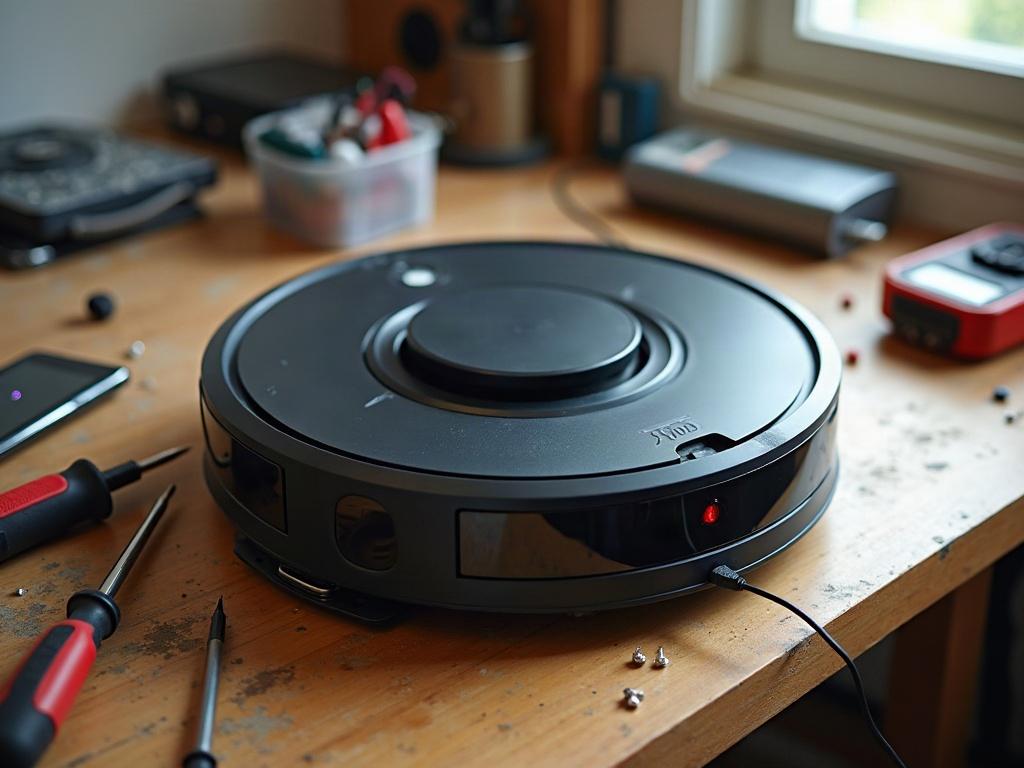
Checking the Charging Contacts
Start by visually inspecting the charging contacts on both the robot and the dock. Look for any signs of corrosion, damage, or debris buildup that could be preventing a proper connection. Gently clean the contacts using a soft-bristle brush or a blast of compressed air.
Testing the Battery
If the charging contacts look clean, the issue may be with the battery itself. Try removing the battery (consult your manufacturer’s instructions for how to do this safely) and checking its voltage with a multimeter. A healthy battery should read close to the nominal voltage listed in your owner’s manual. If the voltage is low, the battery may need to be replaced.
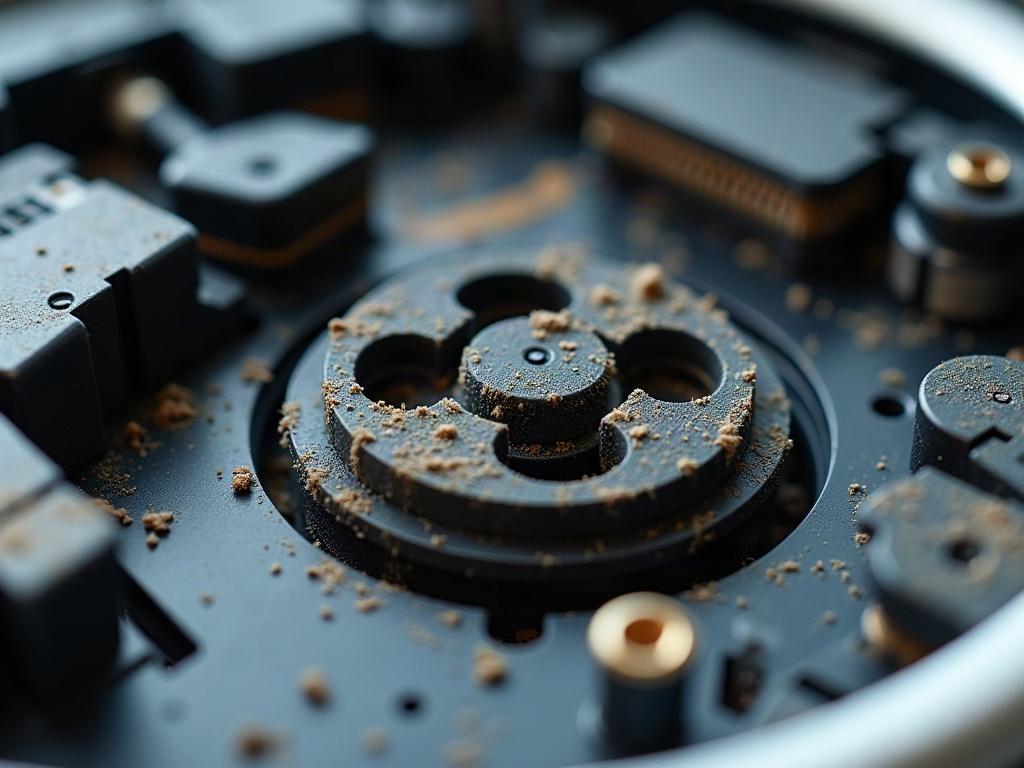
Resetting the Robot Vacuum
Sometimes, a simple reset can resolve charging issues. Consult your owner’s manual for the specific reset process, but it often involves pressing and holding a combination of buttons for several seconds while the robot is powered on.
Checking for Firmware Updates
If the above steps don’t resolve the issue, your robot vacuum may need a firmware update. Check the manufacturer’s website for any available updates and follow their instructions to install the update, which may address the charging problem.
Replacing the Battery
If the battery is no longer holding a charge, you’ll need to replace it with an OEM (original equipment manufacturer) replacement part. Consult your owner’s manual or the manufacturer’s website for the correct battery model and instructions on how to safely replace it.
Preventing Future Charging Issues
To help prevent future charging problems, make sure to keep the charging contacts on both the robot and dock clean, and avoid letting the battery fully discharge. Regularly maintaining your robot vacuum and following the manufacturer’s recommended charging and storage practices can help extend the life of the battery.
Frequently Asked Questions
Why is my robot vacuum not docking properly?
If your robot vacuum is not docking correctly, the issue could be with the dock’s alignment, obstructions around the dock, or a problem with the robot’s cliff sensors or navigation system. Try moving the dock to a clear, open area and ensure the robot is able to approach it from multiple angles.
How do I know if my robot vacuum battery needs to be replaced?
Signs that your robot vacuum battery needs to be replaced include the robot not holding a charge, the battery swelling or deforming, or the runtime on a full charge becoming significantly shorter than when the battery was new. Consult your owner’s manual for the expected battery life and replacement instructions.
Can I use a third-party battery in my robot vacuum?
While it may be tempting to use a cheaper third-party battery, it’s generally recommended to use the OEM replacement battery recommended by your robot vacuum’s manufacturer. Third-party batteries may not be compatible or could potentially damage your robot’s internal components.
Why is my robot vacuum making strange noises while charging?
Unusual noises during charging, such as clicking, grinding, or whirring, could indicate a problem with the robot’s motors, gears, or other internal components. Power off the robot, remove it from the dock, and inspect for any visible issues before attempting further troubleshooting.
How often should I clean the charging contacts on my robot vacuum?
It’s a good idea to clean the charging contacts on both the robot and the dock every few months, or whenever you notice the robot having trouble docking or charging. This will help prevent buildup of dust, debris, or corrosion that could interfere with the charging process.
What should I do if my robot vacuum won’t turn on at all?
If your robot vacuum won’t power on at all, even when docked, the issue may be with the battery, motherboard, or other internal components. Try resetting the robot, checking the battery voltage, and consulting your owner’s manual for further troubleshooting steps. If the problem persists, you may need to contact the manufacturer for repair or replacement.
Can I use a different charging dock with my robot vacuum?
It’s generally not recommended to use a charging dock from a different brand or model of robot vacuum. The charging contacts and communication protocols are often specific to each manufacturer, and using an incompatible dock could damage your robot’s internal components. Stick to the OEM charging dock for best results.