
If your robot vacuum’s LiDAR sensor is not working properly, the most common issue is a buildup of dust or debris on the LiDAR turret. This can cause the laser to become obstructed, leading to navigation and mapping problems. The good news is that this is usually a quick and easy fix that you can do yourself.
⚙️ SmartVacFix™ Diagnostic Triage
Primary Symptom: Robot vacuum is getting stuck, missing areas, or displaying an error code related to the LiDAR sensor.
Tools & Parts Required: Phillips #1 screwdriver, soft-bristle brush or compressed air.
Repair vs. Replace: In most cases, you can clean the LiDAR turret to resolve the issue without needing to replace any parts.
Safety Warning: Always power off the robot vacuum and remove it from the charging dock before attempting any repairs or maintenance.
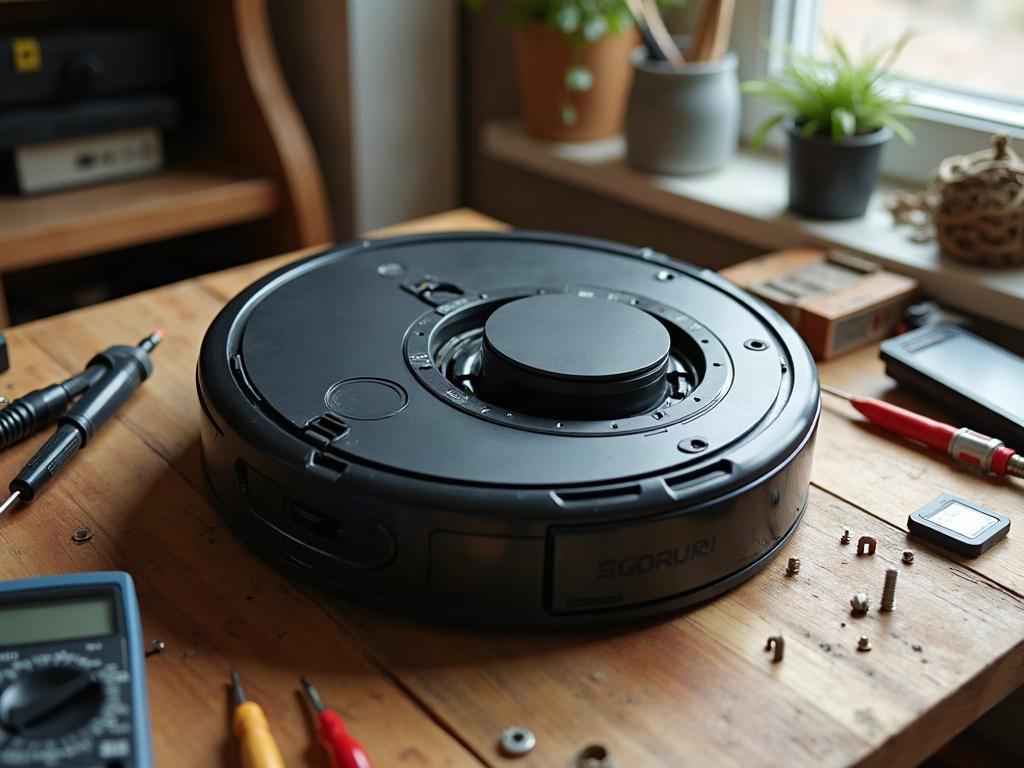
How to Clean a Robot Vacuum’s LiDAR Sensor
The first step is to locate the LiDAR turret on your robot vacuum. This is usually a small, rotating dome-shaped sensor on the top of the device. Gently use a soft-bristle brush or compressed air to remove any dust, pet hair, or debris that has accumulated on the surface of the LiDAR turret.
- Power off the robot vacuum and remove it from the charging dock.
- Carefully flip the robot vacuum over, exposing the bottom.
- Locate the LiDAR turret, usually a small rotating dome-shaped sensor.
- Use a soft-bristle brush or compressed air to gently clean the surface of the LiDAR turret, removing any visible dust or debris.
- Avoid using any liquids or abrasive cleaning tools, as these could damage the sensitive LiDAR sensor.
- Once cleaned, power the robot vacuum back on and test its navigation and mapping performance.
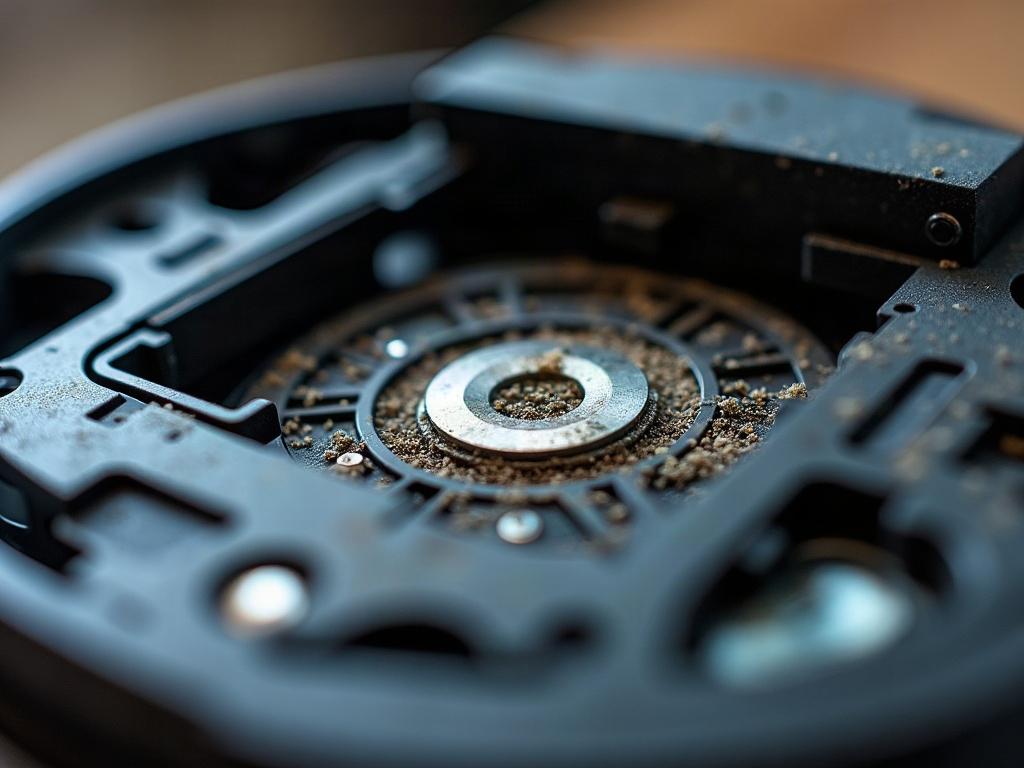
What If Cleaning the LiDAR Doesn’t Fix the Issue?
If cleaning the LiDAR turret does not resolve the problem, there are a few other potential causes to consider:
| Issue | Troubleshooting Steps |
|---|---|
| LiDAR sensor is physically damaged | The LiDAR turret may need to be replaced if it is cracked, chipped, or otherwise physically damaged. This is typically a more involved repair that may require contacting the manufacturer. |
| Firmware or software issue | Some robot vacuum models may require a firmware update to resolve LiDAR-related issues. Check the manufacturer’s website for any available software updates. |
| Interference from other devices | Strong electromagnetic interference from other smart home devices can sometimes disrupt the LiDAR sensor. Try moving the robot vacuum away from potential sources of interference. |
Preventing Future LiDAR Issues
To help prevent future problems with your robot vacuum’s LiDAR sensor, be sure to regularly clean the LiDAR turret using the steps outlined above. Additionally, avoid using the robot vacuum in areas with high levels of dust, pet hair, or other airborne debris that could accumulate on the sensor.
Frequently Asked Questions
Can I use water or other liquids to clean the LiDAR sensor?
No, it’s best to avoid using any liquids when cleaning the LiDAR turret. Stick to a soft-bristle brush or compressed air to gently remove any dust or debris without risking damage to the sensitive sensor.
How often should I clean the LiDAR sensor?
The frequency will depend on the environment and usage of your robot vacuum, but a good rule of thumb is to clean the LiDAR turret every 1-2 months, or whenever you notice the robot’s navigation or mapping performance start to degrade.
Can I replace the LiDAR sensor myself?
Replacing the LiDAR sensor is generally not a DIY-friendly repair, as it often requires disassembling the robot vacuum and accessing delicate internal components. It’s best to contact the manufacturer or an authorized repair service for assistance with replacing a faulty LiDAR sensor.
Will cleaning the LiDAR sensor improve the robot vacuum’s overall performance?
Cleaning the LiDAR turret can help restore the robot vacuum’s navigation and mapping capabilities, which in turn can improve its overall cleaning performance. However, it won’t address other potential issues like weak suction, battery life problems, or software bugs.
How can I tell if the LiDAR sensor is the root cause of my robot vacuum’s issues?
If your robot vacuum is getting stuck, missing areas, or displaying error codes related to navigation or mapping, the LiDAR sensor is likely the culprit. Cleaning the LiDAR turret is a good first troubleshooting step, but if the problems persist, there may be a more serious issue with the sensor or other components.
Do all robot vacuums use LiDAR technology?
No, not all robot vacuums use LiDAR sensors for navigation. Some models rely on other technologies like camera-based SLAM (Simultaneous Localization and Mapping) or infrared sensors. The troubleshooting steps may differ for non-LiDAR robot vacuums.
When should I consider replacing my robot vacuum instead of repairing it?
If your robot vacuum is several years old, has multiple failed components, or the cost of repairs approaches the price of a new model, it may be more practical to replace the entire unit rather than continuing to invest in repairs. Consider your usage needs and budget when deciding whether to repair or replace.