
If your robot vacuum is malfunctioning, the first step is to diagnose the issue. Many common problems can be fixed through simple troubleshooting and DIY repairs, saving you the cost of a replacement. As the Senior Robotics Technician at SmartVacFix.com, I’ll guide you through the repair process step-by-step.
⚙️ SmartVacFix™ Diagnostic Triage
Primary Symptom: The robot vacuum is not powering on or responding to commands.
Tools & Parts Required: Phillips #1 screwdriver, replacement battery (if needed)
Repair vs. Replace: This issue can likely be resolved with a simple battery replacement or reset, avoiding the need for a full replacement.
Safety Warning: Power off the robot vacuum and remove it from the charging dock before attempting any repairs.
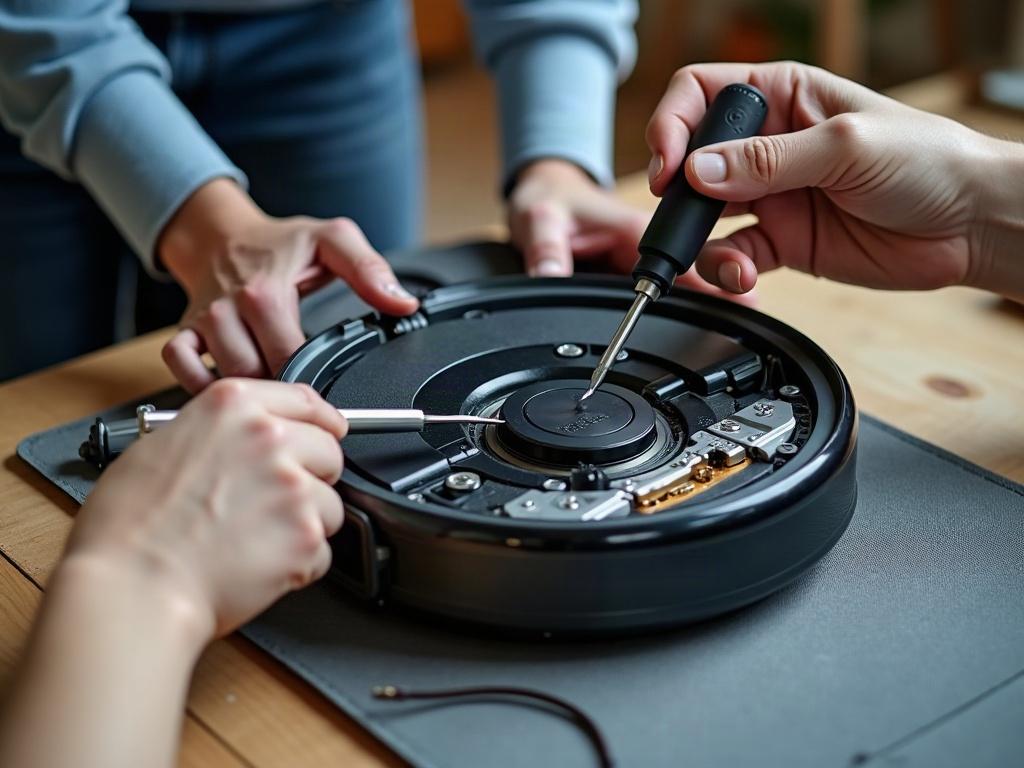
Why Isn’t My Robot Vacuum Turning On?
The most common reason a robot vacuum won’t power on is a dead or malfunctioning battery. Start by checking the battery level and ensuring the robot is properly docked and charging. If the battery is low or not charging, you may need to replace the battery.
- Power off the robot vacuum and flip it over to access the bottom panel.
- Use a Phillips #1 screwdriver to remove the screws and detach the bottom cover.
- Locate the battery pack and inspect it for any visible damage or swelling.
- If the battery appears faulty, order a replacement OEM battery for your specific model.
- Once the new battery arrives, reinstall it and reassemble the robot vacuum.
- Power on the robot and test it to ensure the new battery is working properly.
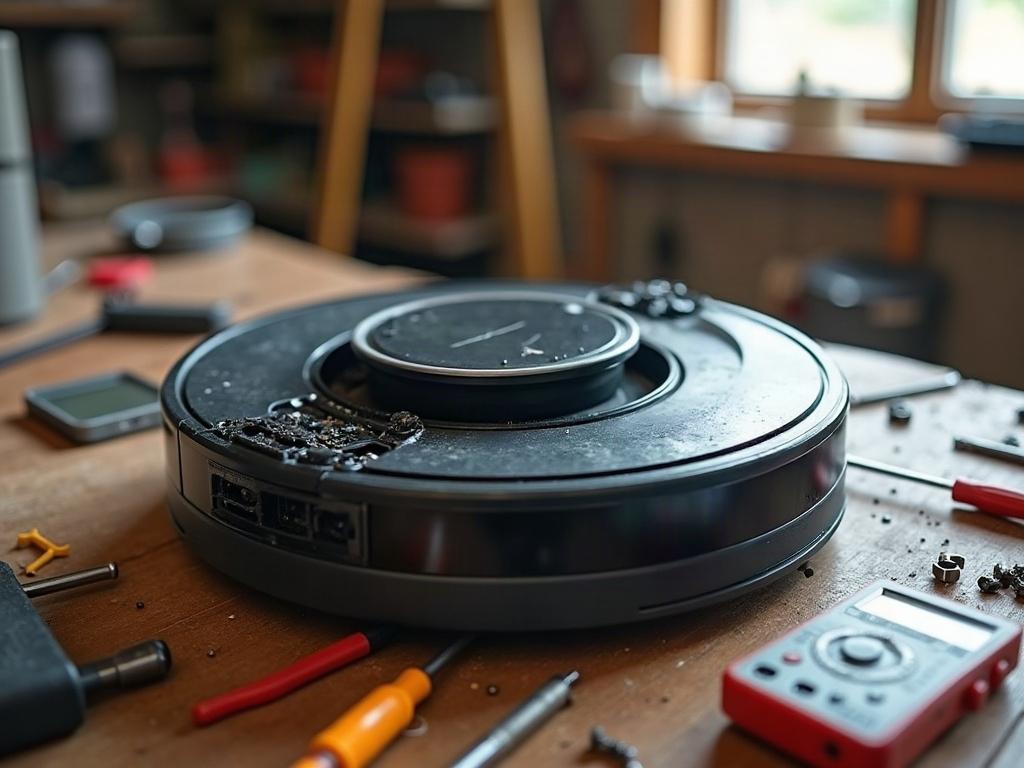
What If the Battery Isn’t the Issue?
If the battery seems fine, the problem may be with the robot’s internal components or sensors. Try these additional troubleshooting steps:
- Check for any error codes or indicator lights on the robot vacuum. Refer to your owner’s manual or the manufacturer’s website for a guide on interpreting these codes.
- Inspect the charging contacts on both the robot and the dock to ensure they are clean and free of debris.
- Reset the robot vacuum by pressing and holding the power button for 30 seconds or more.
- If the robot still won’t power on, you may need to contact the manufacturer for further assistance or consider a replacement.
Preventing Future Robot Vacuum Issues
To keep your robot vacuum running smoothly, be sure to:
- Clean the sensors, wheels, and brushes regularly to prevent buildup and blockages.
- Store the robot in a cool, dry place when not in use to prolong the battery life.
- Follow the manufacturer’s recommended maintenance schedule, including replacing the filter and brushes as needed.
- Avoid running the robot vacuum in areas with loose cords, fringe rugs, or other obstacles that could get caught in the wheels or brushes.
Frequently Asked Questions
How do I know if my robot vacuum needs a new battery?
If your robot vacuum is not holding a charge or running for significantly less time than when it was new, it’s likely time to replace the battery. Look for signs of swelling, leakage, or physical damage to the battery pack.
Can I replace the battery myself?
Yes, in most cases you can replace the robot vacuum’s battery yourself. Just be sure to power off the device, remove it from the charging dock, and follow the manufacturer’s instructions carefully when accessing and replacing the battery.
How long should a robot vacuum last?
With proper care and maintenance, a quality robot vacuum can typically last 3-5 years before needing to be replaced. The lifespan will depend on factors like usage, battery health, and any accidental damage.
What are the most common robot vacuum issues?
Some of the most common problems include dead batteries, stuck or malfunctioning wheels, clogged sensors, and issues with the navigation or mapping systems. Regular cleaning and maintenance can help prevent many of these issues.
Do robot vacuums have warranties?
Yes, most robot vacuum manufacturers offer warranties ranging from 1 to 3 years. Be sure to register your device and review the warranty terms to understand what is covered in case you need to request a repair or replacement.
How much does it cost to repair a robot vacuum?
The cost to repair a robot vacuum can vary widely depending on the issue and the specific model. Simple repairs like replacing a battery or cleaning sensors may cost $50 or less. More complex issues could require $100 or more in parts and labor.
When should I consider replacing my robot vacuum?
If your robot vacuum is more than 3-5 years old, the battery is no longer holding a charge, or the cost of repairs exceeds 50% of the replacement value, it may be time to invest in a new model. Newer robot vacuums often have improved navigation, suction power, and smart home integration.