
If your robot vacuum’s battery is no longer holding a charge, it’s time to replace it. As the Senior Robotics Technician at SmartVacFix.com, I’ll guide you through the simple steps to safely swap out the battery in your robot vacuum, whether it’s a Roomba, Roborock, Shark, or Eufy model.
⚙️ SmartVacFix™ Diagnostic Triage
Primary Symptom: Robot vacuum battery not charging or holding a charge
Tools & Parts Required: Phillips #1 screwdriver, replacement battery (check manufacturer specifications)
Repair vs. Replace: Replacement of the battery is required
Safety Warning: Power off the robot vacuum and remove it from the charging dock before beginning any disassembly.
How Do I Replace the Battery in My Robot Vacuum?
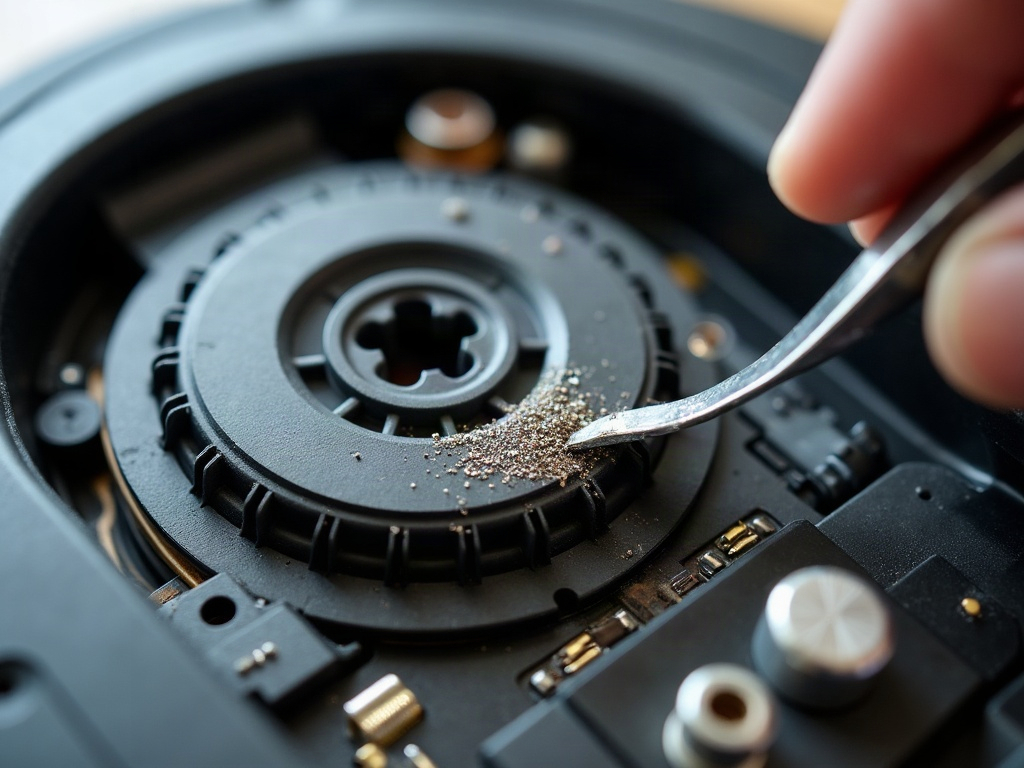
- Power off the robot vacuum and unplug it from the charging dock.
- Locate the bottom plate or access panel on the underside of the robot. This is usually secured with Phillips #1 screws.
- Carefully remove the bottom plate to expose the battery compartment.
- Disconnect the battery connector, taking note of its orientation to reconnect the new battery correctly.
- Remove the old battery and insert the new replacement battery, ensuring it clicks into place securely.
- Reconnect the battery connector, replace the bottom plate, and secure it with the screws.
- Power on the robot vacuum and place it on the charging dock to fully charge the new battery.
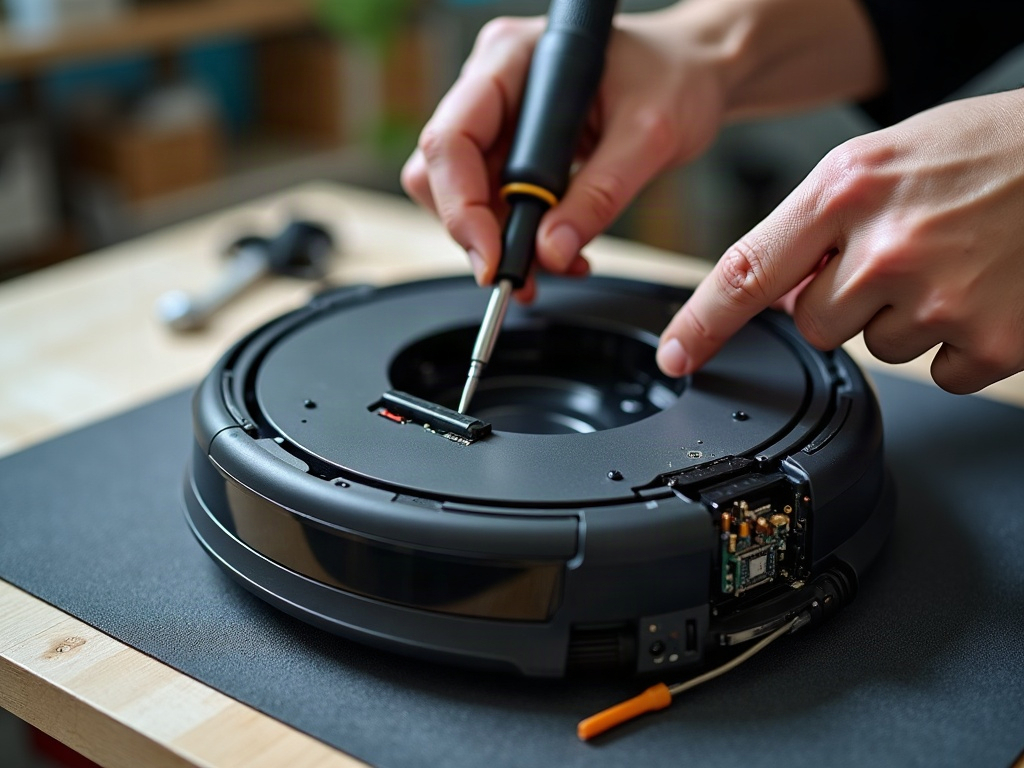
How Do I Know What Battery My Robot Vacuum Needs?
The replacement battery you need will depend on your specific robot vacuum model. Check your owner’s manual or the manufacturer’s website for the correct battery type and part number. Typically, robot vacuums use lithium-ion (Li-ion) or nickel-metal hydride (NiMH) batteries.
Can I Use a Third-Party Replacement Battery?
While you can use a compatible third-party replacement battery, it’s generally recommended to purchase the OEM (original equipment manufacturer) battery for your specific robot vacuum model. OEM batteries are designed to work seamlessly with your robot’s electronics and charging system, ensuring optimal performance and safety.
How Often Should I Replace the Battery?
The lifespan of a robot vacuum battery can vary depending on usage, but most manufacturers recommend replacing the battery every 12-18 months or when you notice a significant decrease in runtime or cleaning performance. Regular maintenance, such as keeping the battery charged and avoiding extreme temperatures, can help extend the battery’s life.
Frequently Asked Questions
Will replacing the battery void my warranty?
Replacing the battery yourself generally will not void your robot vacuum’s warranty, as long as you use a compatible replacement part and follow the manufacturer’s instructions carefully. However, it’s always a good idea to check your warranty terms before proceeding.
Can I use a generic, non-OEM battery?
While you can use a compatible third-party replacement battery, it’s recommended to purchase the OEM battery for your specific robot vacuum model. OEM batteries are designed to work seamlessly with your robot’s electronics and charging system, ensuring optimal performance and safety.
How do I dispose of the old battery properly?
Lithium-ion and nickel-metal hydride batteries should be recycled properly. Check with your local waste management authority or the manufacturer for guidance on safe battery disposal or recycling options in your area.