
If your robot vacuum is not working, the first step is to diagnose the specific issue. Common problems include the vacuum not powering on, getting stuck, failing to navigate properly, or not cleaning effectively. The good news is that many of these problems can be resolved through simple troubleshooting and DIY repairs.
⚙️ SmartVacFix™ Diagnostic Triage
Primary Symptom: The robot vacuum is not powering on or responding to commands.
Tools & Parts Required: Phillips #1 screwdriver, replacement battery pack (if needed)
Repair vs. Replace: This issue can often be resolved by replacing the battery or resetting the vacuum, avoiding the need for a full replacement.
Safety Warning: Power off the robot vacuum and remove it from the charging dock before attempting any repairs.
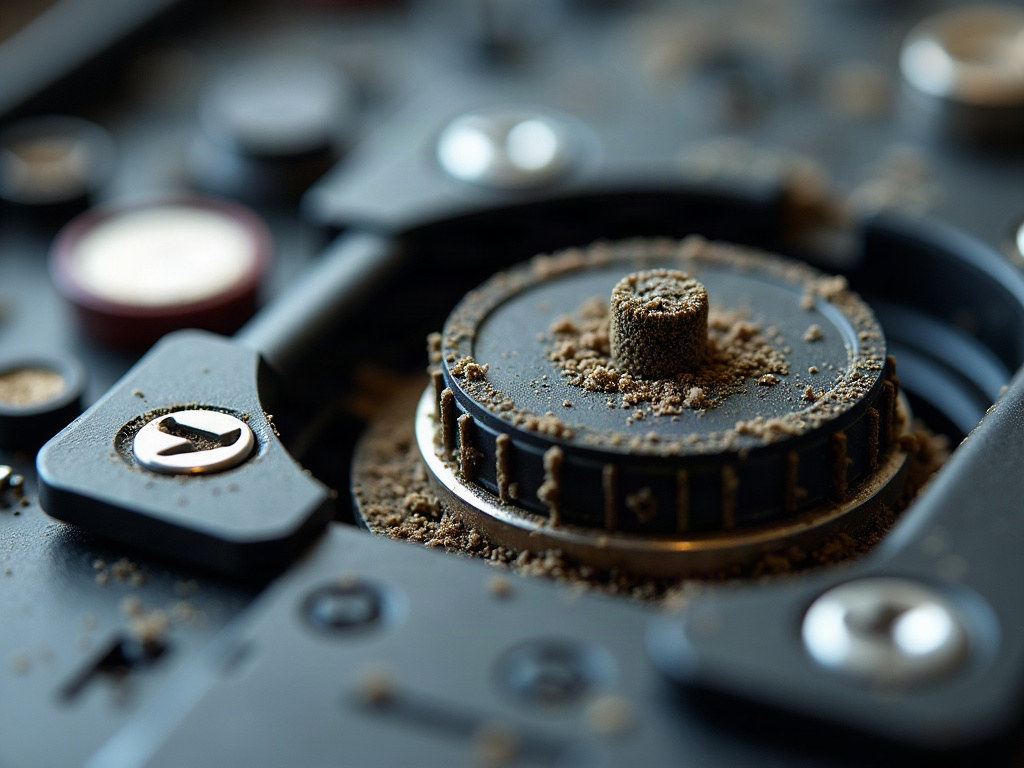
Why Isn’t My Robot Vacuum Turning On?
If your robot vacuum is not powering on, the first thing to check is the battery. Ensure the vacuum is properly docked and charging. If the battery indicator light is not illuminated, the battery may need to be replaced. Consult your manufacturer’s instructions for the correct replacement battery and how to safely remove and install it.
My Robot Vacuum Is Stuck or Not Moving
If your robot vacuum is getting stuck or not moving as it should, there are a few potential causes to investigate. First, check the wheels and treads for any debris or obstructions that may be preventing proper movement. Use a spudger or soft-bristled brush to gently remove any accumulated dirt or hair.
Next, inspect the cliff sensors located on the underside of the vacuum. These sensors detect drops and stairs to prevent the robot from falling. If the sensors are dirty or obstructed, the vacuum may think it’s at the edge of a cliff and refuse to move. Carefully clean the sensors with a soft cloth.
Robot Vacuum Navigation Issues
If your robot vacuum is having trouble navigating your home, the issue may be related to its mapping or sensor system. Depending on the model, this could involve a LiDAR turret, camera, or other navigation technology.
Start by checking for any physical obstructions or damage to the navigation sensors. Gently wipe them clean with a microfiber cloth. You can also try resetting the vacuum’s mapping by following the manufacturer’s instructions, which may involve pressing a specific button combination or using a mobile app.
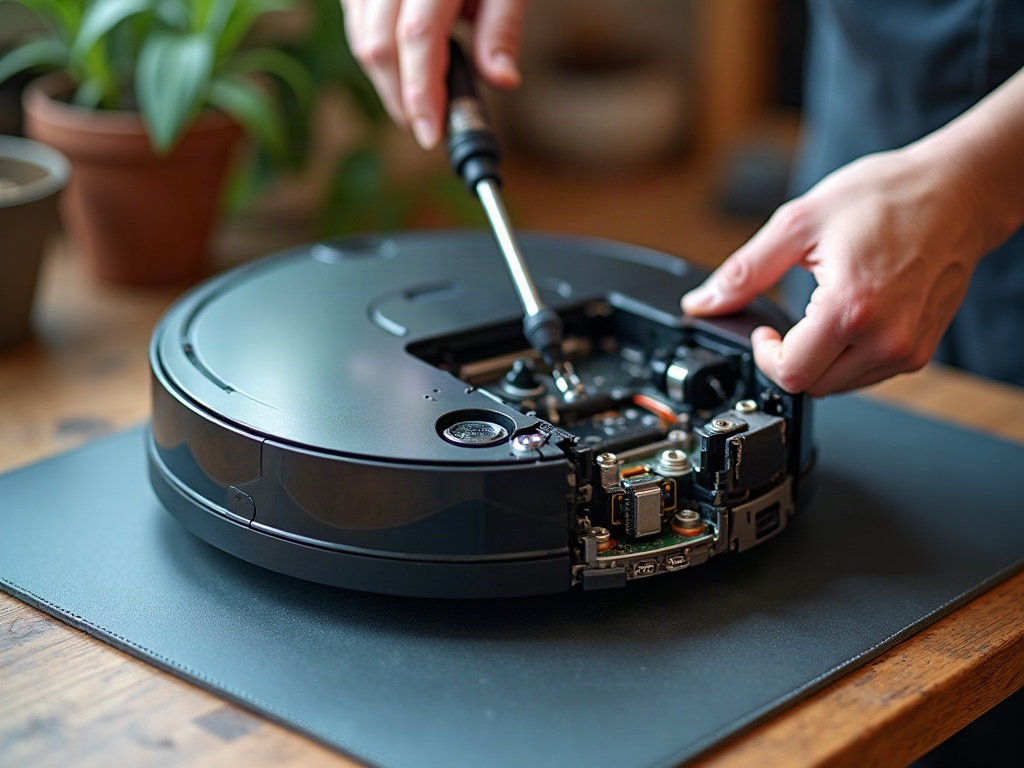
Poor Cleaning Performance
If your robot vacuum is not cleaning as effectively as it once did, the issue may be related to the brushes, filters, or suction power. Start by checking the main brush roll and any side brushes for tangles or debris. Use scissors to carefully remove any hair or string wrapped around the brushes.
Next, inspect the filters and ensure they are not excessively dirty or clogged. Refer to your manufacturer’s recommendations for proper filter cleaning or replacement intervals. You may also want to check the vacuum’s suction power by placing your hand over the intake vent while the robot is running. If the suction seems weak, the motor or impeller may need servicing.
Resetting Your Robot Vacuum
If you’ve tried the above troubleshooting steps and your robot vacuum is still not working correctly, a reset may be in order. Consult your manufacturer’s instructions for the proper reset procedure, which often involves pressing a specific button combination or using a mobile app. This can help clear any software glitches or restore the vacuum to its default settings.
Frequently Asked Questions
How do I clean my robot vacuum?
To clean your robot vacuum, start by removing the dustbin and emptying any accumulated debris. Next, use a soft-bristled brush or microfiber cloth to gently wipe down the exterior, including the sensors and wheels. Refer to your manufacturer’s instructions for guidance on cleaning the filters and brushes.
Why is my robot vacuum making strange noises?
If your robot vacuum is making unusual noises, it could be due to a variety of issues, such as a stuck wheel, tangled brush, or problem with the motor. First, check for any obstructions or debris that may be causing the noise. If the issue persists, you may need to have the vacuum serviced by a professional.
How do I update my robot vacuum’s firmware?
Updating your robot vacuum’s firmware can help resolve software-related issues and unlock new features. The process for updating the firmware varies by manufacturer, so consult your owner’s manual or the manufacturer’s website for specific instructions. In many cases, you can update the firmware using a mobile app or by connecting the vacuum to a computer.
What should I do if my robot vacuum gets stuck?
If your robot vacuum gets stuck, the first step is to power it off and remove any obstructions or debris that may be preventing it from moving. Check the wheels and treads for tangled hair or other materials. You can also try gently lifting and repositioning the vacuum to help it get unstuck. If the issue persists, consult your manufacturer’s troubleshooting guide for further assistance.
How long do robot vacuum batteries last?
The lifespan of a robot vacuum’s battery can vary depending on the model, usage, and maintenance. On average, most robot vacuum batteries will last 12-24 months before needing replacement. Factors like frequent charging, deep discharges, and extreme temperatures can all contribute to faster battery degradation. Refer to your manufacturer’s recommendations for battery replacement intervals and proper care.
Can I use my robot vacuum on carpets?
Yes, most modern robot vacuums are designed to work effectively on both hard floors and carpets. However, the performance may vary depending on the thickness and pile of the carpet. Deeper, shaggy carpets may be more challenging for some robot vacuums to navigate and clean effectively. Consult your manufacturer’s guidelines for the recommended carpet types and settings for your specific model.
How do I schedule my robot vacuum to clean automatically?
The process for scheduling your robot vacuum to clean automatically will depend on the specific model and accompanying mobile app or control panel. In general, you’ll need to access the scheduling or automation settings, then set the desired cleaning times and frequency. Some robot vacuums also offer smart features like room-specific cleaning or integration with virtual assistants like Alexa or Google Assistant.