
If your robot vacuum is losing suction power or not picking up dirt effectively, the issue is likely a clogged or damaged suction system. The good news is that many suction problems can be resolved with a simple cleaning or minor repair. Let’s walk through the diagnostic steps to get your robot vacuum back to peak performance.
⚙️ SmartVacFix™ Diagnostic Triage
Primary Symptom: Reduced suction power, poor cleaning performance, visible debris buildup in the dustbin or filters
Tools & Parts Required: Phillips #1 screwdriver, soft-bristle brush, compressed air, replacement filters (if needed)
Repair vs. Replace: In most cases, a thorough cleaning can restore suction. Replacement parts may be required for more severe issues.
Safety Warning: Power off the robot vacuum and remove it from the charging dock before performing any repairs or maintenance.
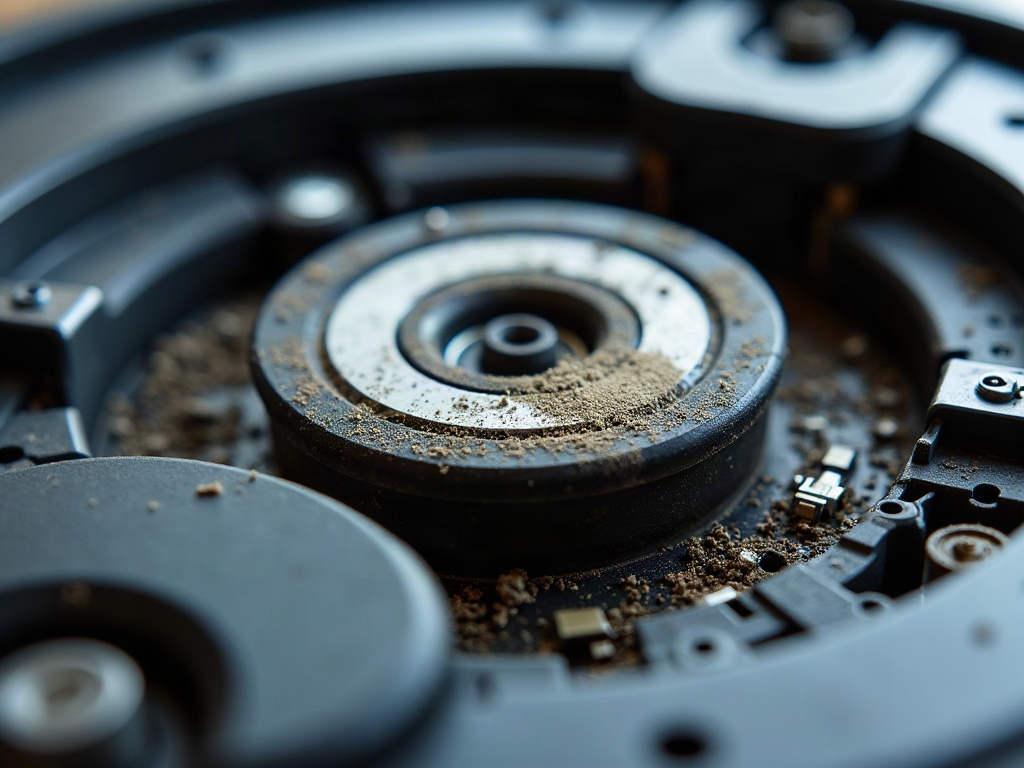
What Causes Robot Vacuum Suction Loss?
The most common causes of suction loss in robot vacuums are clogged filters, a blocked or damaged suction inlet, and issues with the suction motor or fan. Over time, dust, hair, and debris can build up and restrict airflow, reducing the overall suction power.
How to Fix Reduced Suction in a Robot Vacuum
- Power off the robot vacuum and remove it from the charging dock.
- Locate the dustbin and remove any accumulated debris. Empty the bin thoroughly.
- Remove the filter(s) and inspect them for clogs or damage. Gently clean the filters with a soft-bristle brush or compressed air.
- Check the suction inlet for any blockages. Use the brush or compressed air to clear out any debris.
- Inspect the suction fan and motor for any visible damage or obstructions. Carefully remove any hair or debris using the brush or air.
- Reassemble the robot vacuum, ensuring all components are properly reinstalled.
- Power on the robot and test the suction power. If it’s still not up to par, you may need to replace the filters or other internal parts.
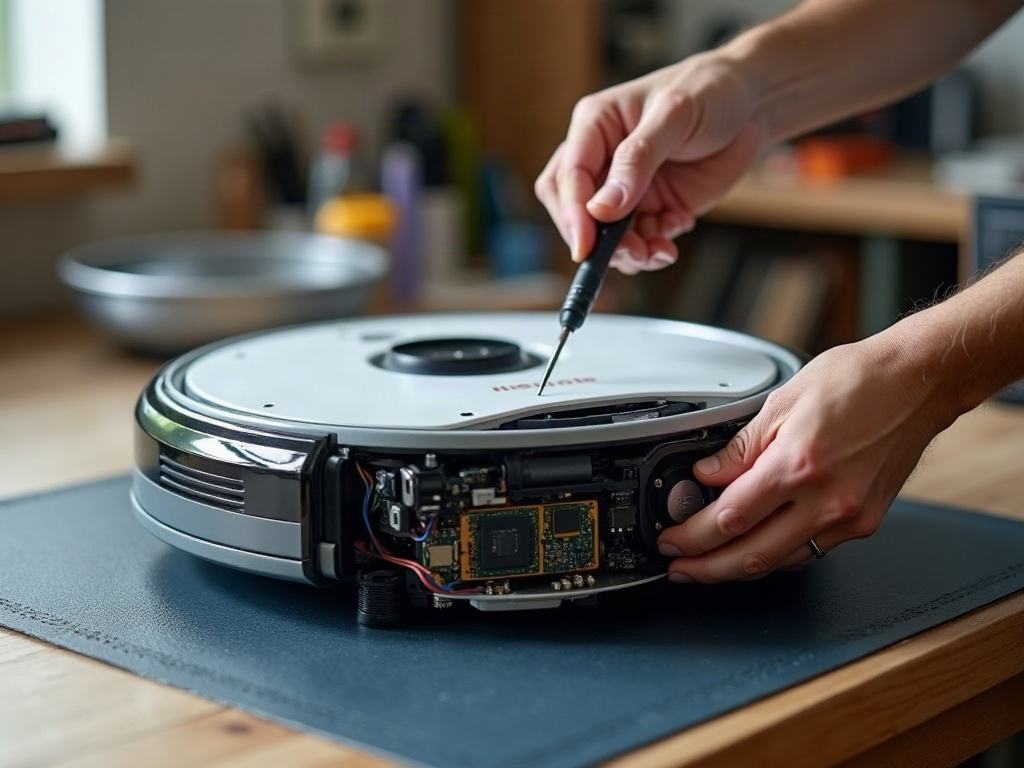
Differences by Brand and Model
The specific steps for accessing and cleaning the suction system may vary slightly between robot vacuum brands and models. For example:
| Brand | Suction Maintenance |
|---|---|
| Roomba | Requires removing the bottom plate to access the suction fan and filters. |
| Roborock | Has a top-loading dustbin and easily removable filters for quick cleaning. |
| Shark | May have a side-mounted suction inlet that can be cleaned without disassembly. |
Always refer to your robot vacuum’s user manual or manufacturer’s instructions for brand-specific guidance on accessing and maintaining the suction system.
Frequently Asked Questions
Will Cleaning the Suction System Void My Warranty?
No, performing routine maintenance and cleaning on your robot vacuum’s suction system should not void the warranty, as long as you follow the manufacturer’s instructions carefully and do not damage any internal components.
Can I Use Aftermarket Filters Instead of OEM Replacements?
While aftermarket filters may be less expensive, it’s generally recommended to use the original equipment manufacturer (OEM) replacement filters for your specific robot vacuum model. OEM filters are designed to fit properly and maintain optimal suction performance.
How Often Should I Clean the Suction System?
The frequency of suction system cleaning will depend on your robot vacuum’s usage and the amount of debris in your home. As a general rule, it’s a good idea to clean the filters and check for blockages at least once a month, or more often if you notice a decline in suction power or cleaning performance.