
Troubleshoot and Repair Common Robot Vacuum Parts
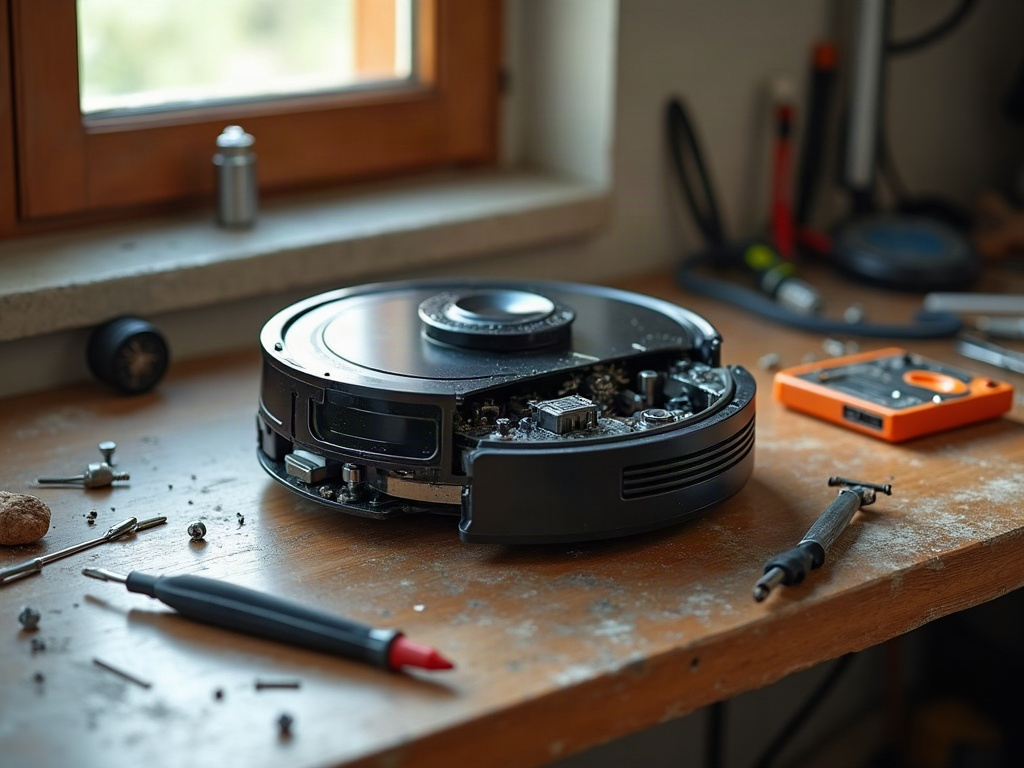
As a robot vacuum owner, you may occasionally encounter issues with various components of your cleaning device. Whether it’s a malfunctioning sensor, a worn-out brush, or a depleted battery, understanding the common robot vacuum parts and how to maintain or replace them can help you keep your robotic helper running smoothly.
Identifying Common Robot Vacuum Parts
The main components of a robot vacuum typically include the following:
- Wheels: The wheels allow the robot to navigate and move around your home.
- Brushes: The main brush and side brushes help agitate and collect dirt, dust, and debris.
- Sensors: Sensors, such as cliff sensors and wall sensors, help the robot vacuum detect obstacles and navigate around your home.
- Battery: The rechargeable battery powers the robot vacuum’s operation.
- Filter: The filter traps dust, hair, and other particles, keeping the robot’s internal components clean.
- Dustbin: The dustbin collects the dirt and debris picked up by the robot vacuum.
- Charging Dock: The charging dock is where the robot vacuum returns to recharge its battery.
Common Robot Vacuum Part Issues and Troubleshooting
Wheels
If your robot vacuum is having trouble moving or navigating, the wheels may be the culprit. Check for any debris or hair wrapped around the wheels, and gently clean them. If the wheels are worn or damaged, you may need to replace them.
Brushes
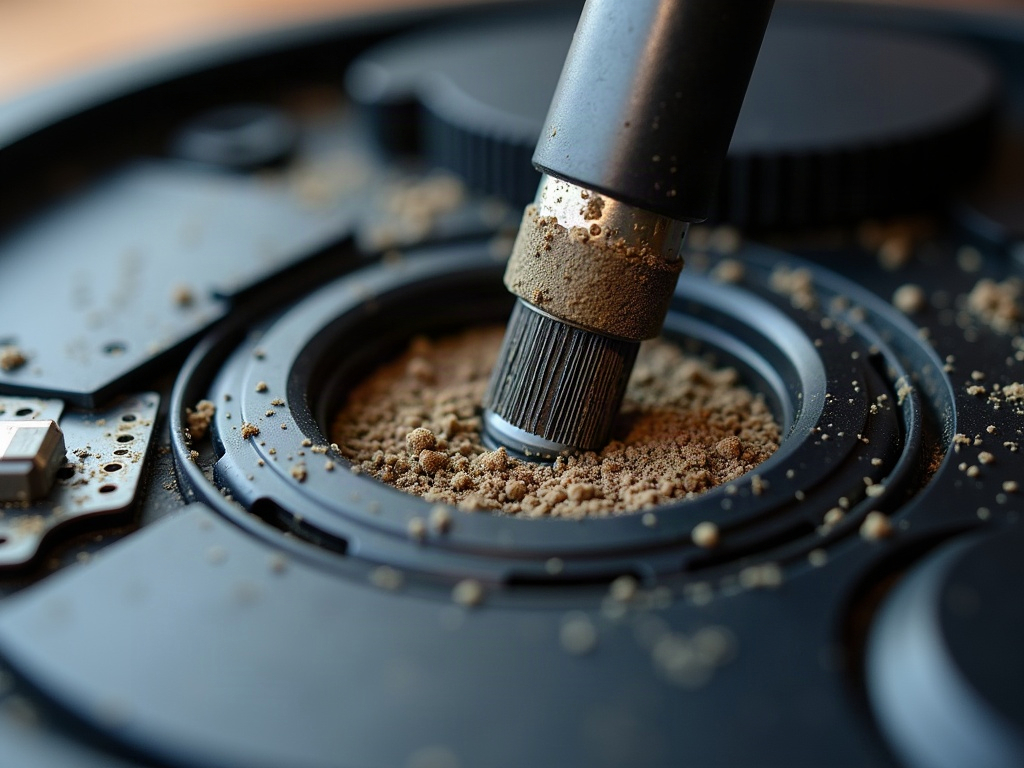
Over time, the main brush and side brushes can become worn or tangled with hair and debris. This can reduce the robot vacuum’s cleaning performance. Regularly check and clean the brushes, and replace them when they show signs of significant wear.
Sensors
Sensor issues can cause the robot vacuum to behave erratically, such as getting stuck or failing to navigate properly. Gently clean the sensors with a soft, dry cloth to remove any dust or debris that may be interfering with their operation.
Battery
If your robot vacuum’s battery is no longer holding a charge or the runtime is significantly reduced, it may be time to replace the battery. Consult your owner’s manual or the manufacturer’s website for the correct replacement battery.
Filter
A clogged or dirty filter can reduce the robot vacuum’s suction power and efficiency. Regularly clean or replace the filter according to the manufacturer’s recommendations.
Dustbin
A full or clogged dustbin can also affect the robot vacuum’s performance. Empty the dustbin after each cleaning cycle, and check for any debris or blockages that may be preventing the robot from operating effectively.
Charging Dock
If your robot vacuum is having trouble docking or charging, the charging dock may need to be cleaned or repositioned. Ensure the dock is placed on a level surface and that the charging contacts are free of debris.
When to Call a Professional
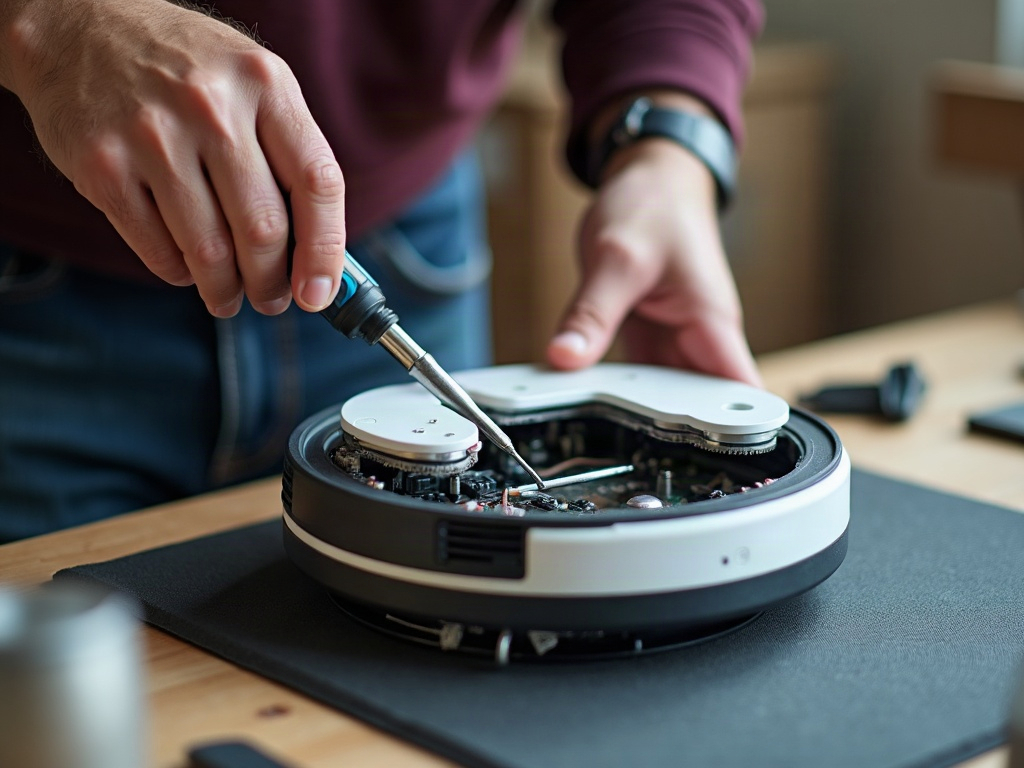
While many robot vacuum part replacements and repairs can be done by the homeowner, there may be times when it’s best to call in a professional. If you’re unsure about the cause of the issue or don’t feel comfortable performing the repair yourself, it’s often better to seek the help of a qualified technician. They can diagnose the problem, provide the necessary parts, and ensure the repair is done safely and effectively.
Frequently Asked Questions
1. What are the most common robot vacuum parts that need to be replaced?
The most commonly replaced robot vacuum parts are the brushes, filters, batteries, and wheels.
2. How often should I replace the filter in my robot vacuum?
The frequency of filter replacement can vary depending on the model and your home environment, but most manufacturers recommend replacing the filter every 3-6 months or as needed based on usage and visible dirt buildup.
3. Can I replace the battery in my robot vacuum myself?
Yes, in most cases, you can replace the robot vacuum’s battery yourself. Refer to your owner’s manual or the manufacturer’s website for instructions on how to safely remove and replace the battery.
4. How do I clean the sensors on my robot vacuum?
Gently wipe the sensors with a soft, dry cloth to remove any dust or debris. Avoid using any liquids or abrasive materials, as this could damage the sensors.
5. Where can I find replacement parts for my robot vacuum?
You can typically find replacement parts for your robot vacuum through the manufacturer’s website or authorized retailers. Some third-party vendors also offer compatible replacement parts.
Maintaining and repairing your robot vacuum’s parts can help extend the life of your cleaning device and keep it running at its best. By understanding the common components and how to troubleshoot and replace them, you can save time and money while ensuring your robot vacuum continues to efficiently clean your home.