
If your robot vacuum is not working, the most likely culprit is a clogged or malfunctioning sensor. Start by checking the cliff sensors, wheel motors, and brush rollers for any debris or obstructions. With a few simple troubleshooting steps, you can often get your robot vacuum back up and running without needing to replace any parts.
⚙️ SmartVacFix™ Diagnostic Triage
Primary Symptom: Robot vacuum is not responding, stuck in one spot, or repeatedly getting stuck.
Tools & Parts Required: Phillips #1 screwdriver, spudger, and a can of compressed air.
Repair vs. Replace: This issue can usually be resolved with a quick cleaning and reset, no replacement parts needed.
Safety Warning: Power off the robot vacuum and remove it from the charging dock before flipping it over or performing any repairs.
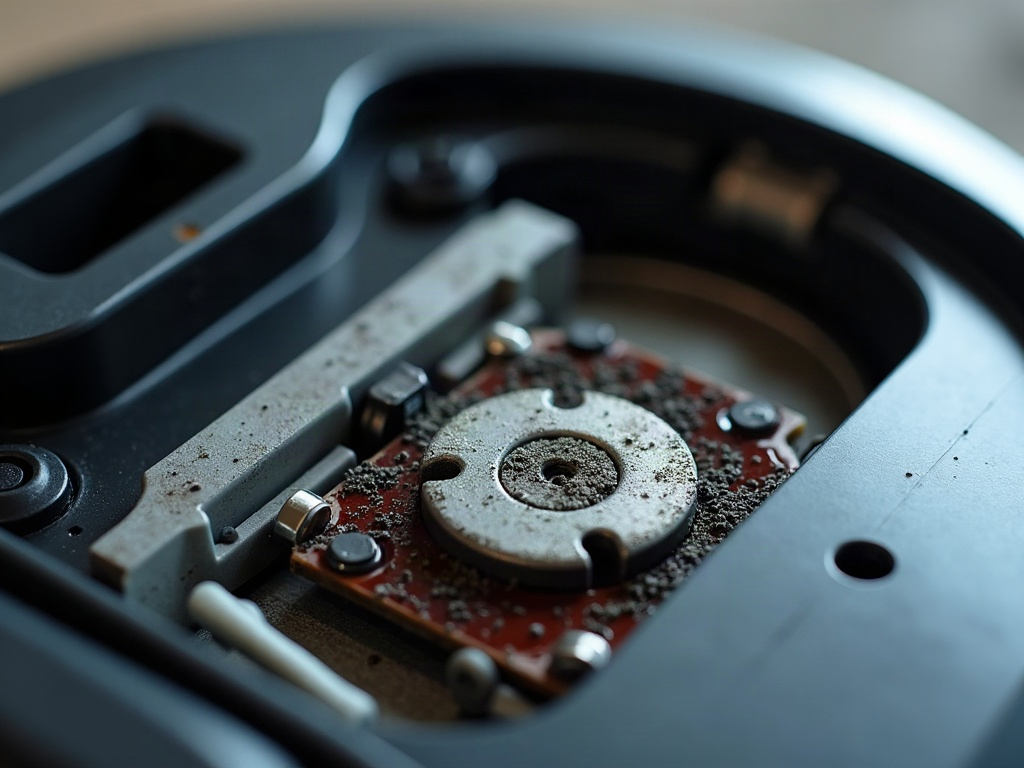
Why is my robot vacuum not responding?
If your robot vacuum is not responding to commands, the most common causes are a clogged sensor or a stuck wheel. First, check the cliff sensors on the bottom of the unit for any dust or debris buildup. Use a spudger or soft-bristle brush to gently clean the sensors.
Why is my robot vacuum getting stuck?
If your robot vacuum keeps getting stuck in one spot or repeatedly bumping into obstacles, the issue is likely a malfunctioning wheel motor or a tangled brush roller. Flip the unit over and inspect the wheels and brushes for any hair, string, or other debris that may be preventing free movement.
- Power off the robot vacuum and remove it from the charging dock.
- Flip the unit over and locate the bottom access panel, usually secured with Phillips #1 screwdrivers.
- Carefully remove the panel to expose the internal components.
- Inspect the wheel motors and brush rollers for any obstructions or tangles. Use a spudger or tweezers to carefully remove any debris.
- Use a can of compressed air to blow out any dust or dirt from the sensors and moving parts.
- Reassemble the robot vacuum, making sure all panels are securely in place.
- Power on the unit and test it on a small area to ensure proper functionality.
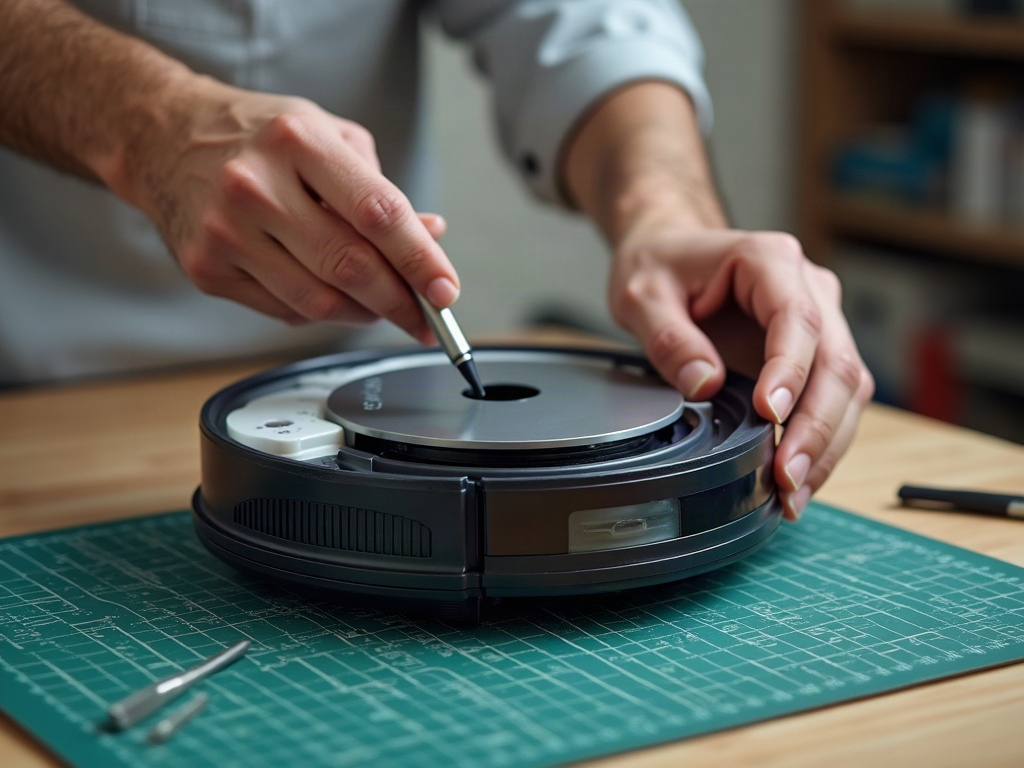
What if my robot vacuum still won’t work?
If your robot vacuum is still not functioning correctly after cleaning the sensors and components, there may be a more serious issue, such as a faulty LiDAR turret or a problem with the main control board. In these cases, you may need to contact the manufacturer for further troubleshooting or a replacement part.
Frequently Asked Questions
Will opening my robot vacuum void the warranty?
Opening the robot vacuum to clean the sensors and components should not void the warranty, as long as you are careful and do not damage any internal parts. However, attempting more complex repairs or modifications may void the warranty, so it’s best to check with the manufacturer first.
Can I use aftermarket parts for my robot vacuum repair?
While you can often find compatible aftermarket parts for robot vacuums, it’s generally recommended to use genuine OEM (original equipment manufacturer) parts when possible. This ensures the best fit and compatibility, and may be required to maintain your warranty.
How often should I clean my robot vacuum?
It’s a good idea to clean your robot vacuum’s sensors, wheels, and brush rollers every few weeks or whenever you notice a decrease in performance. Regular maintenance will help keep your robot vacuum running at its best.